


For years, Blender's Video Sequence Editor felt like an afterthought bolted onto an otherwise incredibly powerful 3D program. It was there if you needed to put a few clips together after a render, but nobody in their right minds would recommend it over proper video editing software like DaVinci Resolve or Premiere.
That changes with Blender 5.0, which ships what the developers themselves are calling a full sequencer overhaul. After digging into what actually landed, the VSE is now a full-blown feature, not just a footnote.
Compositing just moved into the timeline itself
Color grading, glow, and keying without leaving the strip

The headline feature is the new Compositor Modifier, and it's not a minor tweak. It lets you drop an entire node-based compositing tree directly onto a strip inside the sequencer timeline, meaning color grading, glow, blur, masks, LUT-style looks, greenscreen keying, chromatic aberration, and vignettes no longer require jumping to a separate compositor workspace.
Previously, if you wanted any real compositing ability, you'd have to build your effect in the compositor, render it out, and then bring it back into the sequencer — a clunky round trip that discouraged experimentation. Now, it's just another modifier in the stack. It collapses two entirely different workflows, VFX and editing, into a single workspace without you ever having to leave the timeline.
Scenes stopped pretending to be one single thing
Stack multiple scenes and scrub between them freely

The second big shift you'll see is structural. The sequencer no longer borrows the active scene for its context. It now has its own dedicated sequencer scene that you can pick independently from your regular 3D scene. It might sound like a small change, but it unlocks something editors have wanted for ages: the ability to stack multiple scenes into one timeline and jump between them by scrubbing, with a Sync Scene Time option to keep playheads aligned across workspaces.
Blender even added dedicated render options for sequence images and sequence animations to go along with this split, in addition to the ability to mark scenes as reusable assets you can pull from an asset library. If you've ever tried to storyboard or cut together renders from several different Blender files, this alone justifies opening the sequencer again.
The sequencer stopped looking like an afterthought
Properties finally get room to breathe


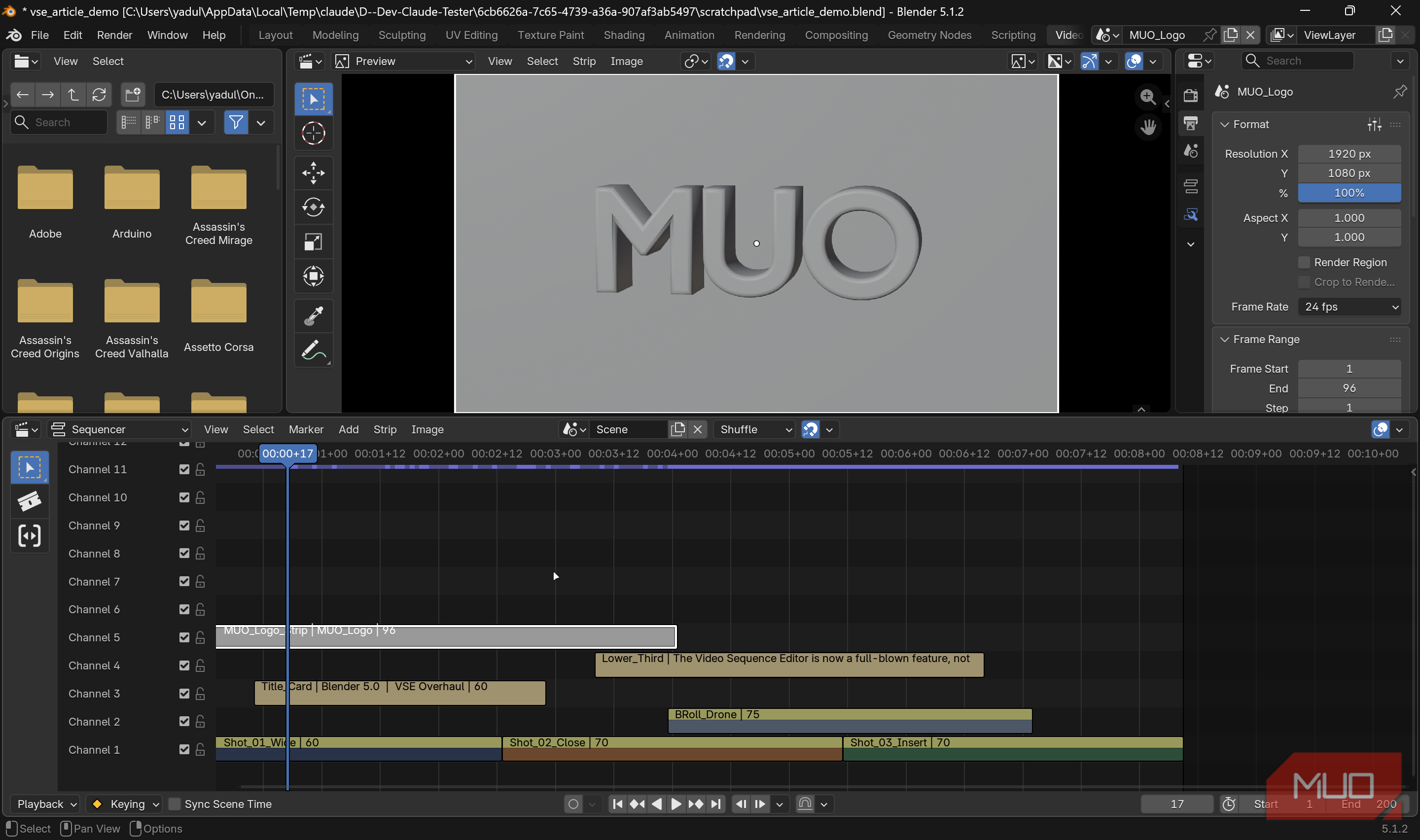
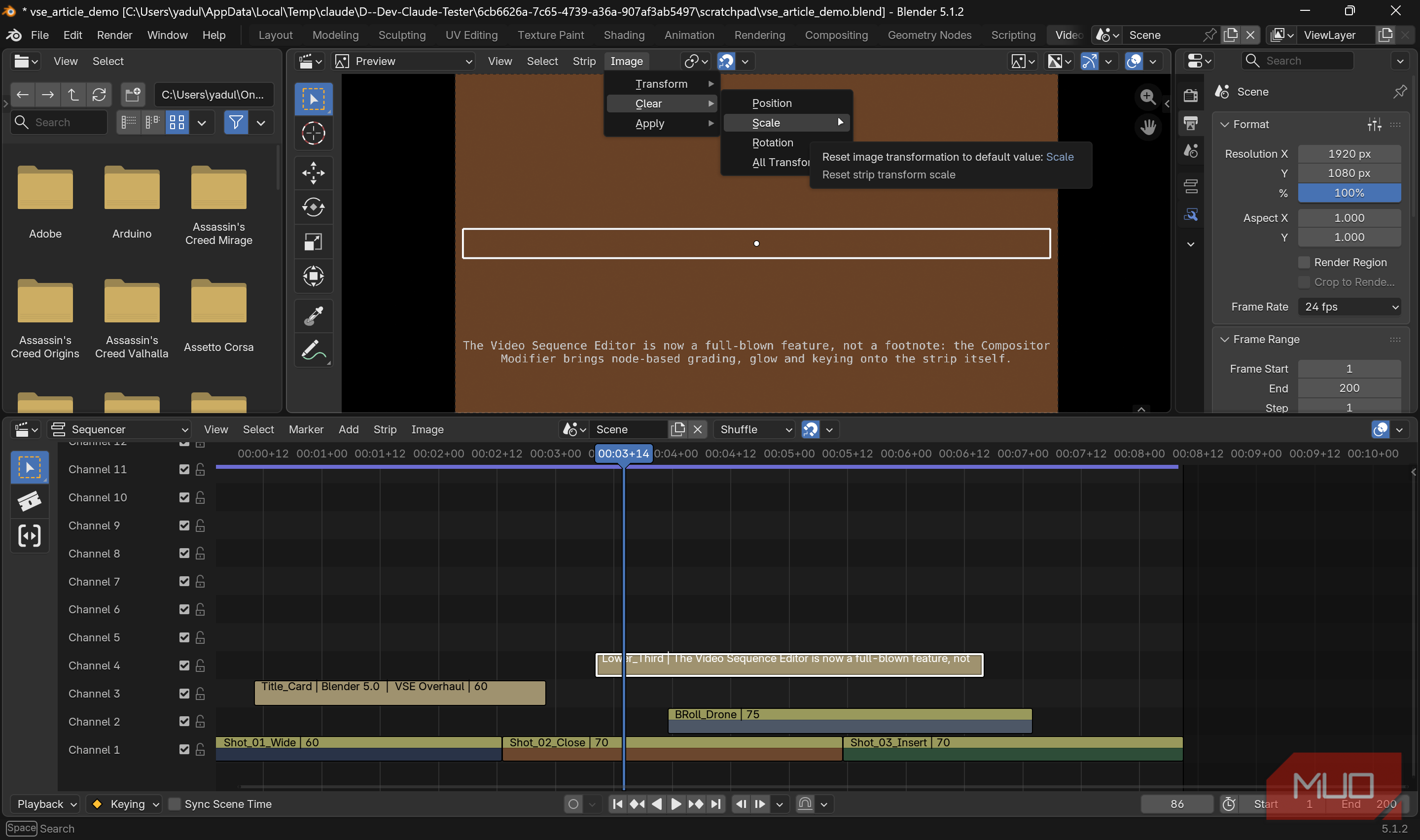
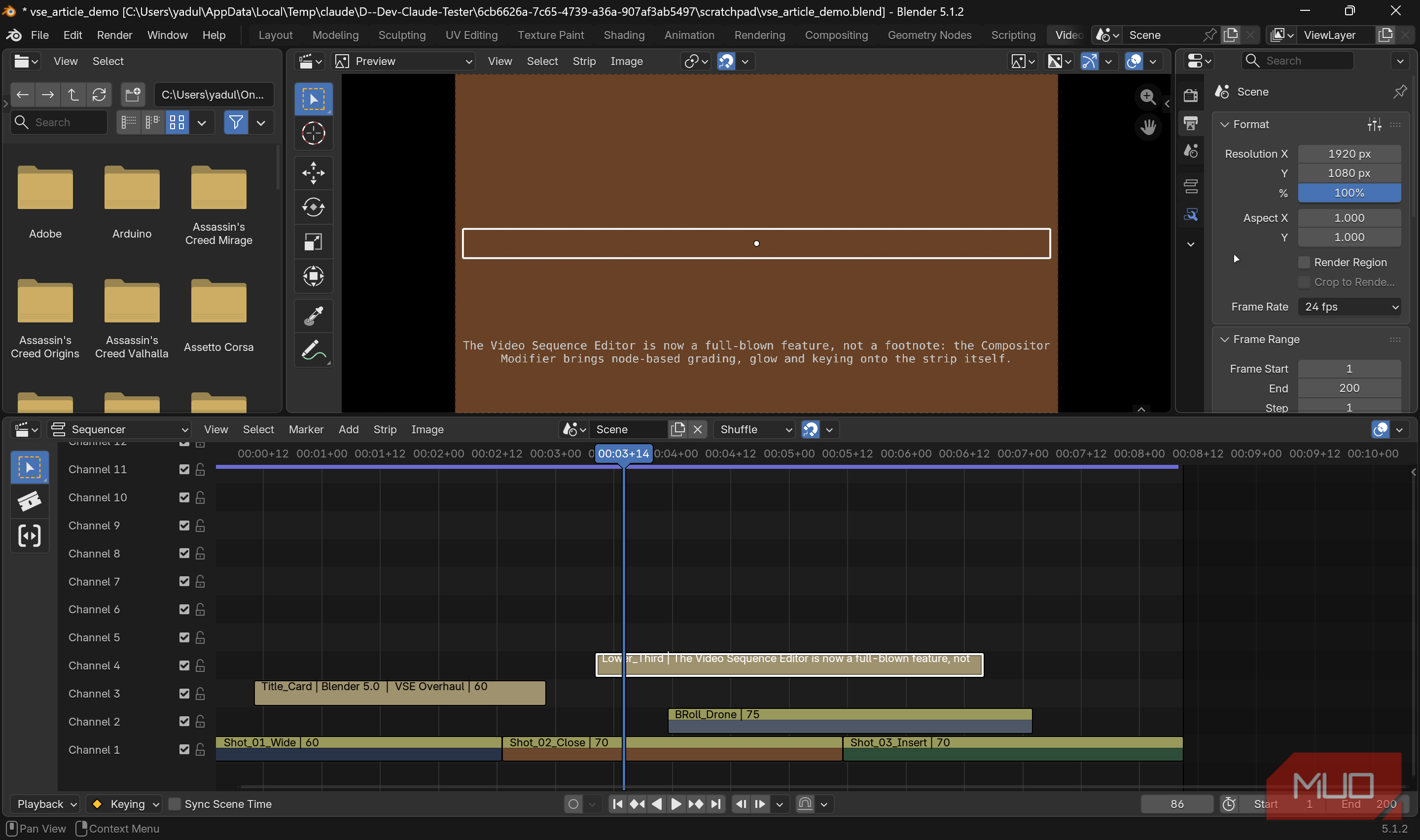
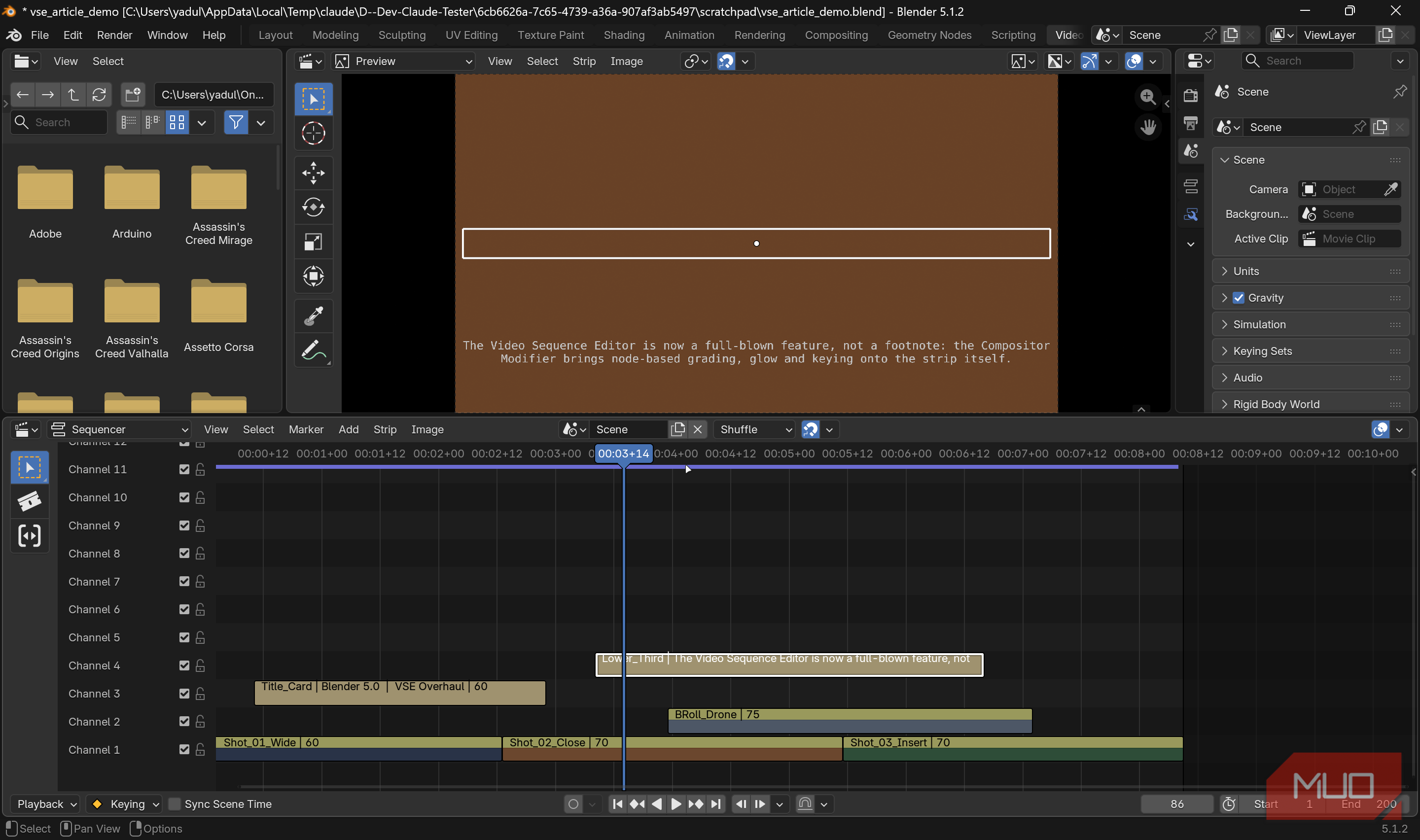
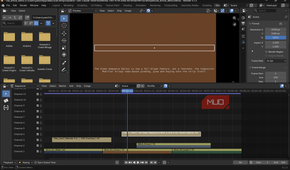
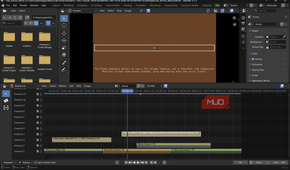
Blender veterans will appreciate that strip properties and modifiers have been ripped out of their cramped sidebar and relocated to the main Properties Editor, where they get proper tabs and room to breathe. It's a simple relocation, nothing major, but anyone who has squinted at the tiny sliders in the old sequencer properties panel knows how much friction this removes. There's also a new footer region with playback and frame-range controls, so you're not hunting through menus mid-edit.
There are also several other quality-of-life changes that round things out, and together they read like a list of complaints the Blender team finally addressed. Pressing Shift + A now drops a new strip right where your cursor is, instead of dumping it somewhere off-timeline. Circle and lasso selection tools now appear in the sidebar, alongside a slip tool for nudging content within a strip without moving the strip itself.
You can also paste strips directly into the preview region with Ctrl + V, add keyframes without hopping back to the properties tab, and bulk-import individual images without Blender forcing them into an image sequence. Text strips no longer cap out at 512 bytes of text, and their bounding boxes now match the actual text rather than the full image canvas.
The developer fixing this is documenting every fix
Opaque strips, lazy colorspace, and a movie reader cache
Behind the scenes, developer Aras Pranckevičius has been documenting deeper engine work that's rolling out across the 5.x cycle, including opaque-strip detection so fully covered layers don't render, lazier colorspace conversions to cut down on redundant conversions, and a shared movie decoder cache in the upcoming 5.3 release that should eliminate playback stutter on cuts entirely.
GPU-accelerated compositing and hardware video decoding are on the 2026 roadmap as well, but aren't fully there yet. There's no clear word on when these features will be arriving, so you will have to wait for what's likely the biggest performance improvements to the entire workflow.
Not a Resolve killer, but the gap just got smaller
Still not a replacement, but closer than it's ever been
None of these changes make the VSE a Resolve or Premiere replacement overnight, and the documentation around some of these features is still quite thin. But for anyone already living inside Blender for 3D work, or for hobbyists who just want to cut a quick video without installing another app, the gap just got a lot smaller.
This is the first sequencer update in years that feels less like maintenance and more like a genuine investment in the tool's future. With AI-enabled 3D modeling also picking up pace, Blender seems to be keeping up so far. Regardless, it'll still need more work to fully replace video editing apps for 3D work.