


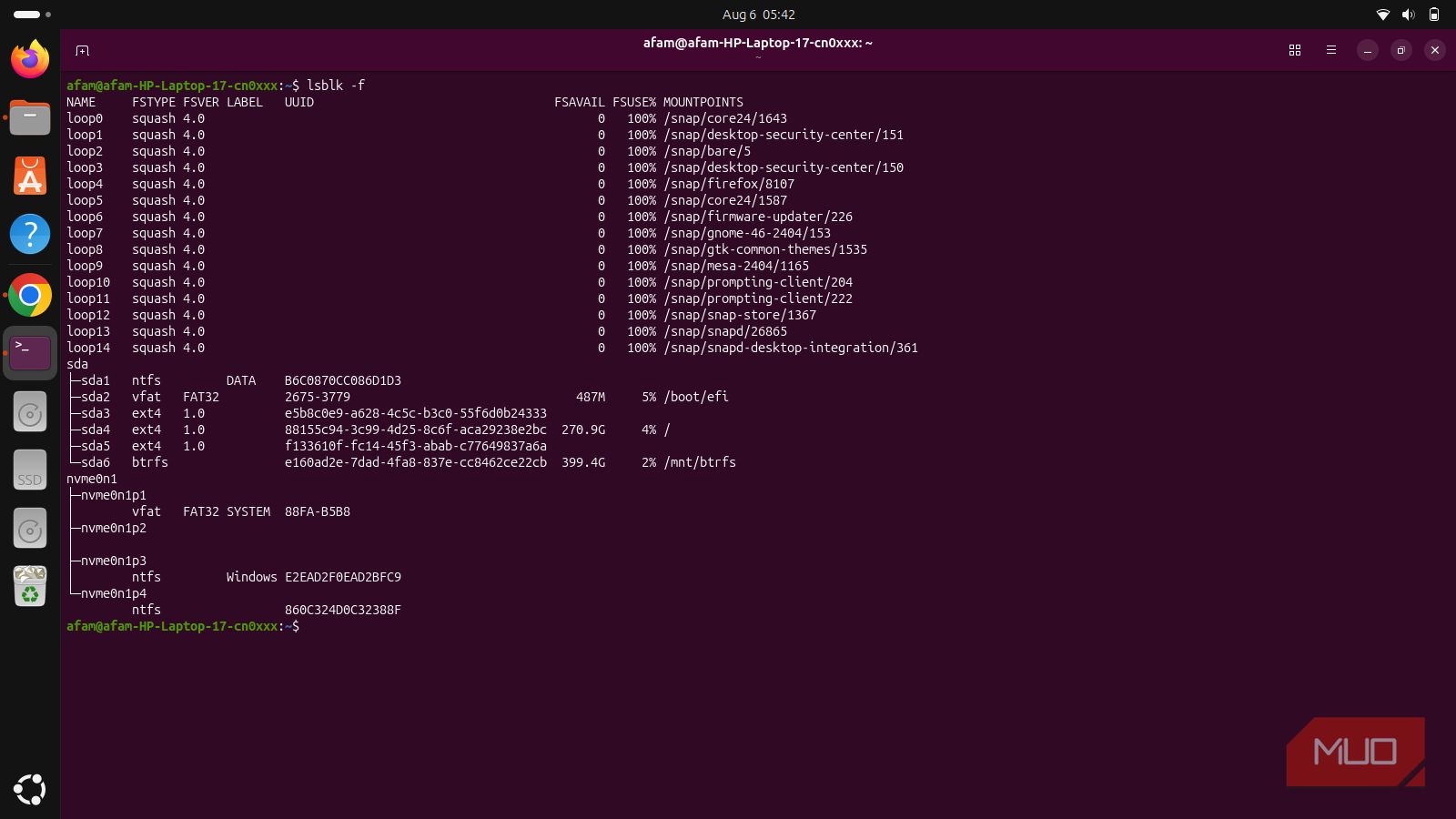
My setup was a dual-boot system: Linux on an SSD and several distros on a 1TB hard drive. The hard drive was filling up again, and I had to choose between deleting files or buying extra storage. I went with neither. Instead, I let Btrfs compress files already on the drive. When I was done, the same set of files on my hard drive took up 6GB less space than before, and I hadn't deleted or archived anything.
Enabling compression didn't compress anything I already had
3.7GB of old files never got the memo

When I ran compsize on my Btrfs partition, the tool broke down the data it held by type. The line that stood out was 3.7GB sitting under "none". That meant 3.7GB of the measured data was still uncompressed, even though zstd compression had been enabled since I installed the OS.
I found it interesting because it showed that turning on Btrfs compression doesn't reach back to anything already on the disk. It applies compression to newly written data from that point forward. So files that existed before you enabled the setting remain at their original, uncompressed size; you need to force them to be rewritten to compress them.
It's similar to switching your phone to compress new photos. The old ones remain unchanged and take up the same amount of space as before.
This system has been around for years. It had been through a series of package installs, kernel updates, and cached builds. That was enough time for this partition to build up a backlog of files that had never been touched since compression was switched on.
You can run compsize on a single folder instead of the whole drive to see which folder is responsible for most of the uncompressed data before committing to a full recompression.
I didn't clean anything; I made the filesystem finish the job
What actually happens when you force years of old files to get repacked

The fix I applied was a command to rewrite what's physically already there:
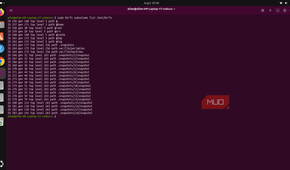
sudo btrfs filesystem defragment -r -v -czstd /mnt/btrfs
-r recompresses recursively through every subfolder, -v prints each file as it's processed, and -czstd sets the compression method.
If your setup uses Btrfs snapshots, recompressing shared files can break the link between them and end up using more total space, not less.
The command uses zstd compression as it walks through all the partition's files, rewriting them extent by extent. It doesn't delete your files or move them off the drive. Instead, Btrfs rewrites their extents in compressed form while keeping the files themselves intact. It stores them more efficiently than before.
This process wasn't a clean benchmark run on a test machine. It was a real process on a device that I was still using. At one point, I stopped the process with Ctrl+C when I needed the terminal for something else, then finished the job later.
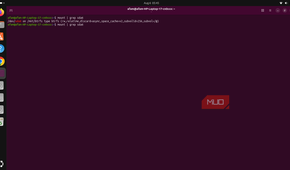
Before I started the process, here is what compsize reported on my device:
|
Type |
Disk usage |
Uncompressed |
Referenced |
|---|---|---|---|
|
TOTAL |
6.4GB |
11GB |
132GB |
|
none |
3.7GB |
3.7GB |
53GB |
|
zstd |
2.7GB |
7.4GB |
79GB |
The "none" row is the line worth paying attention to.
The 6GB was on my drive the entire time
What the before-and-after numbers actually reveal


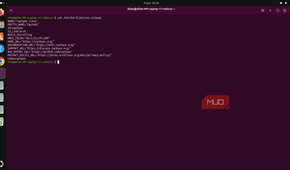
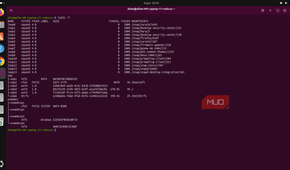
Once the recompression was complete, I ran the same compsize command, and here are the new figures I got:
|
Type |
Disk usage |
Uncompressed |
Referenced |
|---|---|---|---|
|
TOTAL |
4.9GB |
11GB |
133GB |
|
none |
1.4GB |
1.4GB |
22GB |
|
zstd |
3.5GB |
9.6GB |
111GB |
There was a drop in the total disk usage on the dataset from 6.4GB to 4.9GB, a reduction of about 1.5GB in this measurement. It compressed most of what used to occupy the uncompressed bucket (3.7GB to 1.4GB). However, the actual data never changed; the files remain identical, just packed tighter.
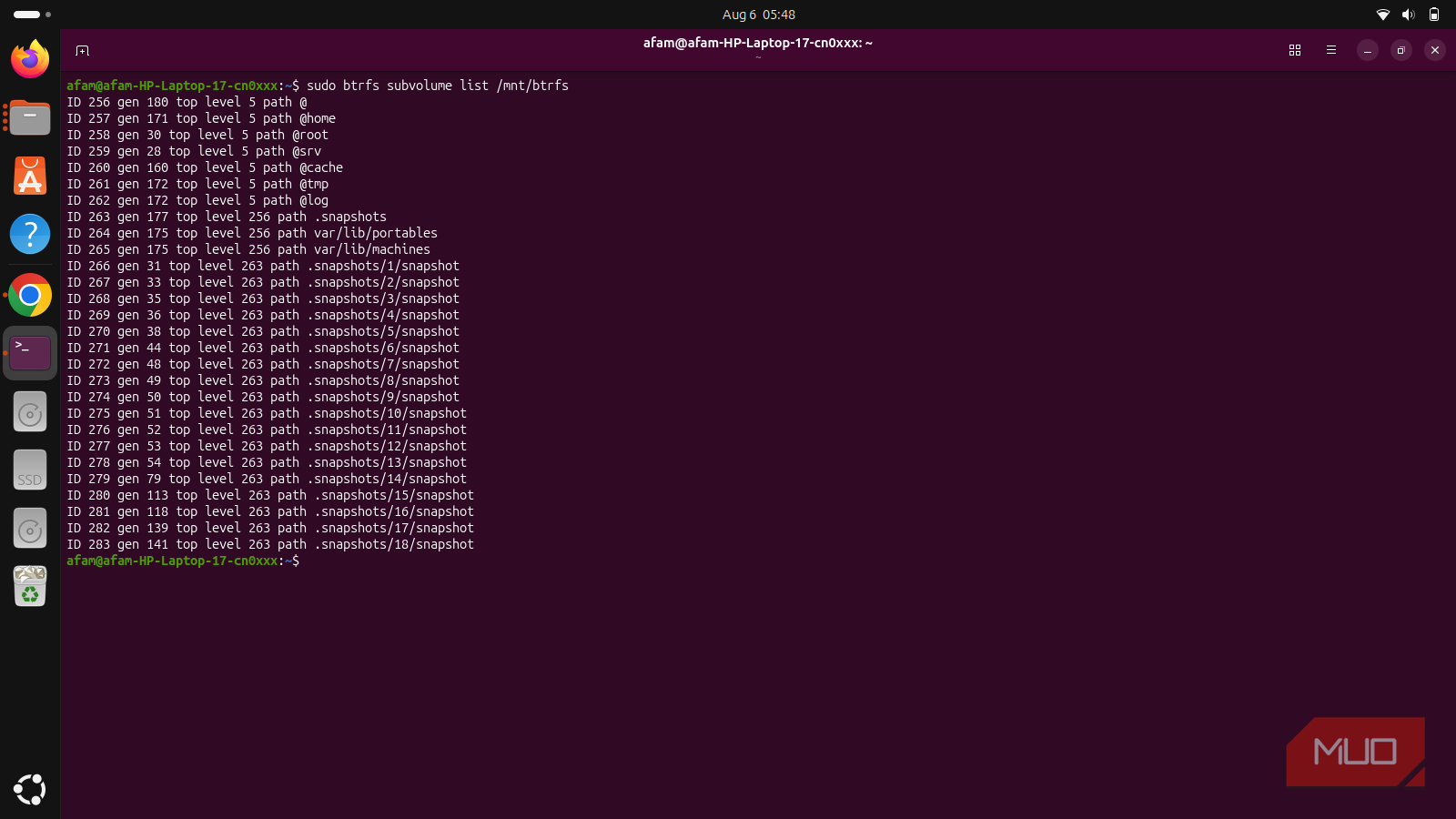
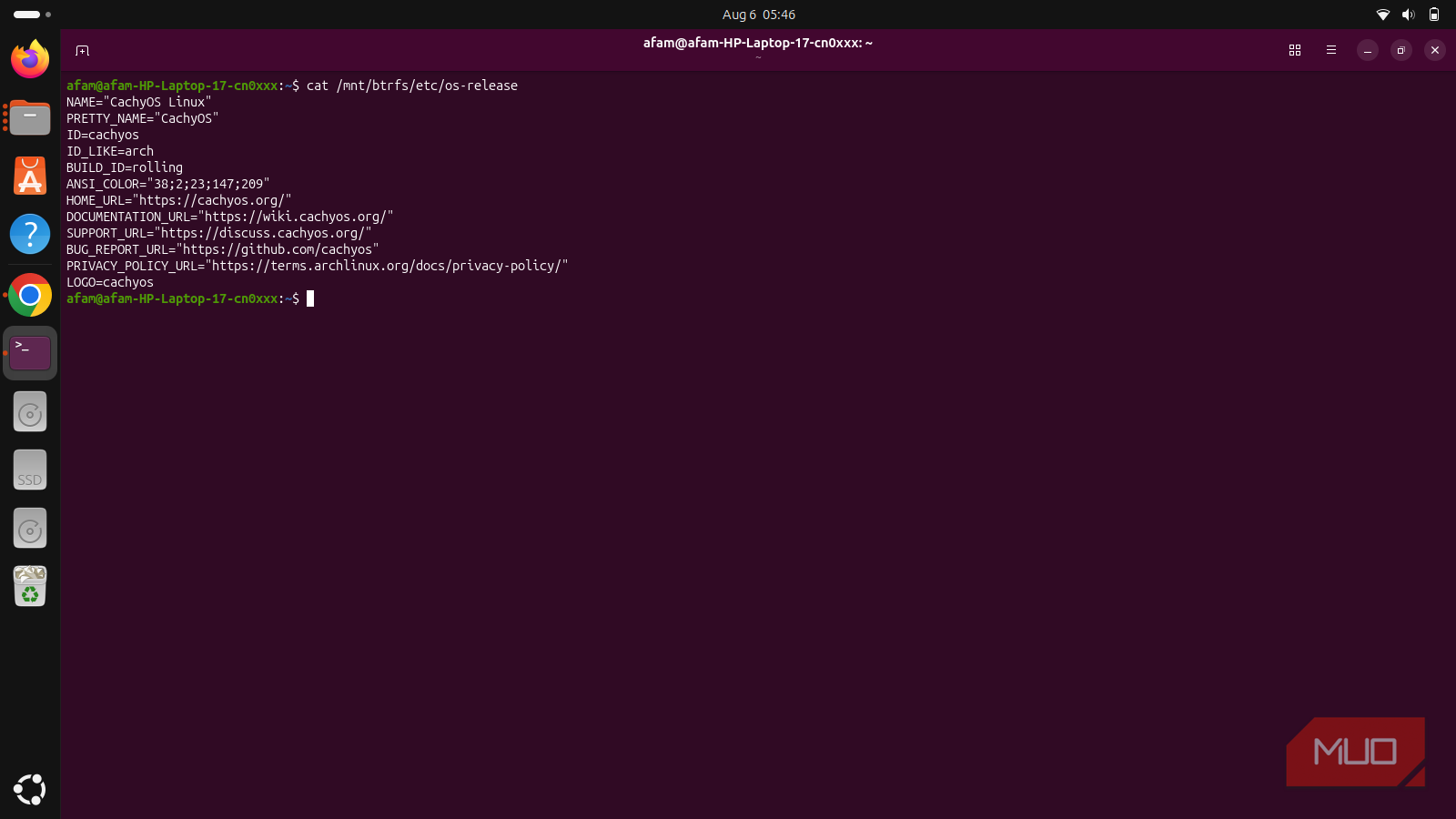
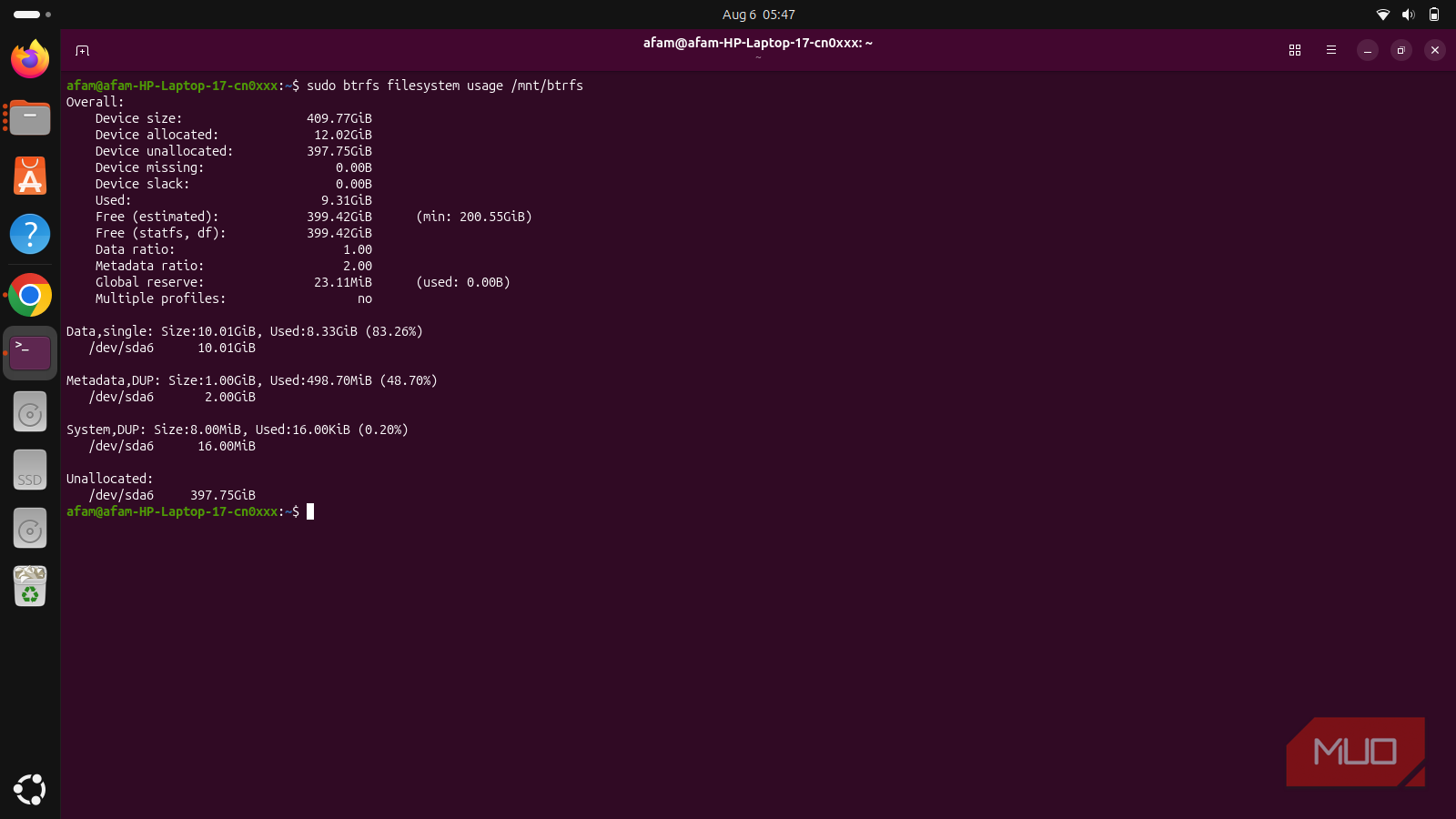
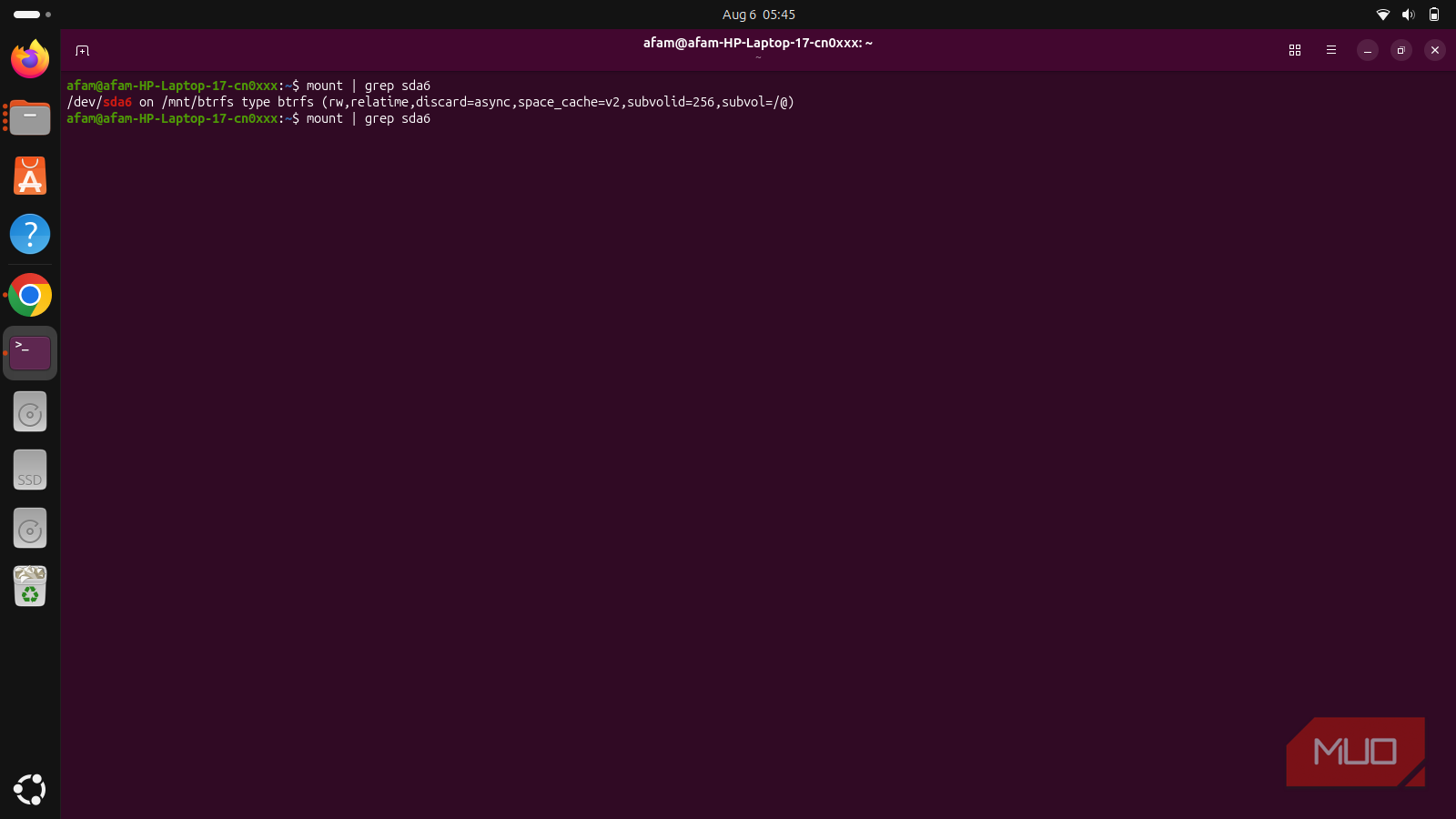
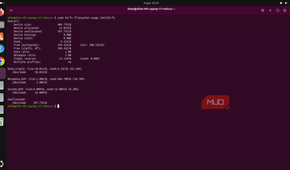
Combined with the compression applied at OS install, I reclaimed about 6 GB in total. This is because space that had been wasted the whole time, hidden within files in a drive that was technically compressed, was now efficiently used. I was able to independently verify the change by checking btrfs filesystem usage afterward.
Different payoffs for different setups
Not all file systems have this mechanism. While Btrfs supports this kind of compression, Ext4 and NTFS don't provide the same built-in transparent file compression mechanism; thistrick wouldn't work on my Windows installation.
The payoff from this kind of compression usually depends on age and content. If your installation has been running for years and has numerous logs, cached packages, and source files, the chances of a bigger payoff are higher; most of these files typically aren't rewritten on their own. On a fresh installation with almost no backlog, you wouldn't have much to reclaim. If your drive mainly holds photos, videos, or ZIP files, you probably won't see much additional savings either, because these file types are usually compressed and don't get much extra squeeze from zstd.
You should expect the CPU and disk to stay busy the whole time the process runs. On my system, it took 20 minutes, but the runtime can vary considerably with the amount of data and the speed of the drive and CPU.