


Power over Ethernet (PoE) usually enters a house through a security camera, and that first impression sticks. One cable, a small feed, a handful of watts. The standard outgrew that years ago. A single Ethernet run can carry up to 90W at the port, which is enough for hardware that has nothing to do with security. I run a cable to anything that stays in one place, and the PoE drops in my house feed access points and wall-mounted smart displays. None of them are cameras. The power ceiling on Ethernet sits much higher than most people assume, and the number that sets it is not printed anywhere on its cable jacket.
Your Ethernet run is a small DC circuit
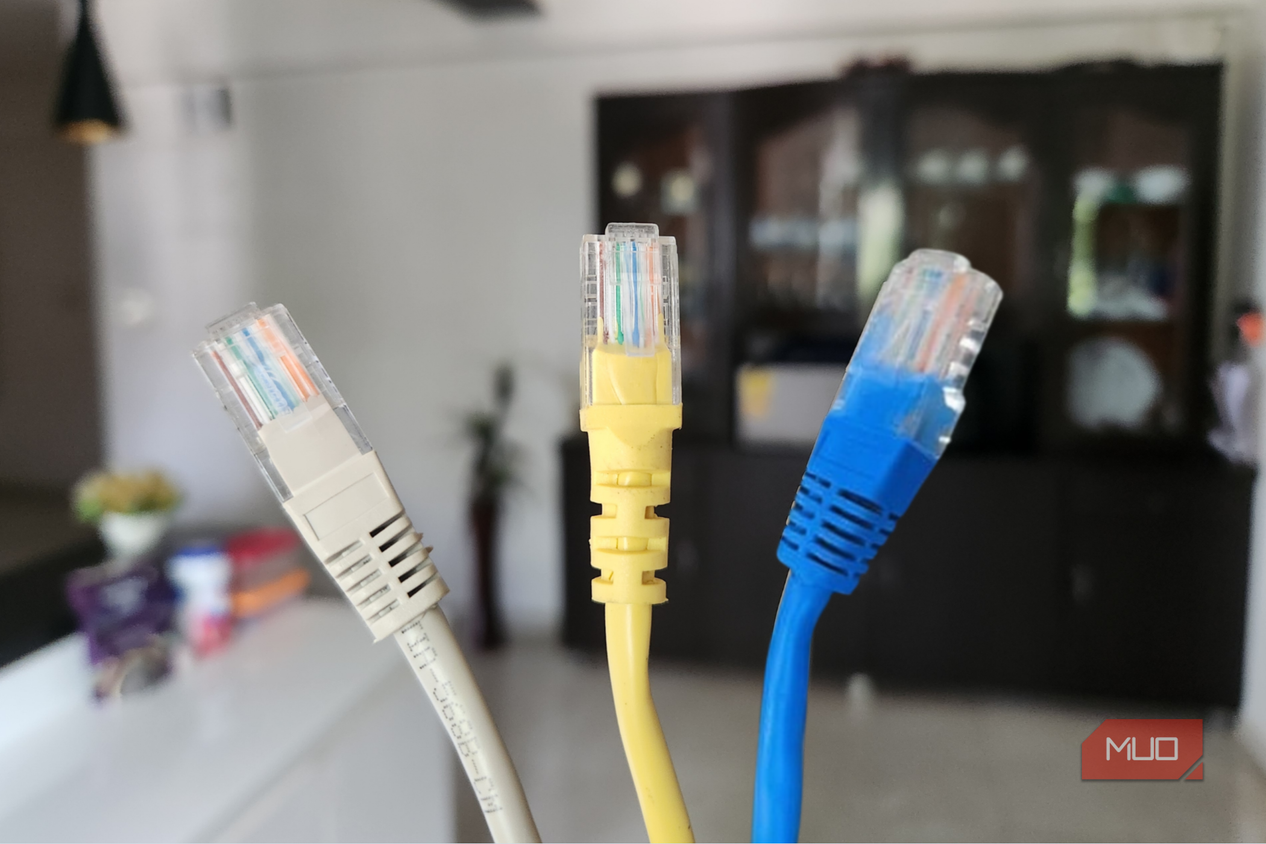
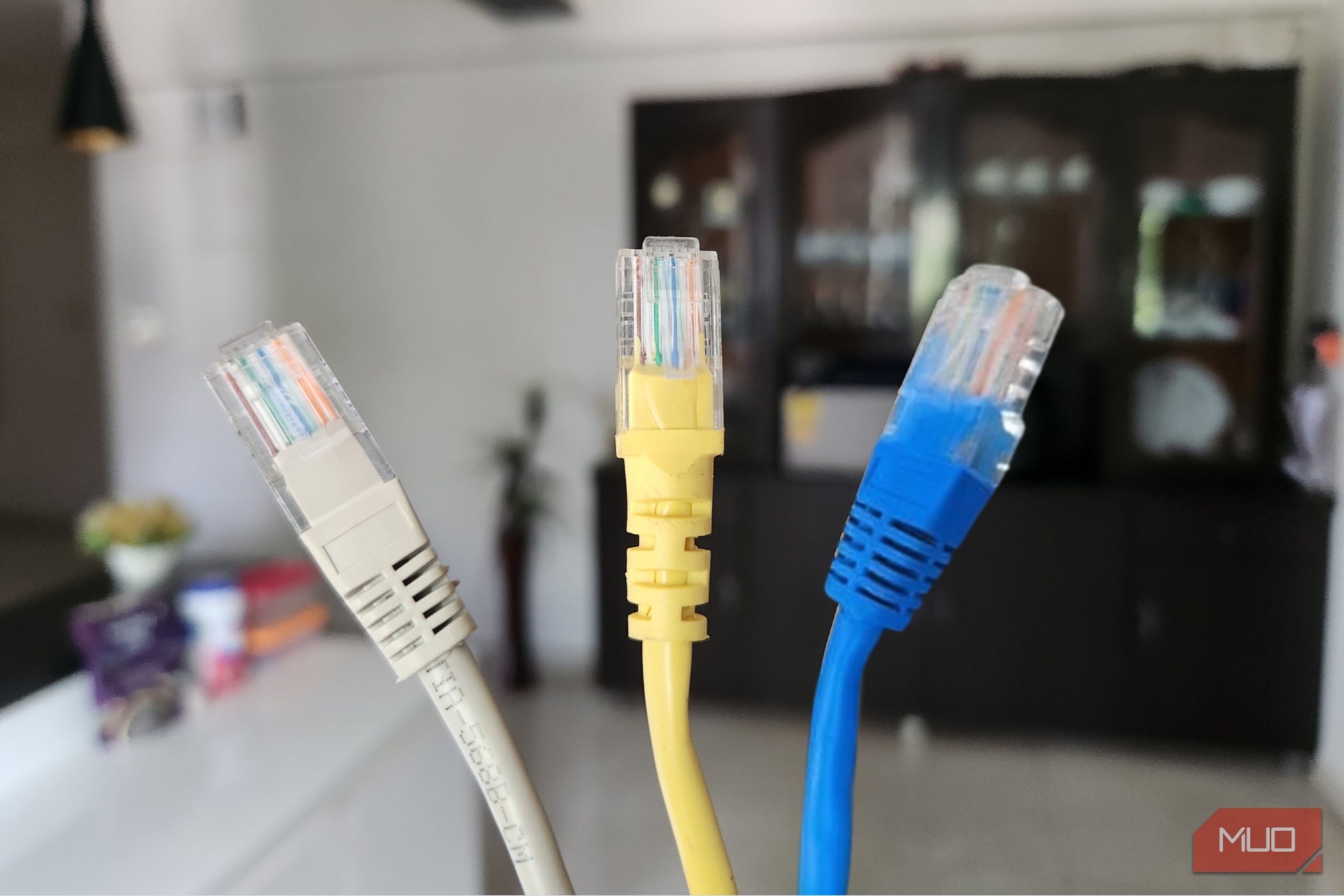
The standard sets the ceiling, not the cable




 Credit: alexkich / Shutterstock
 Credit: Elena Zajchikova / Shutterstock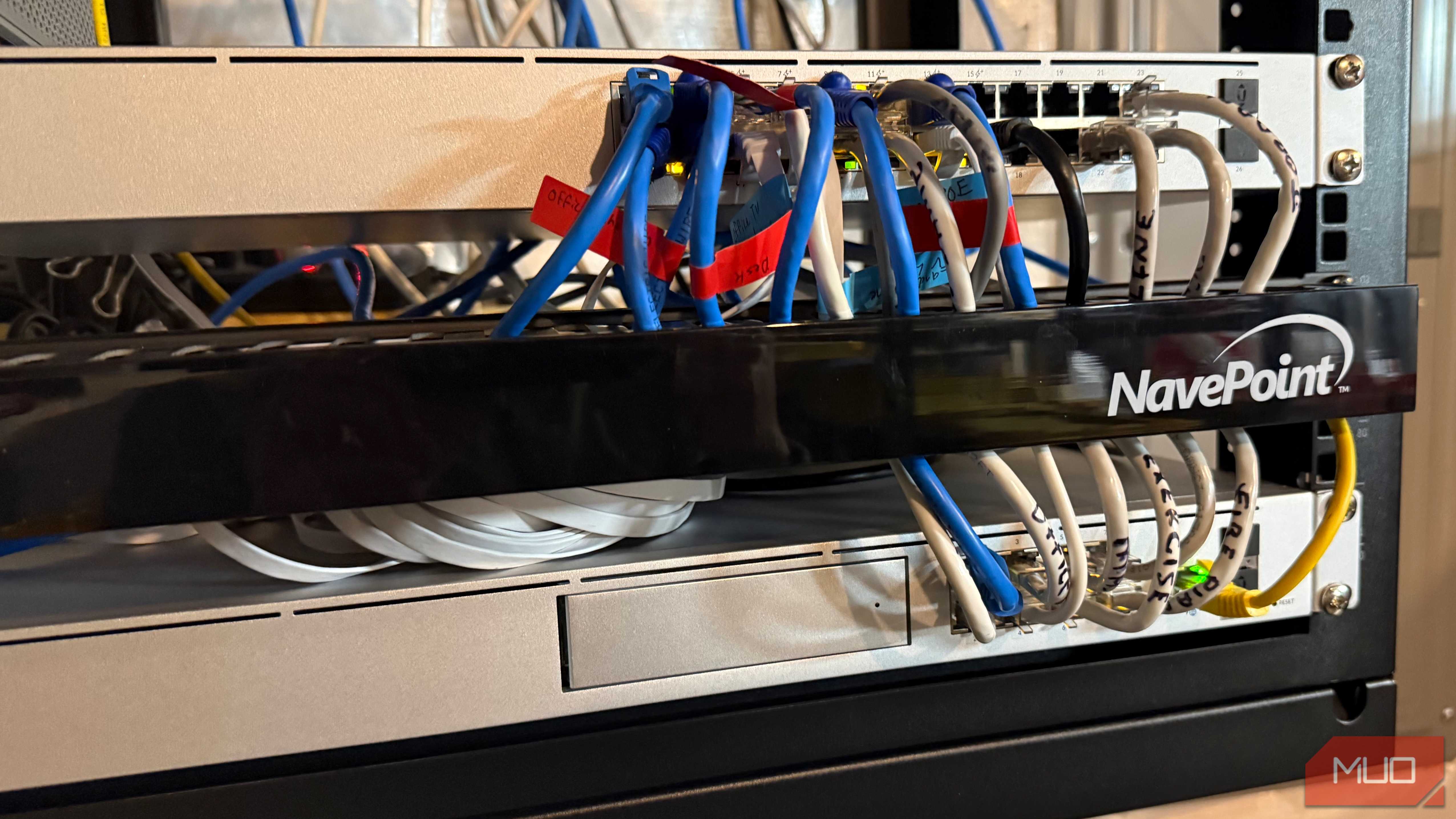


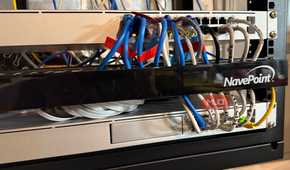
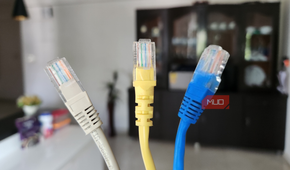
What a port can push comes down to which IEEE standard it follows, and the jumps are steep. Original PoE, 802.3af, sends 15.4W and lands 12.95W at the device. Double that for PoE+ at 30W sent and 25.5W received. Above that, 802.3bt split into two tiers, 60W and 51W for Type 3, then 90W and 71.3W at Type 4.
That gap between what leaves the switch and what arrives is copper resistance eating voltage along the way. Spec sheets quote the bigger figure. Your device sees the smaller one. The other change with 802.3bt is that it powers all four twisted pairs instead of two, which is why the top tiers ask more of the cable. Distance holds at 100 meters, same as data.
What I actually run on PoE, and none of it is a camera
Access points in the ceiling, Echo Hubs in the wall





 Credit: Jonathon Jachura / MUO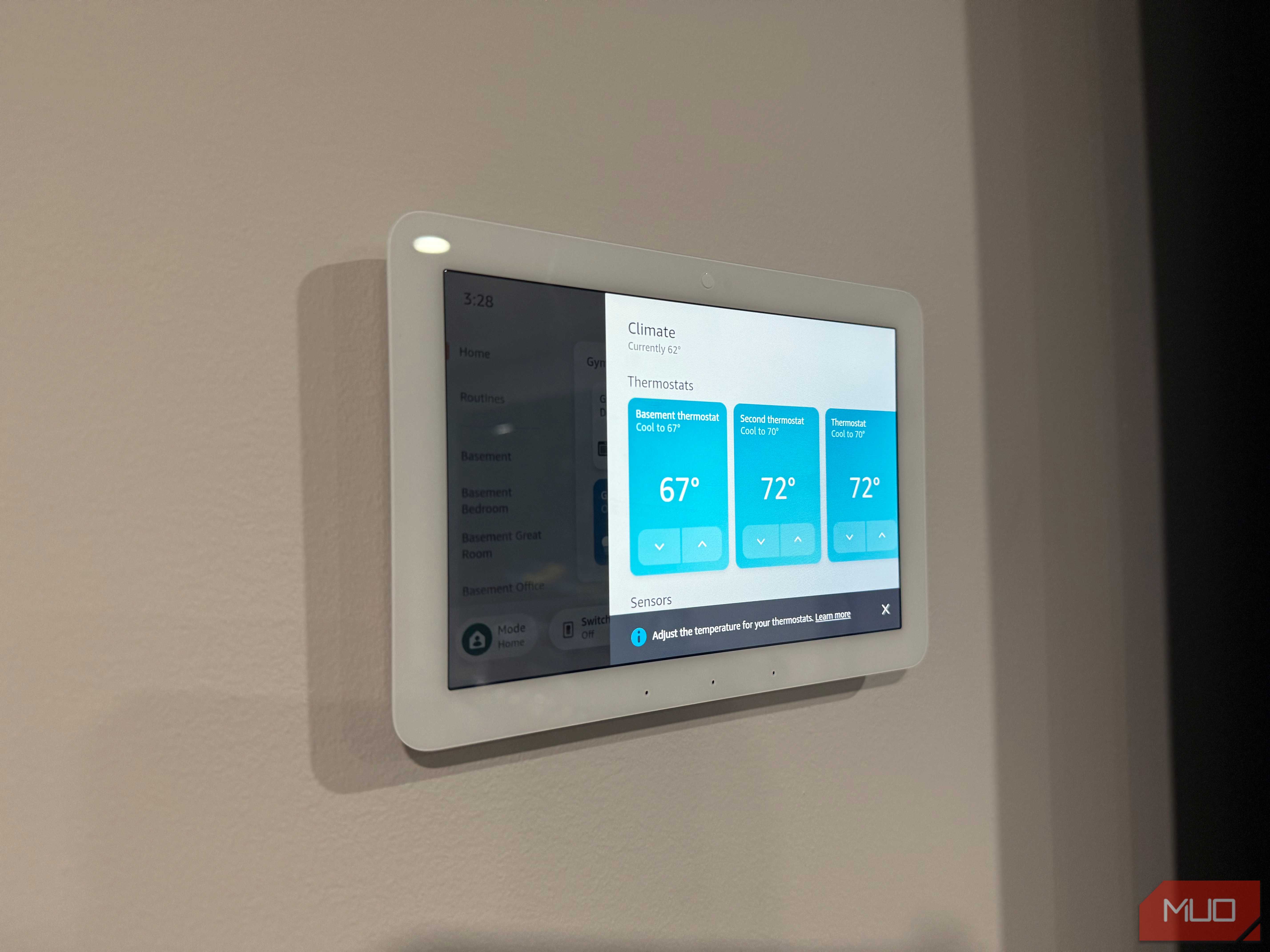
 Credit: Jonathon Jachura / MUO
 Credit: Jonathon Jachura / MUO
 Credit: Jonathon Jachura / MUO



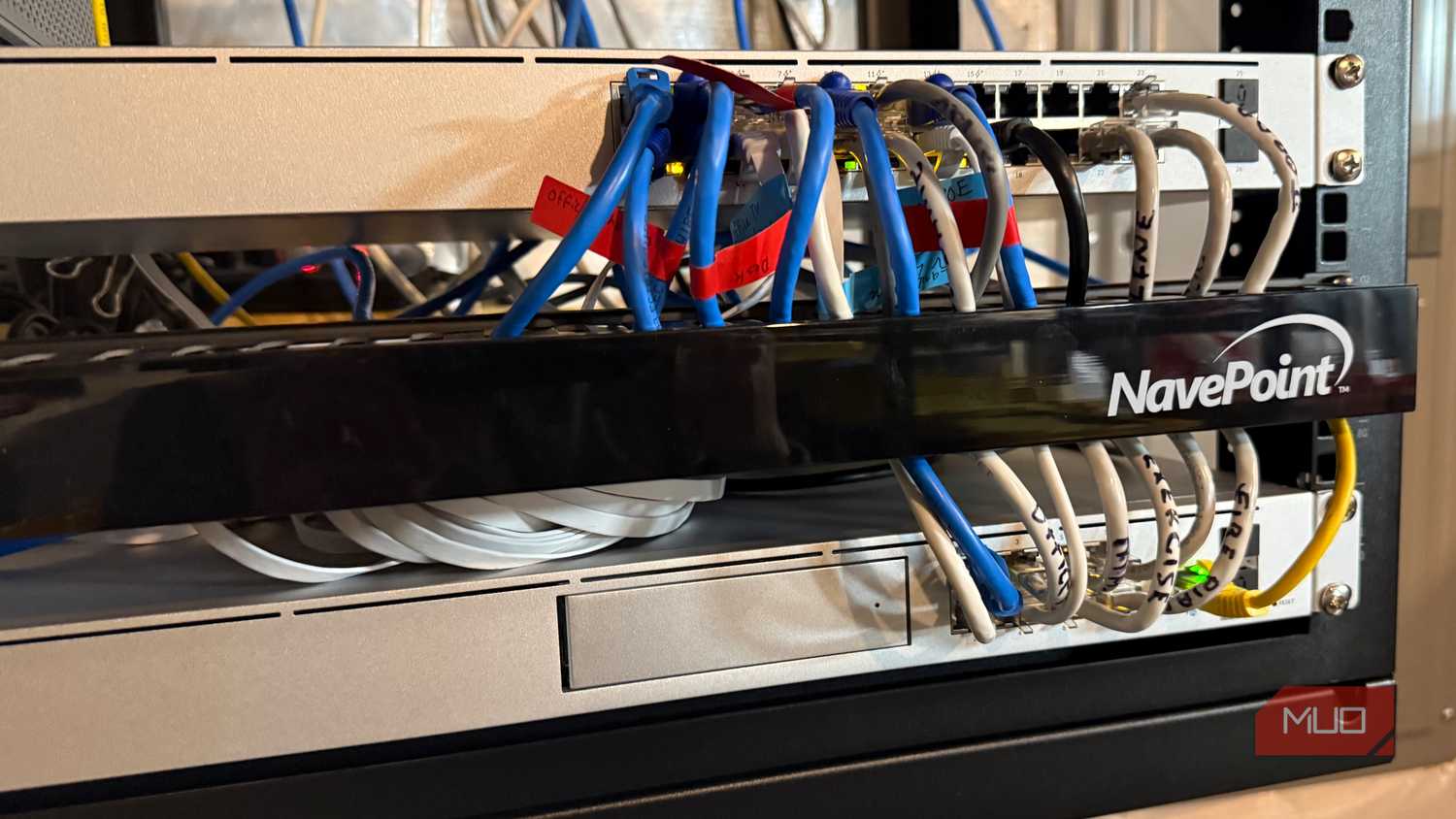
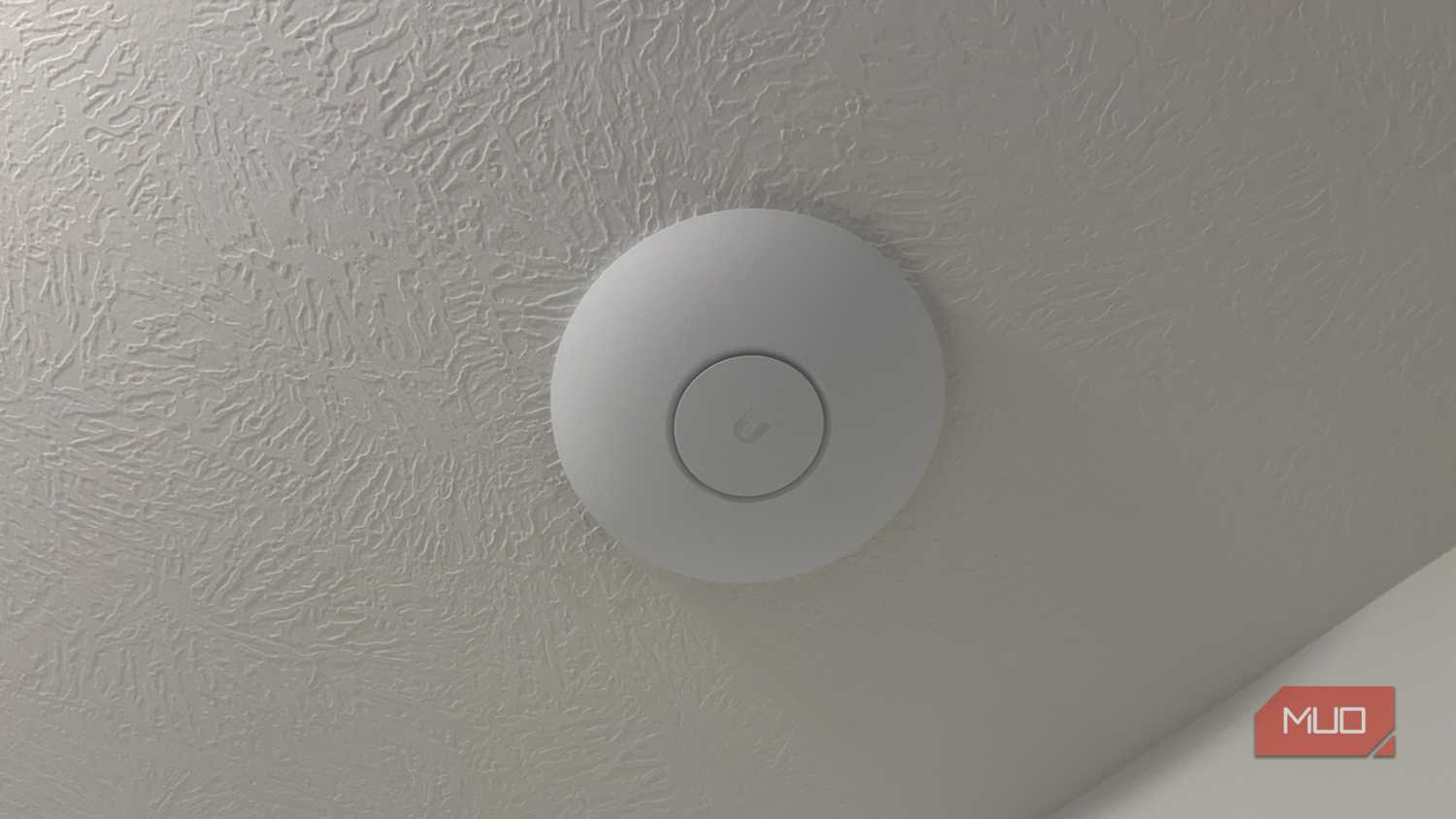
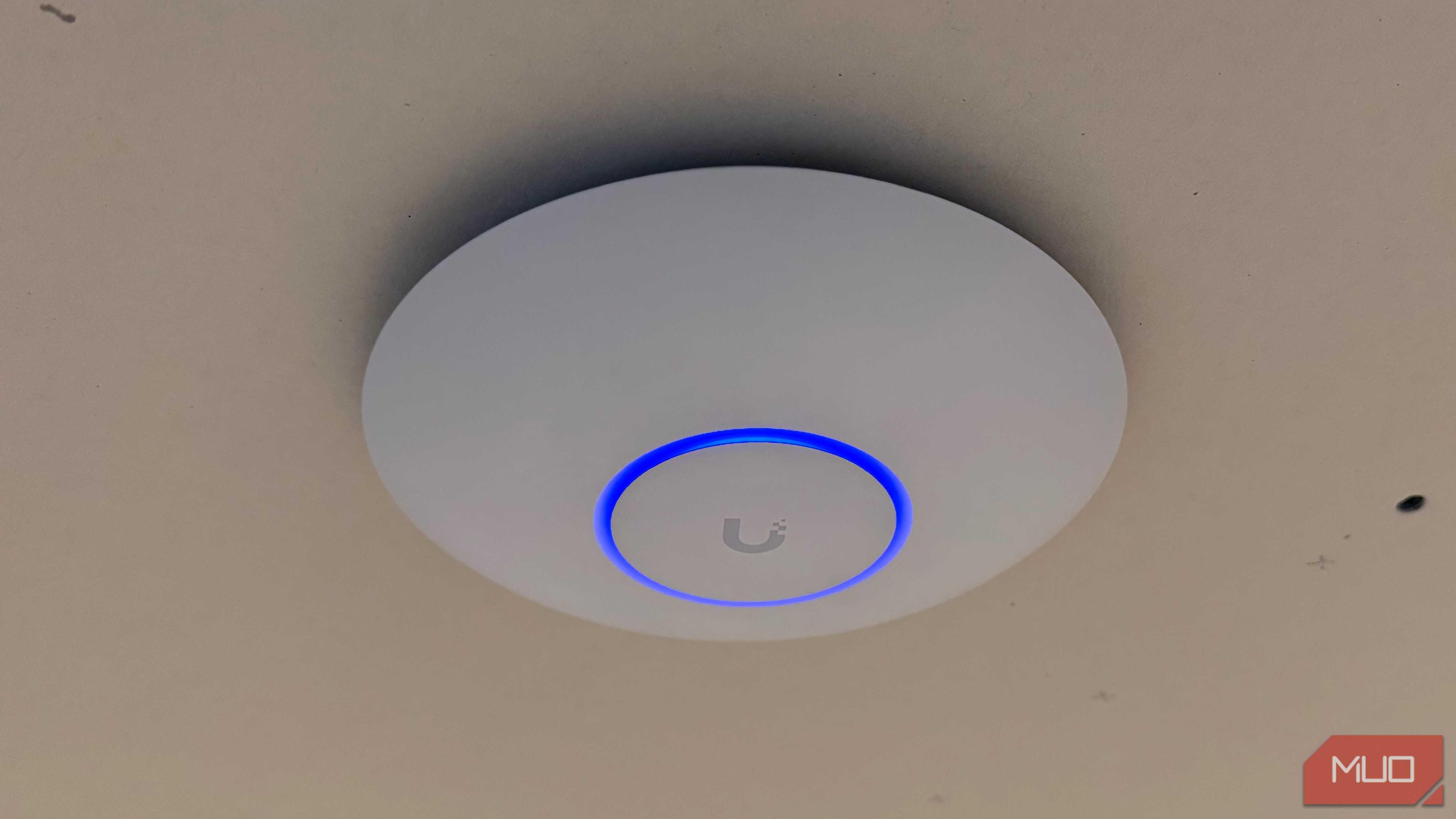
Four access points sit in ceilings around my house, each fed by one Cat6 run back to the rack. There is no outlet up there and no adapter buried in a joist bay. The switch sends power and data down the same wire, and the AP mounts flat against the drywall.
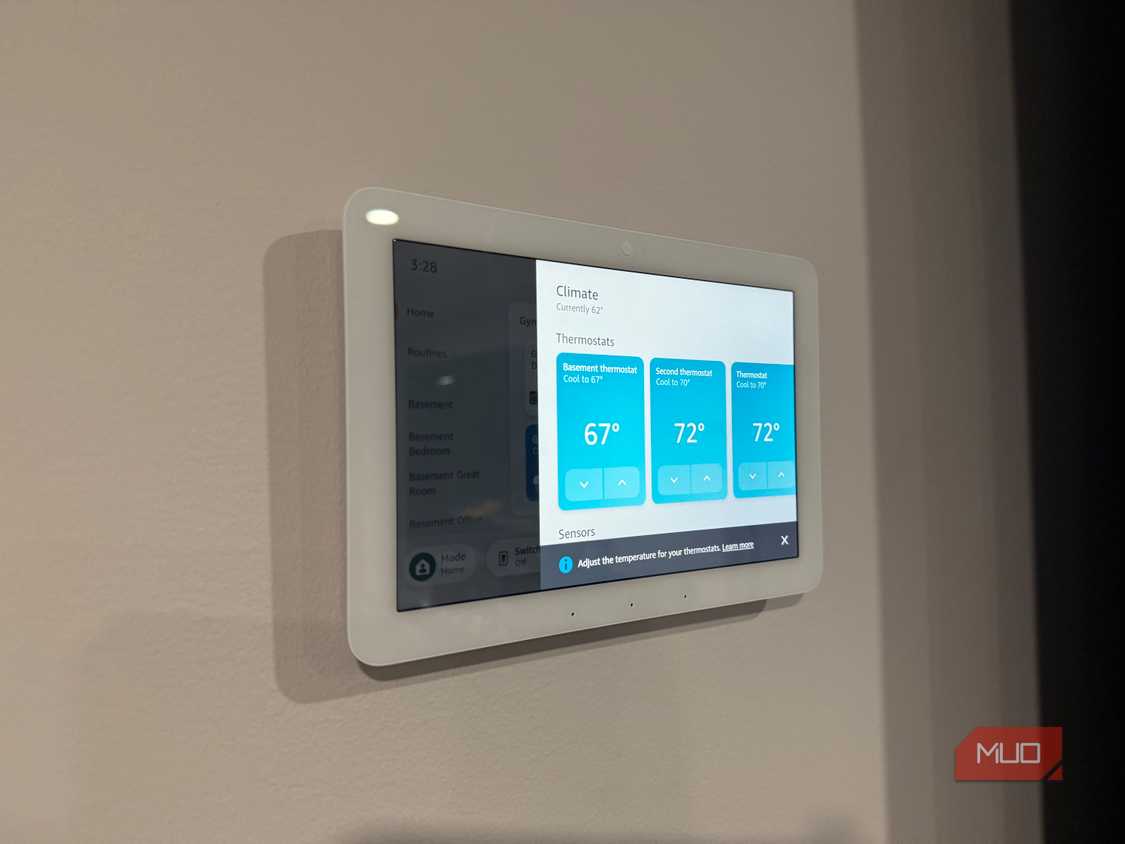
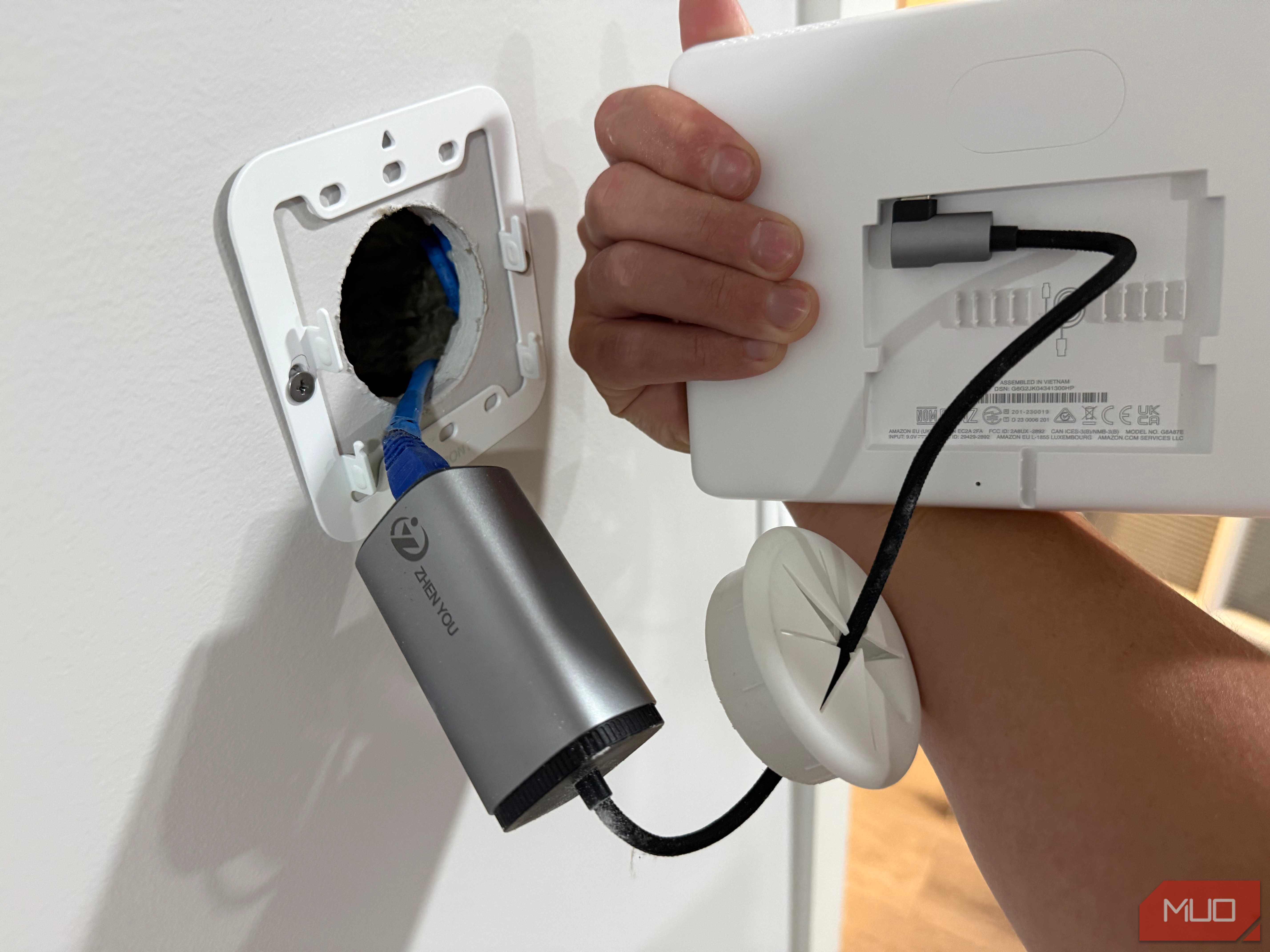
The three Echo Hubs I put in during the basement build work on the same principle. Each panel has a small converter behind it that splits the PoE feed into USB-C power and a wired network drop, which is why I took on the extra work during construction instead of cutting in outlets. That is seven devices on my network with no electrical work behind any of them.
A PoE camera is the one thing I do not have yet. It is next on the list, and the groundwork is finished. My rack has spare ports, and a pull tube runs from the rack up to the attic, so cameras come down to pulling wire.
A splitter opens the port to everything else
5V and 12V devices join the same wire

A PoE splitter bridges the gap. It taps power off the Ethernet line and hands it back as 5V over USB-C or 12V on a barrel plug, with the network passing through on a separate jack. Raspberry Pis run this way, and so do mini PCs, the streaming box hiding behind a wall-mounted TV, and mesh nodes parked in dead corners with no outlet close by.
Passthrough switches take it another step. Feed the TP-Link TL-SG1005P-PD 90W of PoE++ on its uplink and it spreads 66W back out across four PoE+ ports, which puts a powered switch on a desk that has one crowded outlet. Office buildings have run lighting, door access hardware, and signage off network cable for years.
I have not needed a splitter myself. When I run short on ports, I would rather add a second UniFi switch than stack adapters.
Everything on the switch rides one battery
One battery backup covers the whole chain


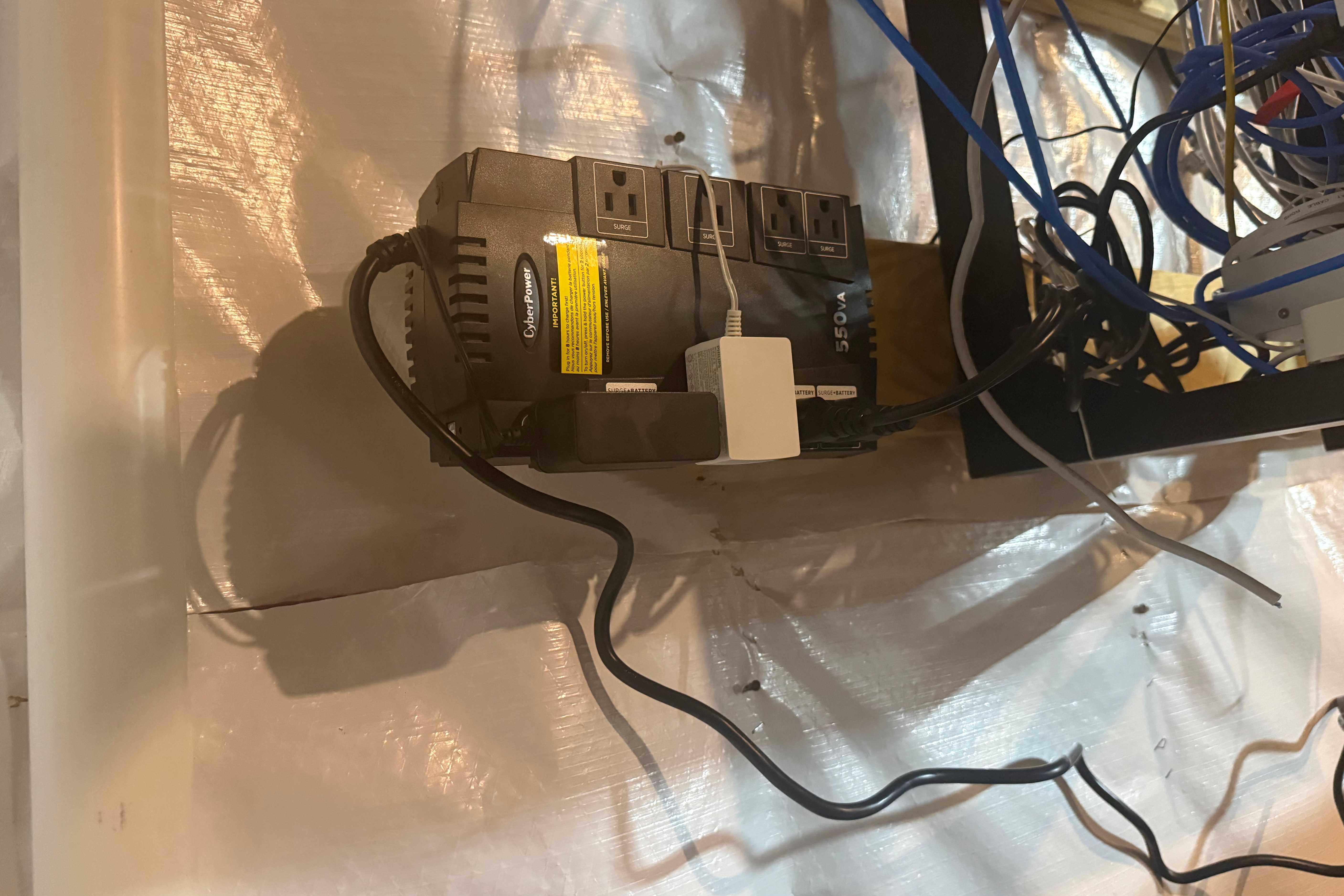
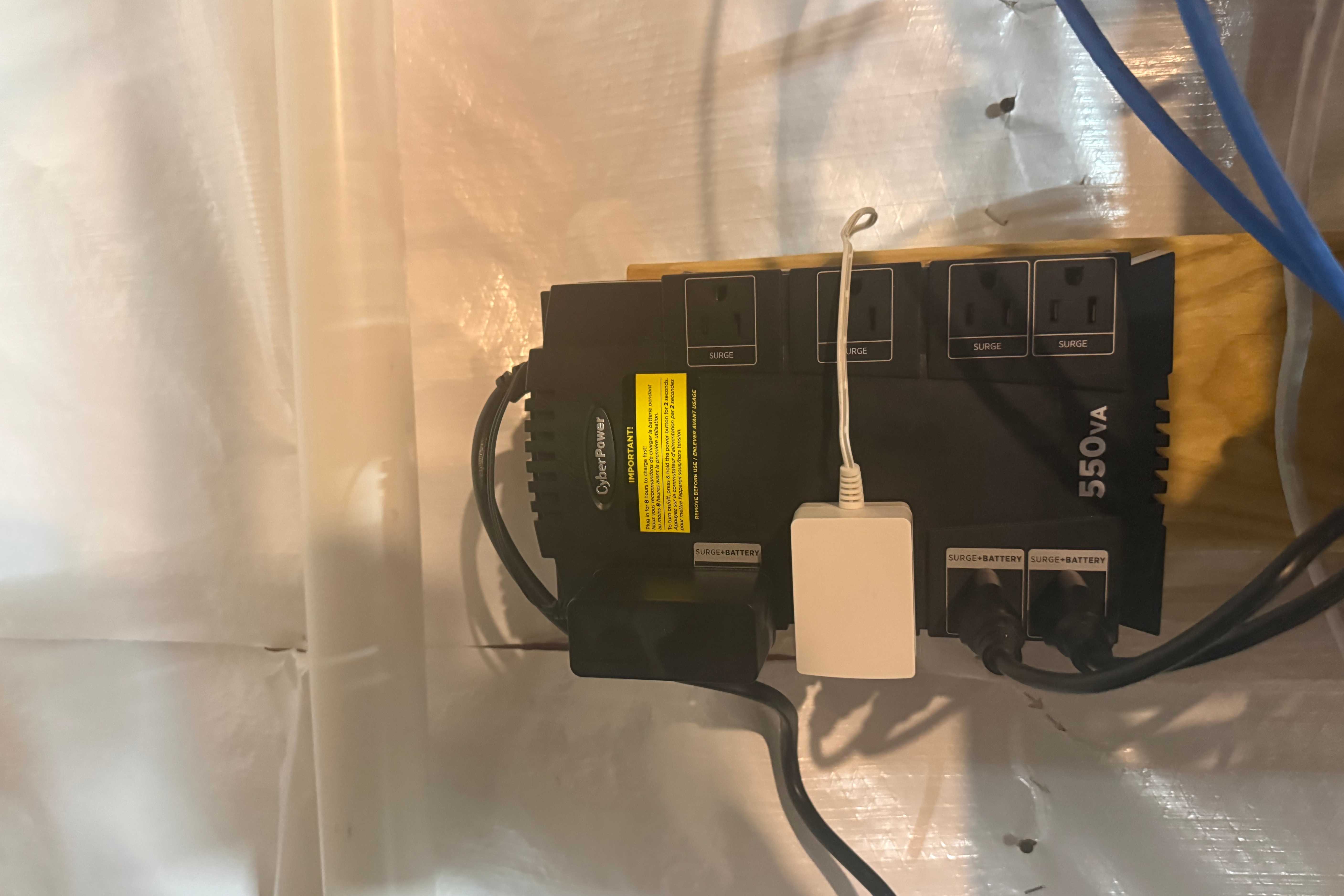

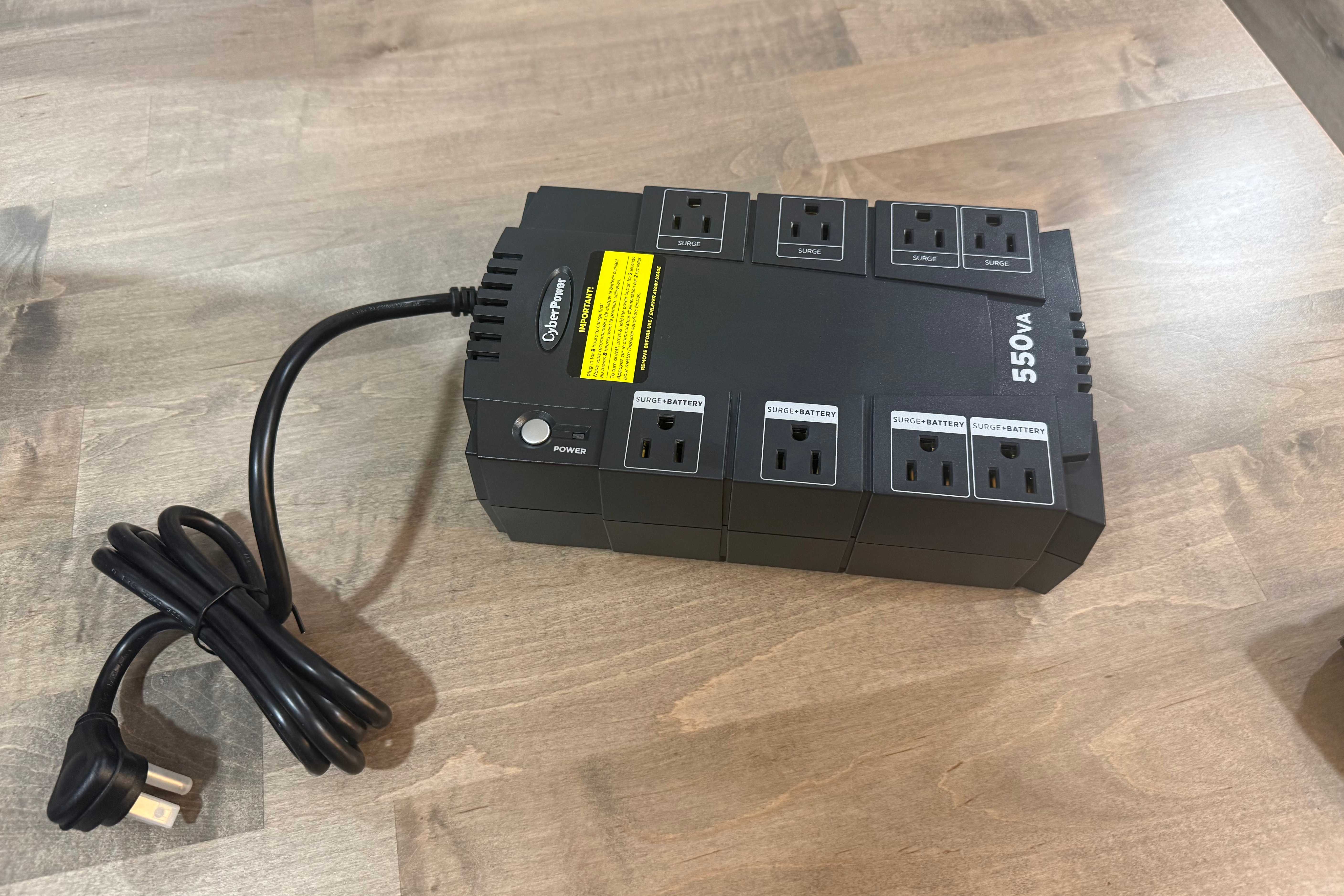

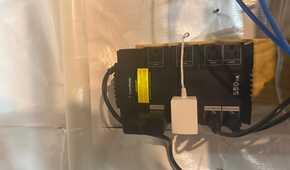

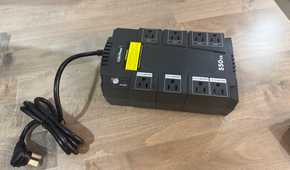

Conventional power gives every device its own adapter and its own outlet, and a blip on the utility line takes them all down separately. PoE collapses that into a single point. My router and PoE switch sit on the UPS that keeps my network alive during outages, and since the access points and Echo Hubs draw from that switch, they ride the same battery. One protected circuit covers all of them.
Remote power cycling is the quieter benefit. A frozen device on a wall outlet means walking over and unplugging something. On PoE, I toggle the port in the UniFi app, and the device reboots whether it is in a ceiling or behind a panel at the far end of the basement.
Power budget is the real limit
Per-port wattage and total budget are two different numbers

Port capability tells you what one device can draw. Total budget tells you what the switch can hand out at once, and that second number is what constrains a build. My USW-Pro-24-PoE carries a 400W budget across 24 ports, with 16 running 802.3at and eight running 802.3bt at up to 64W each. Loading every port to its maximum was never on the table, and the switch drops the lowest-priority ports if the budget runs dry.
Wattage raises the stakes on cable quality. Stick with solid copper, since copper-clad aluminum runs hot and drops voltage, and on a long run feeding a hungry device, Cat6A is the better call. Skip passive injectors while you are at it. They push voltage with no negotiation, and a device expecting a handshake can get cooked.

Plan the drop before you plan the outlet
Every Ethernet drop I ran during construction became a spot where I could mount something later without calling an electrician. That is the real value of PoE in a house. Access points, control panels, sensors, and eventually cameras go wherever the wire goes. A spool of Cat6 costs a fraction of conduit and a new circuit. So when you are wiring a room or finally running cable to that one dead corner, pull an extra line while the walls are still open. The port on the other end will find a job.