


I've worn a fitness tracker or smartwatch on my wrist for over a decade, and I've come to depend on these gadgets to keep track of my health and fitness metrics. Starting with a Fitbit Charge HR and moving my way up to the original Apple Watch, I've owned a handful of smartwatches and have reviewed even more. After testing watchOS, Wear OS, and GarminOS watches — plus a few in between — I came to a surprising conclusion: I simply didn't want to wear any of them.
I still use smartwatches for specific fitness tracking, like for hikes or runs. For everyday wear, I've completely switched over to the Fitbit Air. It's cheap, slim, and lasts a week on a single charge. There's no subscription, and it's comfortable to wear at night. The Fitbit Air checked all my boxes, and it might check all of yours too.
The Fitbit Air solves my biggest smartwatch problems
Discomfort and battery life woes aren't a problem on the Fitbit Air


 Credit: Brady Snyder / MakeUseOf
 Credit: Brady Snyder / MakeUseOf
 Credit: Brady Snyder / MakeUseOf
 Credit: Brady Snyder / MakeUseOf
 Credit: Brady Snyder / MakeUseOf
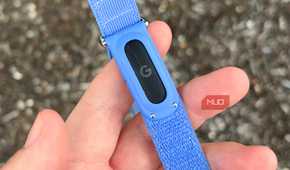
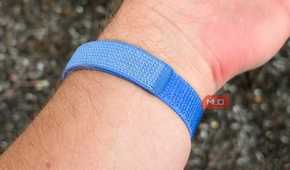
I didn't fall out of love with smartwatches overnight. It took a while, and I tried everything to stop it. When my wrist constantly buzzing with notifications started driving me crazy, I disabled them. I wanted something slimmer to wear to bed, so I bought the Samsung Galaxy Watch 8. Since I missed the Nike Run Club experience on watchOS and needed longer battery life, I traded in my original Apple Watch Ultra for the Ultra 3. None of these changes addressed my complaints.
The final upgrade to the Apple Ultra 3 didn't make things better, and it actually made them worse. The thick profile isn't very comfortable and watchOS is full of distractions, plus the battery life will get you two days at best. Eventually, I kept my watch on the charger until it was time to work out.
It was relieving to go a full day without being distracted by a gadget on my wrist, and I even got to wear some of the traditional watches in my collection. What wasn't so great was the lost data. Your smartwatch is constantly tracking your vitals, steps, and sleep in the background. Only wearing a fitness tracker or smartwatch for workouts means the device is only part of the picture.
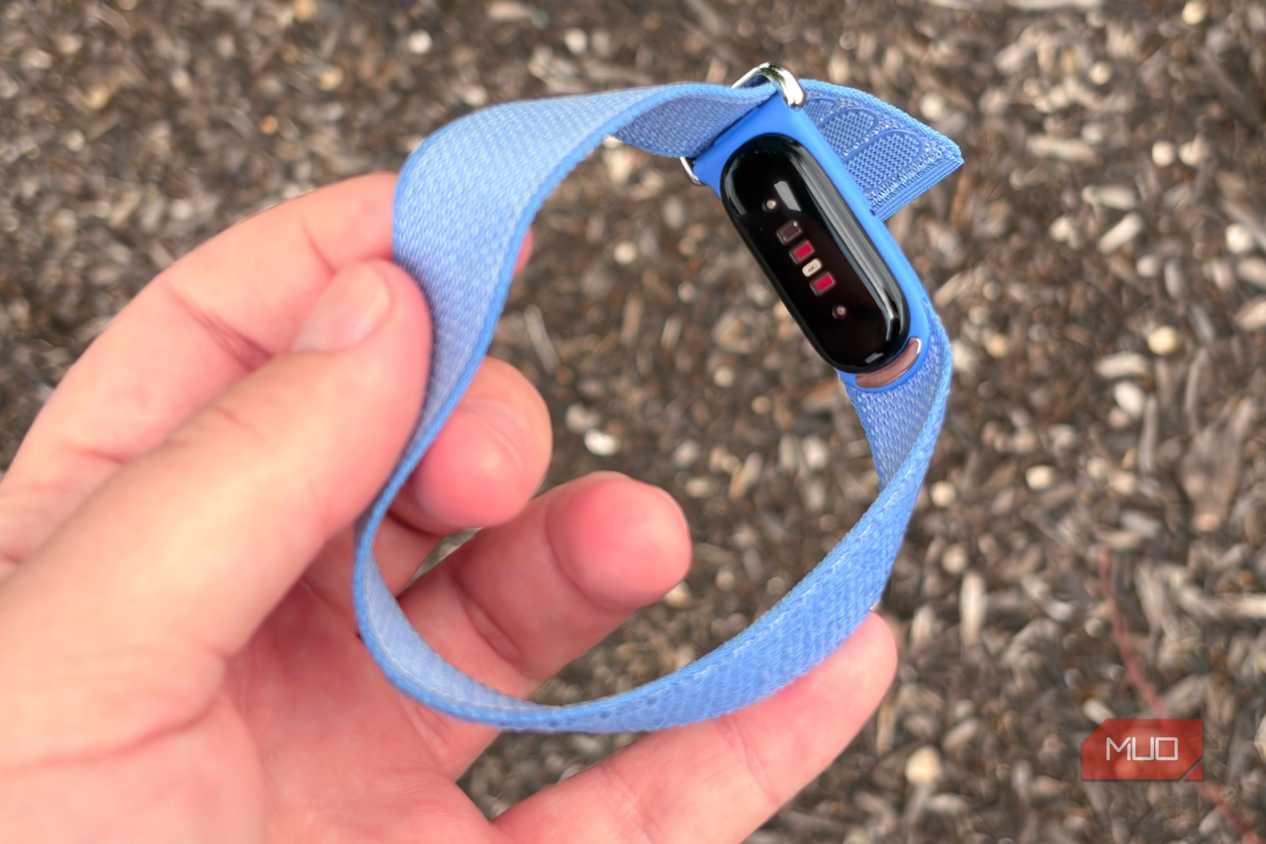
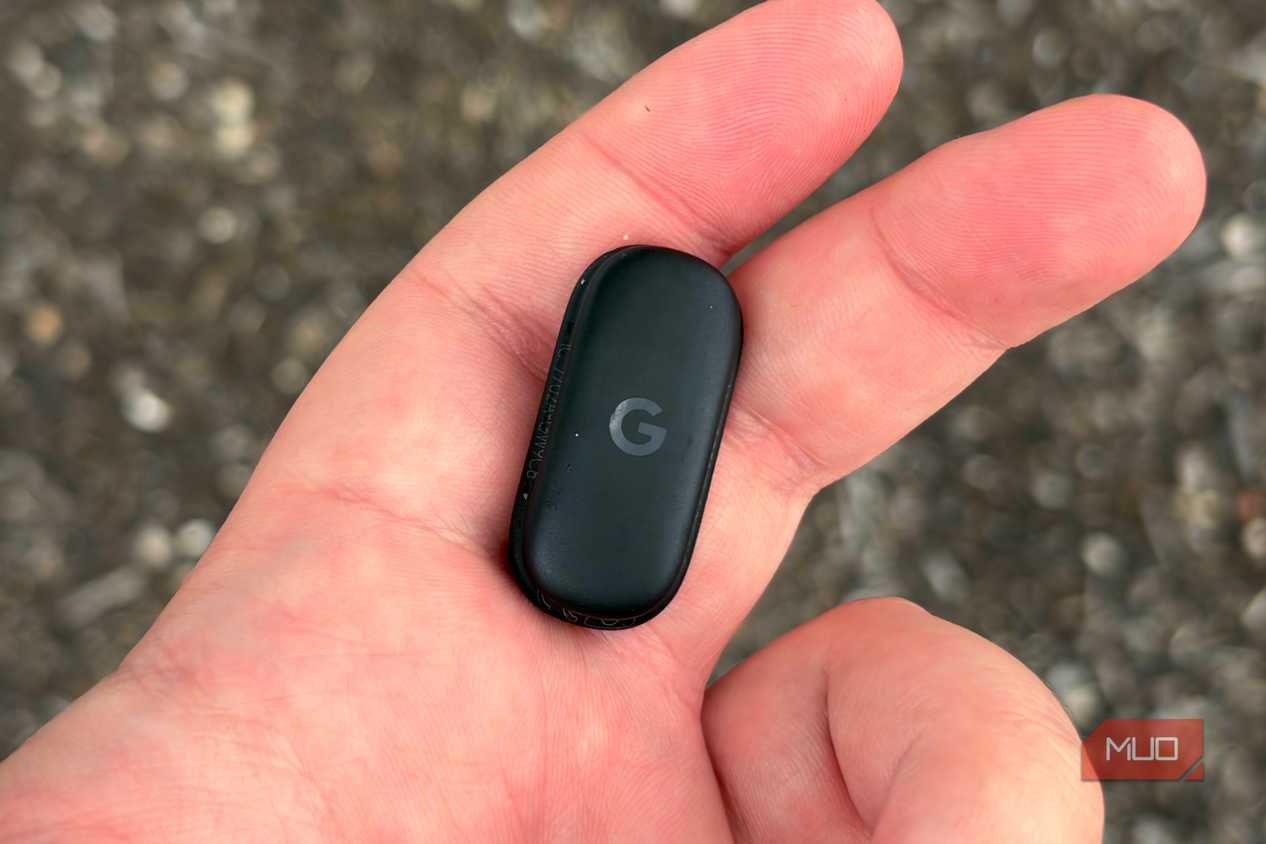
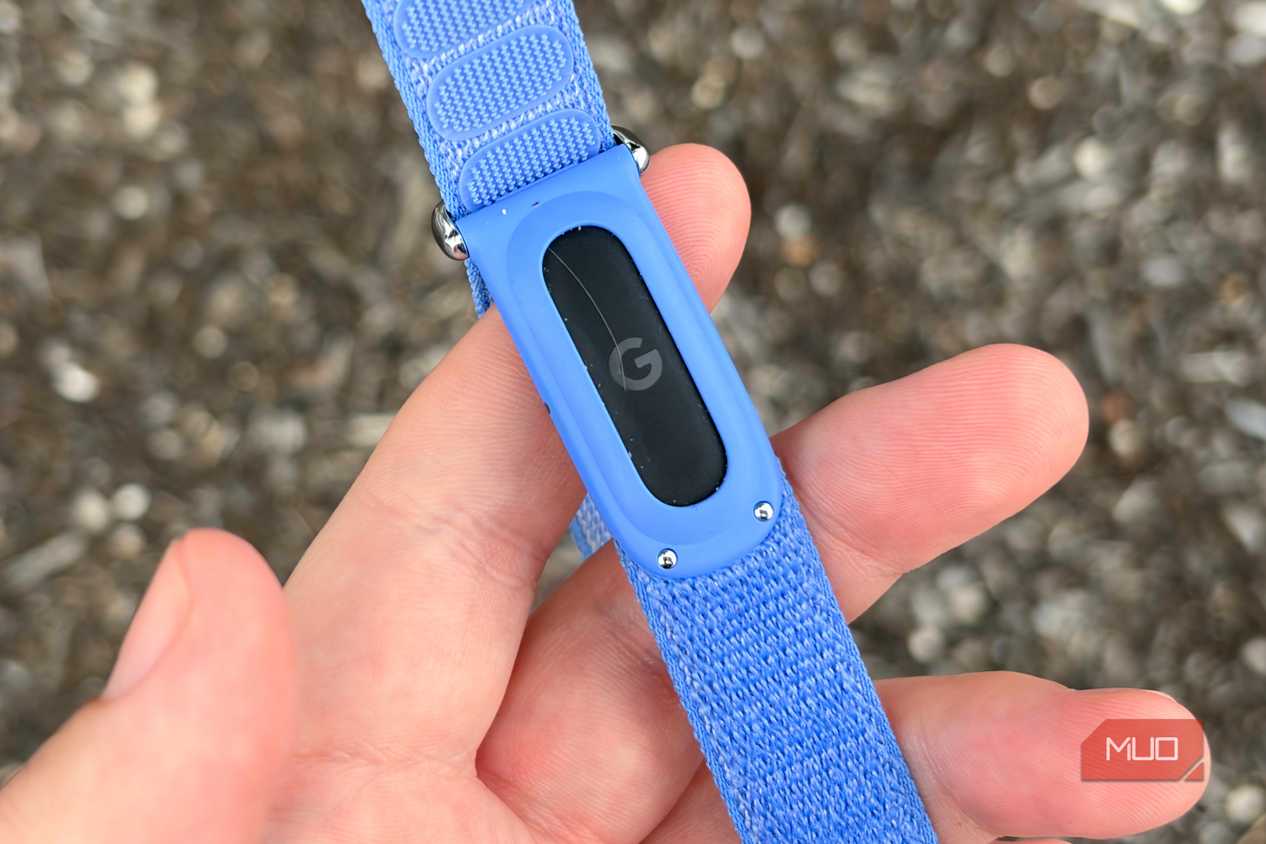
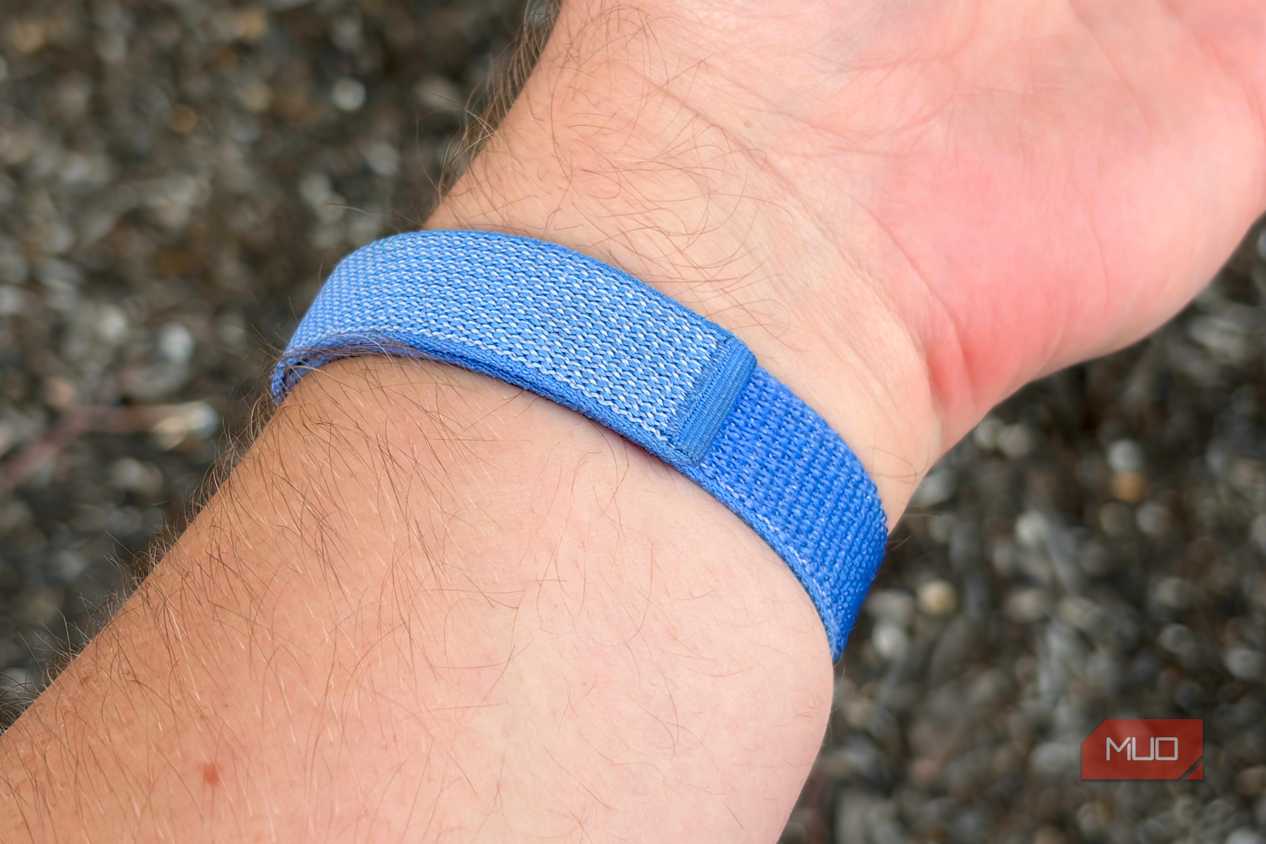
I decided to switch to a passive tracker — one that could monitor health metrics in the background, but wouldn't distract me or require daily charging. The Samsung Galaxy Ring was too bulky to wear and the Whoop band's subscription made it a non-starter. Then came the Fitbit Air. It's an extremely thin and light fitness tracker that weighs just 12 grams with the included strap, lasts for a week on a full charge, and doesn't include a mandatory subscription.
Google Health needs work, but there's no subscription
Unlike Whoop or Oura, the Google Health Premium plan is optional

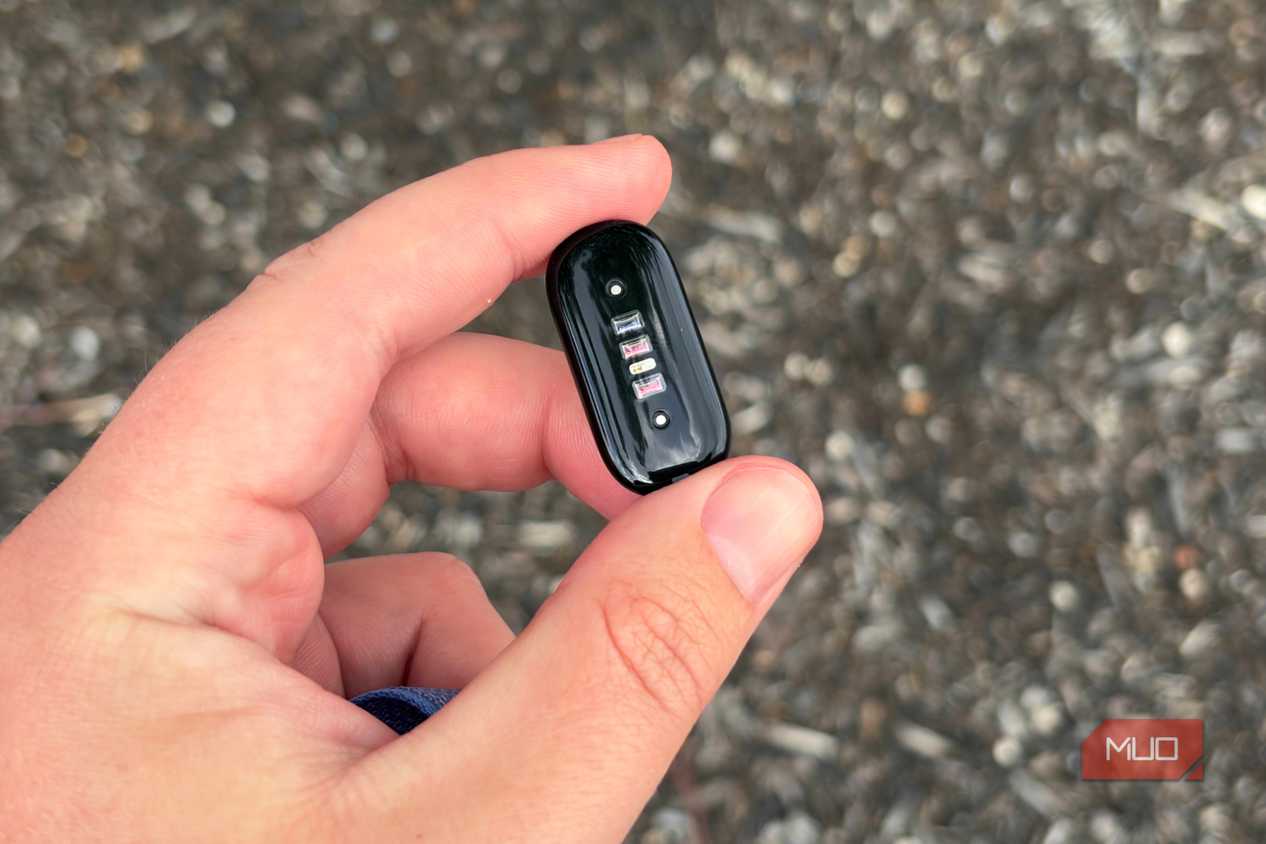
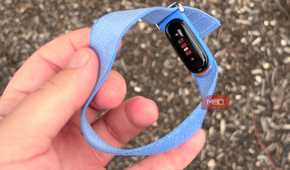
With the Fitbit Air, there's not much hardware to speak of. There's no screen — all health data is viewed in the Google Health app on iOS or Android. There is a tiny status light that offers a glimpse of the tracker's battery status, and sensors that can recognize taps on the surface of the tracker and strap. A vibration motor allows the Fitbit Air to give haptic feedback during workouts or be used as a sleep alarm. Set the alarms in the app, the Fitbit Air will vibrate when it's time for you to wake up, and a firm double-tap silences them.
The important part is the selection of sensors inside the Fitbit Air, and it includes an optical heart-rate sensor, accelerometer, gyroscope, vibration motor, and device temperature sensor. These work together to track a variety of health metrics and automatically detect workouts. You can view things like your daily steps, distance, and calories burned in the app. Over a longer period, you can monitor your resting heart rate, breathing rate, blood oxygen, heart-rate variability, skin-temperture variation, and more.


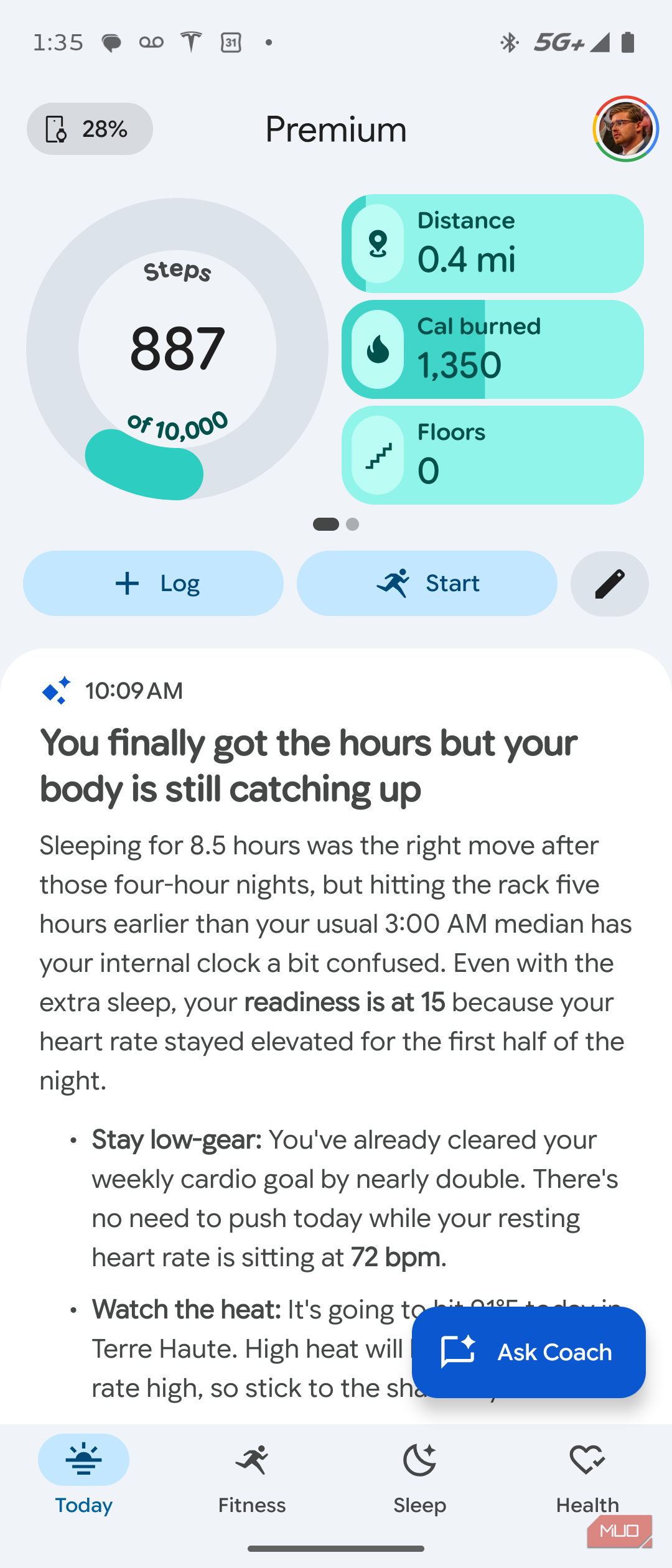
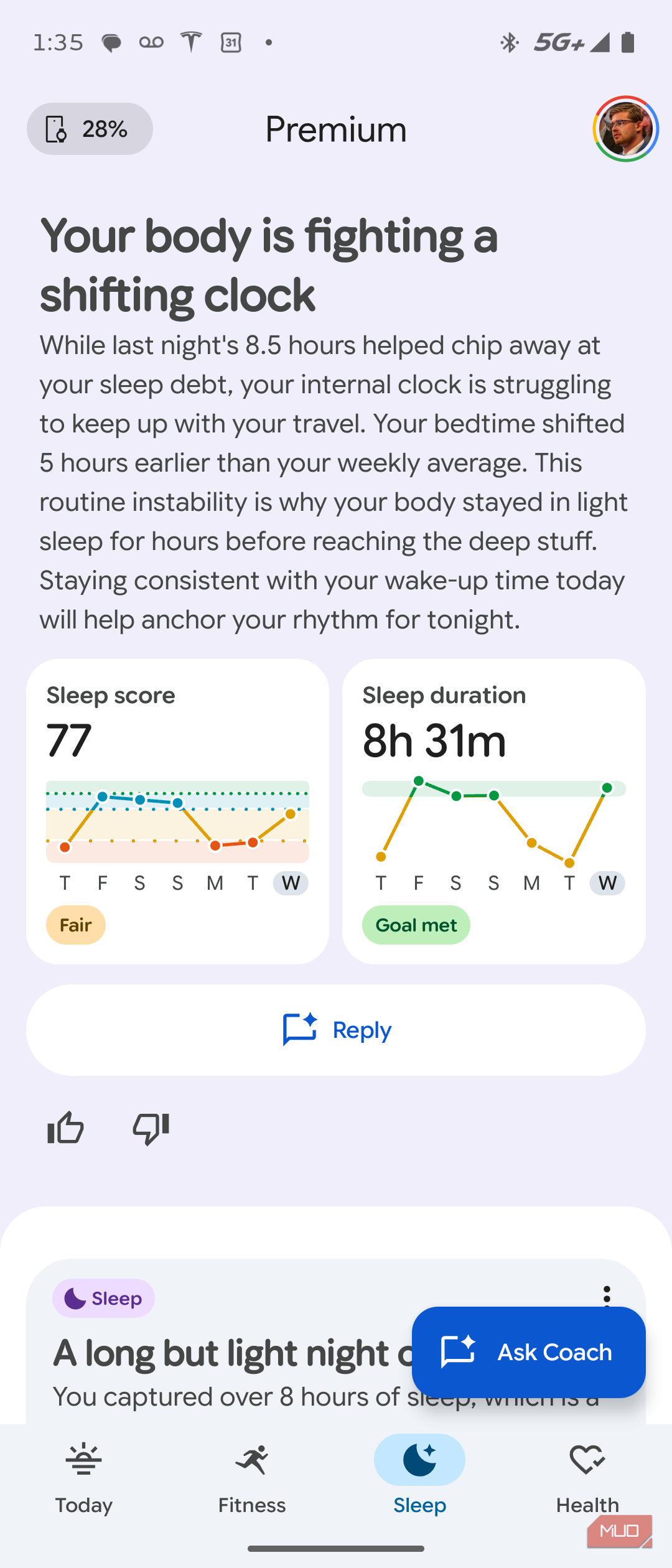
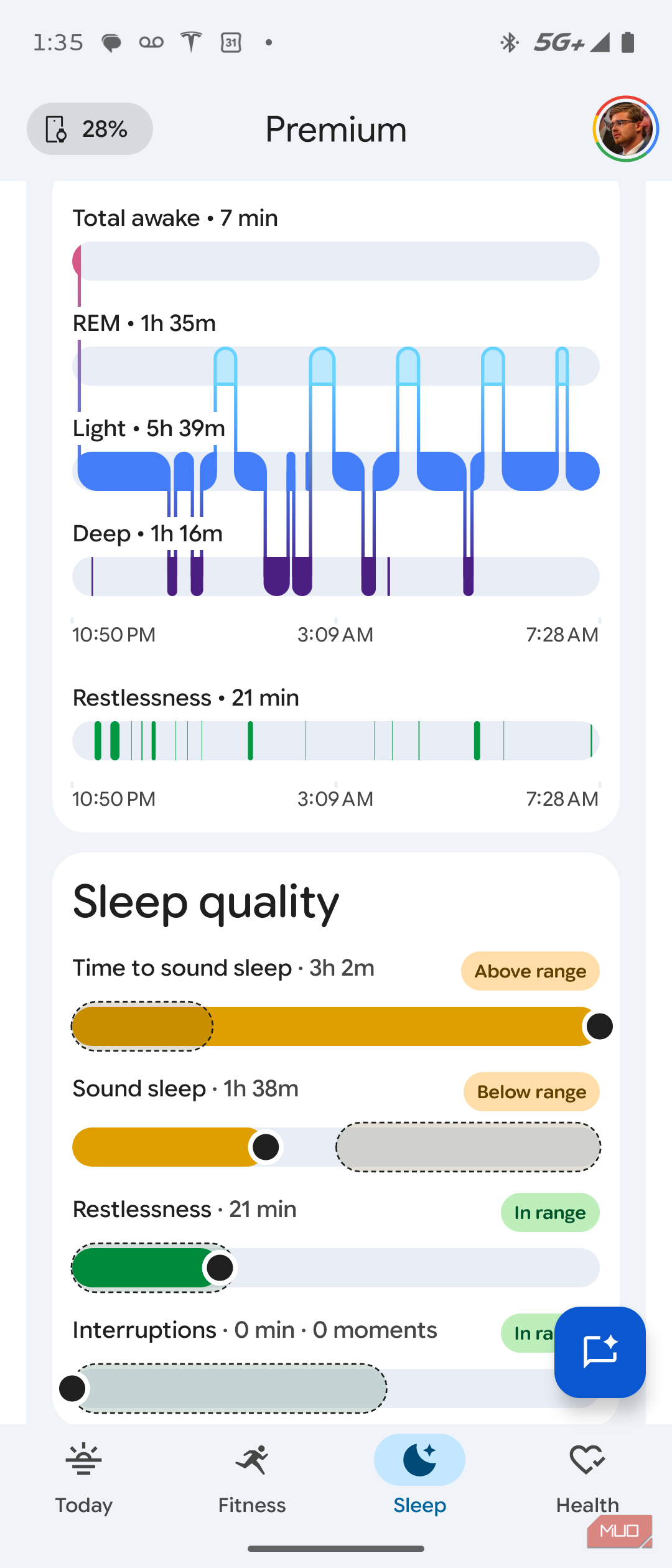
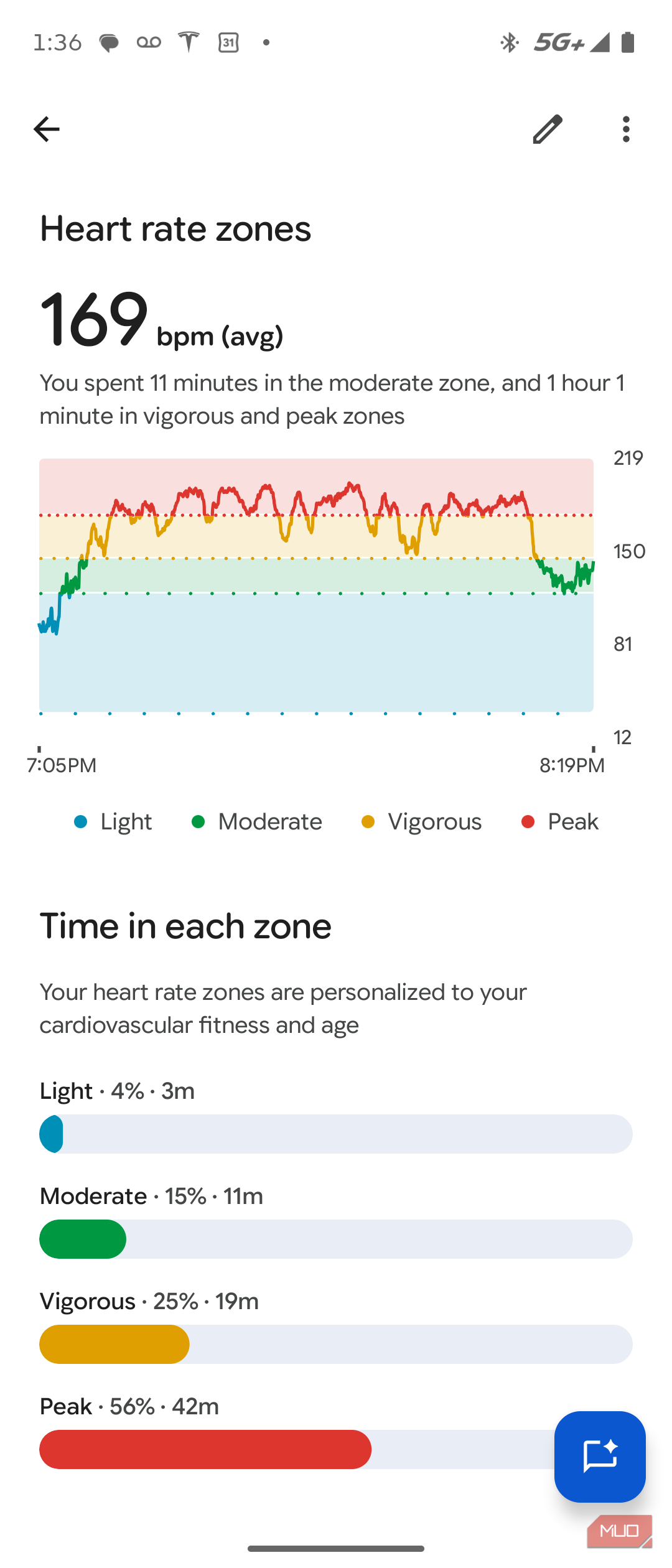
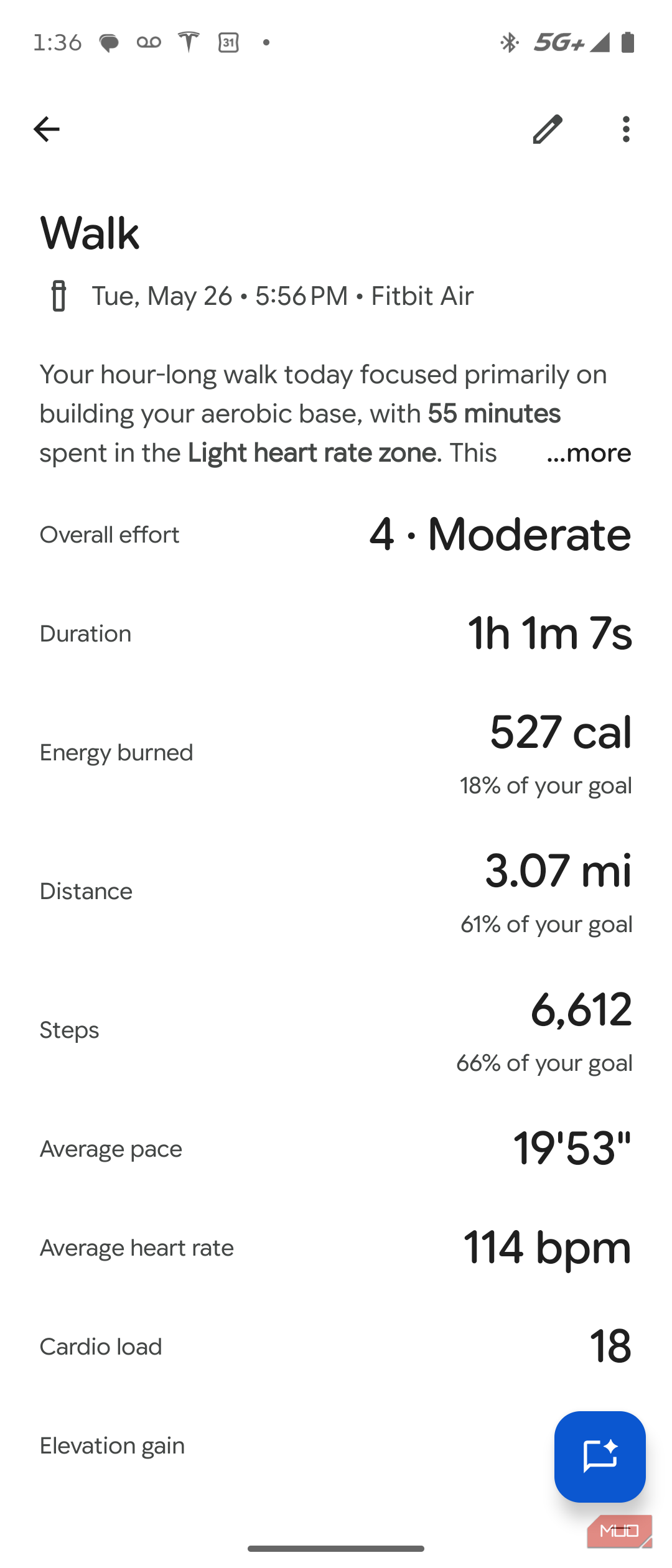
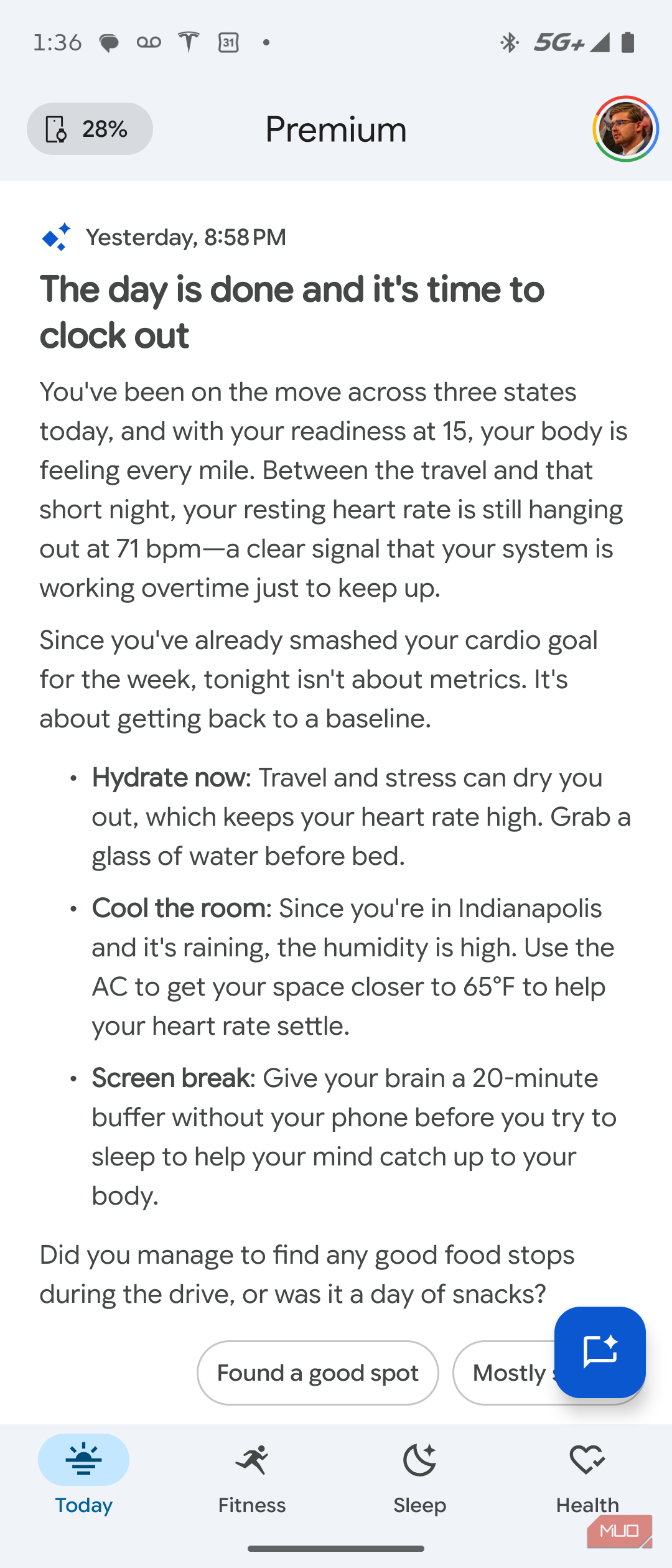
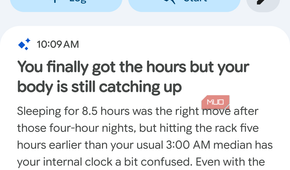
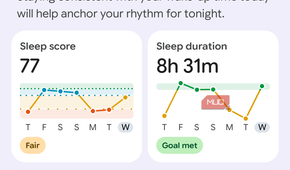
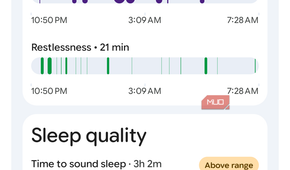
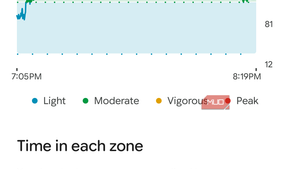
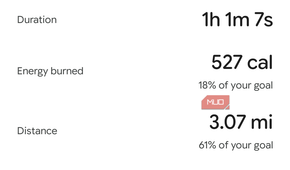
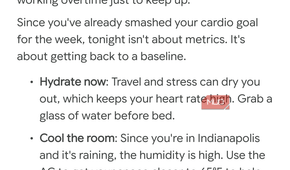
I've been really impressed with the kind of data the Fitbit Air collects. I wear it for days at a time, and I keep the Fitbit Air's charging puck in the car. A short charge while driving once every few days is all it takes to keep the tracker powered essentially forever. However, the way the data is presented needs serious work.
There are colorful and engaging visuals that convey your health and fitness insights, but you might never see them. At least, if you're subscribed to Google Health Premium. I'm not, but I get it for free with my Google AI Pro plan. If you subscribe, your feeds are filled with text that could be described as AI slop instead of the insightful visuals you actually want to see. If you don't subscribe, you'll see a ton of blank space that could be filled with more data.
To be clear, the Google Health Premium subscription is completely optional for basic fitness tracking, unlike a Whoop band or Oura ring. In fact, I think the Google Health app experience is better without a subscription. But I'm hoping Google makes the app experience better for everyone very soon.
At only $99, the Fitbit Air is for almost everyone
It doesn't have to replace your smartwatch completely

The thing that makes the Fitbit Air incredibly appealing is its $99 price tag. It works with the Google Pixel Watch, and it's entirely reasonable to use a Pixel Watch for everyday wear and a Fitbit Air for sleep tracking.
I'm wearing my Fitbit Air on my dominant wrist, saving the non-dominant one for the occasional smartwatch or traditional watch. Even if you are committed to your smartwatch, the Fitbit Air keeps you covered when it needs a recharge.

Google Fitbit Air
- Heart Rate Monitor
- Yes
- Battery Life
- Up to 7 days
- Display
- No
- Health sensors
- Optical HRM, accelerometer, gyroscope, vibration motor, device temperature sensor
- Colors
- Obsidian, Lavender, Berry, Fog
- Workout detection
- Yes
The Google Fitbit Air is a screenless fitness tracker that includes an optical heart-rate sensor, accelerometer, gyroscope, vibration motor, and device temperature sensor to monitor your health. It connects with the Google Health app and the optional Google Health Premium subscription on iOS or Android.
- Weight
- 12g with band