


Paying for an antivirus is a decision that feels instinctively so correct that almost no one questions it. You keep renewing the subscription because the alternative is sticking with Windows Defender. But does free always imply worse? Independent labs spent the first half of this year running real-world malware tests against Defender and other popular commercial suites.
The results may not be what you expect, and they may be enough to change your antivirus defaults, raising the question: What would actually change if you canceled your paid antivirus subscription?
A 0.8% gap that isn't actually a gap
Why a lab treats Defender and Kaspersky as equally good

Independent testers ranked the free Windows antivirus and several paid options the same.
Between February and May 2026, AV-Comparatives ran 400 real-world attacks. Kaspersky had a 99.8% success rate, stopping all but one. Bitdefender just fell slightly behind with a 99.5% success rate, stopping all but two. Avast's AVG missed three, while Microsoft Defender and Total AV had 99.0% success rates, missing four. While you may call this fourth place, the lab doesn't treat this result the same way. The results are grouped into statistical clusters, which land all the products above in Cluster 1. As long as false alarms remain reasonable, the differences in this cluster are treated as too insignificant to matter.
In the test, Microsoft Defender recorded no false positives, but the paid options recorded five. This is even more significant than the half percentage-point gap. If antiviruses keep blocking harmless sites or apps, people tend to start ignoring the warnings. This was a side effect that Microsoft Defender avoided while still recording a 99.0% success rate.
The independent test conducted by AV-TEST reached similar conclusions. Microsoft Defender scored 6/6 for protection, equaling Bitdefender, ESET, F-Secure, Kaspersky, McAfee and Norton in the same test. The two prior Windows tests had already posted perfect 18/18 totals. So the strong protection score wasn't isolated to the latest test.
|
Product |
Real-world protection |
False alarms |
|---|---|---|
|
Kaspersky |
99.8% |
3 |
|
Bitdefender |
99.5% |
5 |
|
Norton |
99.3% |
5 |
|
Defender |
99.0% |
The catch hiding inside Defender's best score
What happens once the malware is already sitting on the drive

If you set aside cloud-based protection, Microsoft Defender's architecture becomes visible. It has a 99.0% success rate, but that doesn't mean every layer of its engine is equally safe. The first chance to catch a file is detection; then it comes down to protection — stopping the file when it tries to run — which offers a second opportunity. Modern antivirus relies on both.
AV-Comparatives' March 2026 Malware Protection Test included about 10,000 samples. Microsoft Defender's overall protection sat at 99.93%, placing it again in Cluster 1. However, its offline detection was 89.2%, while its online detection rose to 98.1%. The gap is much larger compared to Bitdefender, which managed 97.6% offline, and F-Secure and TotalAV, which had 98.6%.
Microsoft Defender's protection clearly benefits from Microsoft's live reputation and cloud intelligence. This is a useful chunk of its decision-making that doesn't actually live on your physical device. Microsoft Defender's design choice makes the local-only layer much thinner than its online protection. The 89.2% success rate is what you get when the local engine is working without backup. But for most people, that connected protection rate matters more.
What your subscription is protecting instead
The scanner is no longer the main event


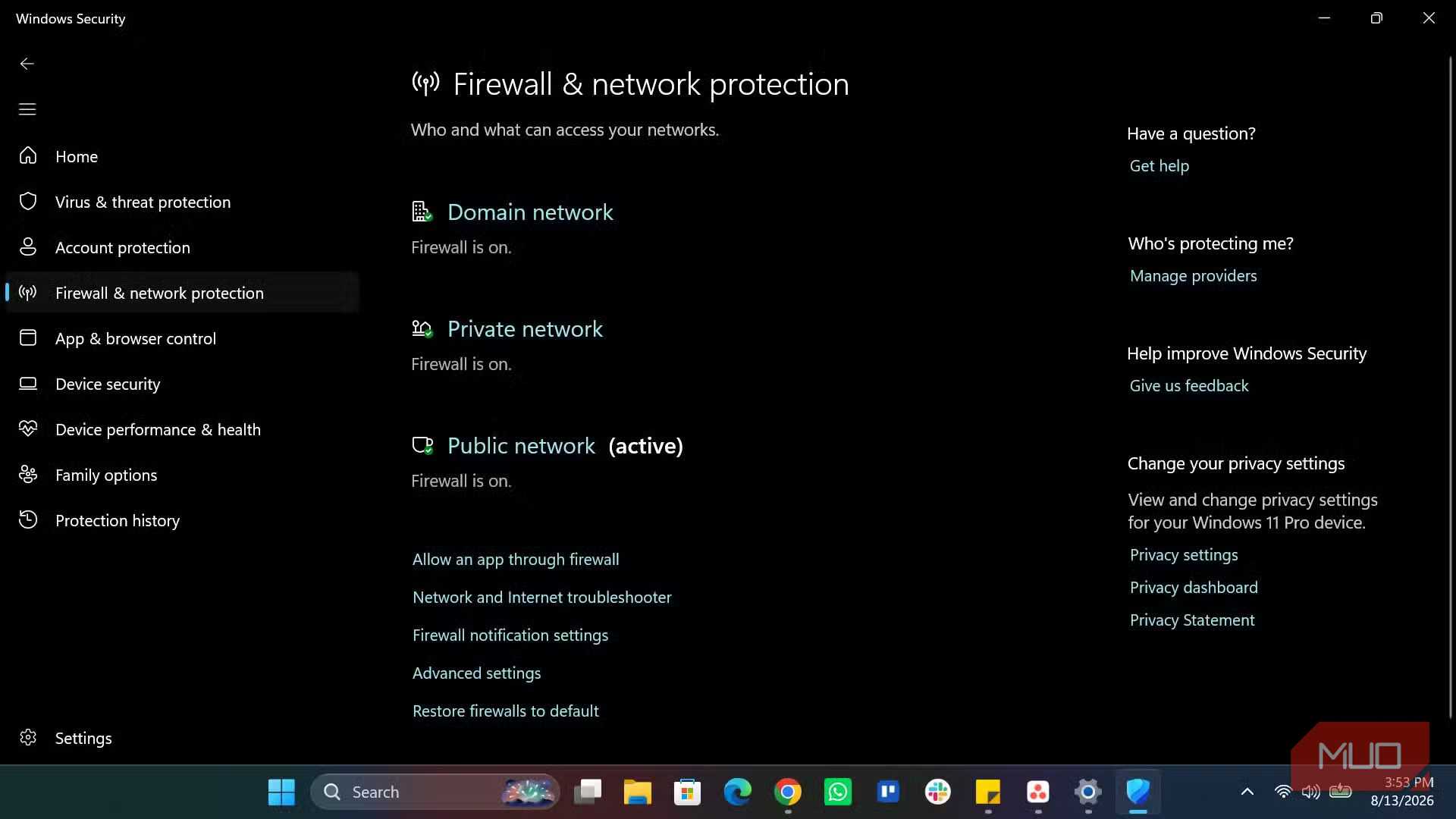
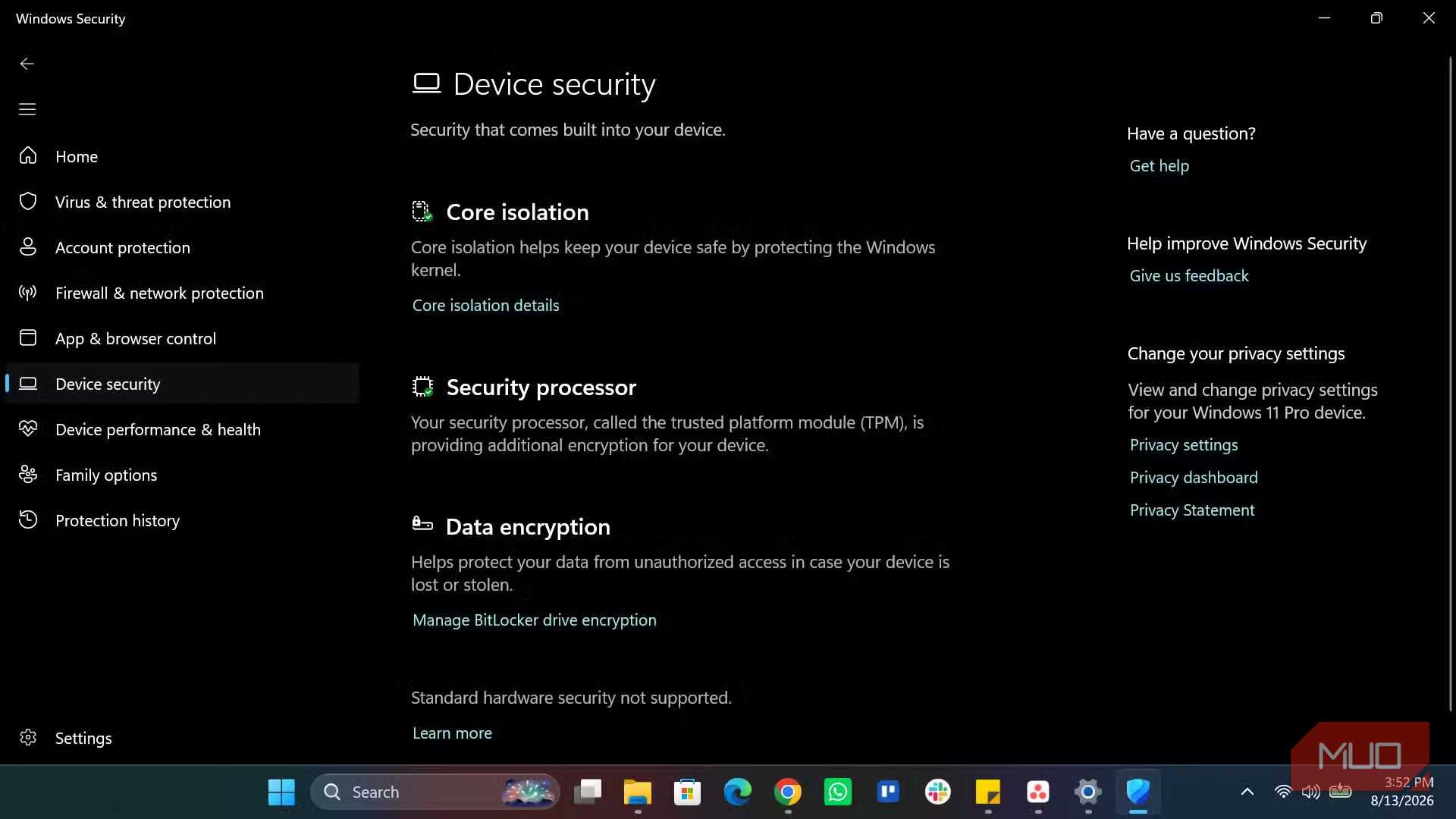
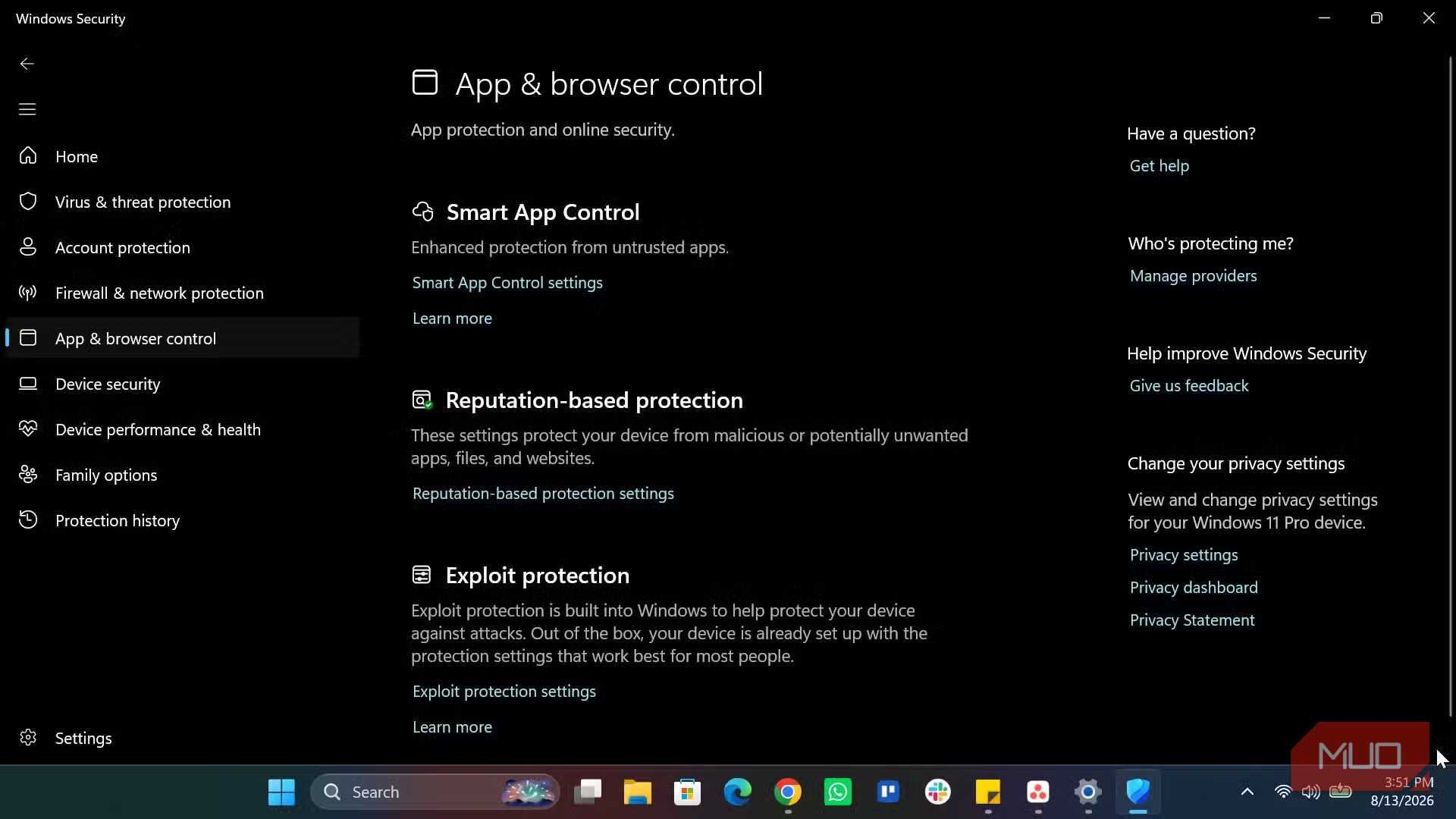
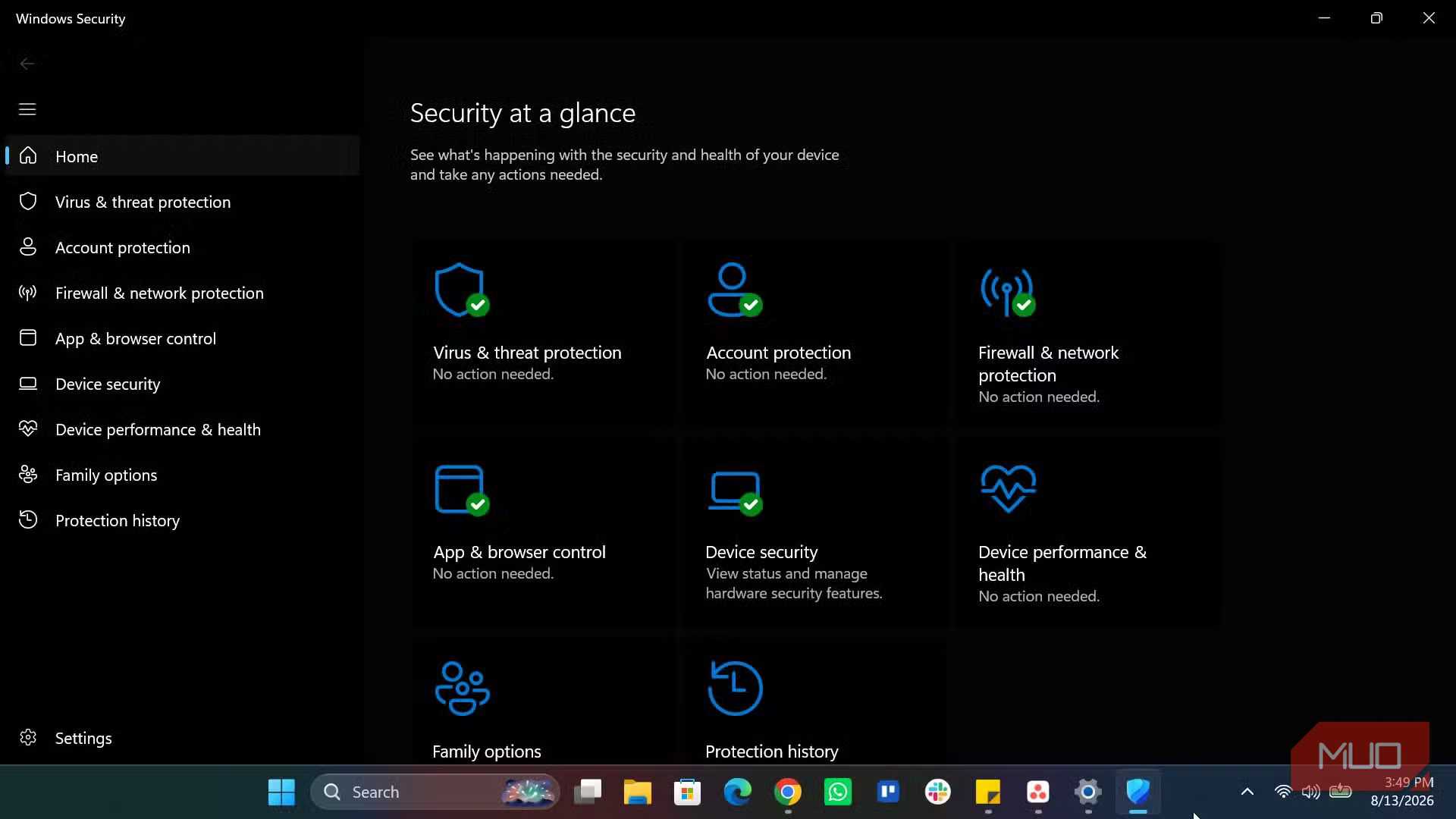
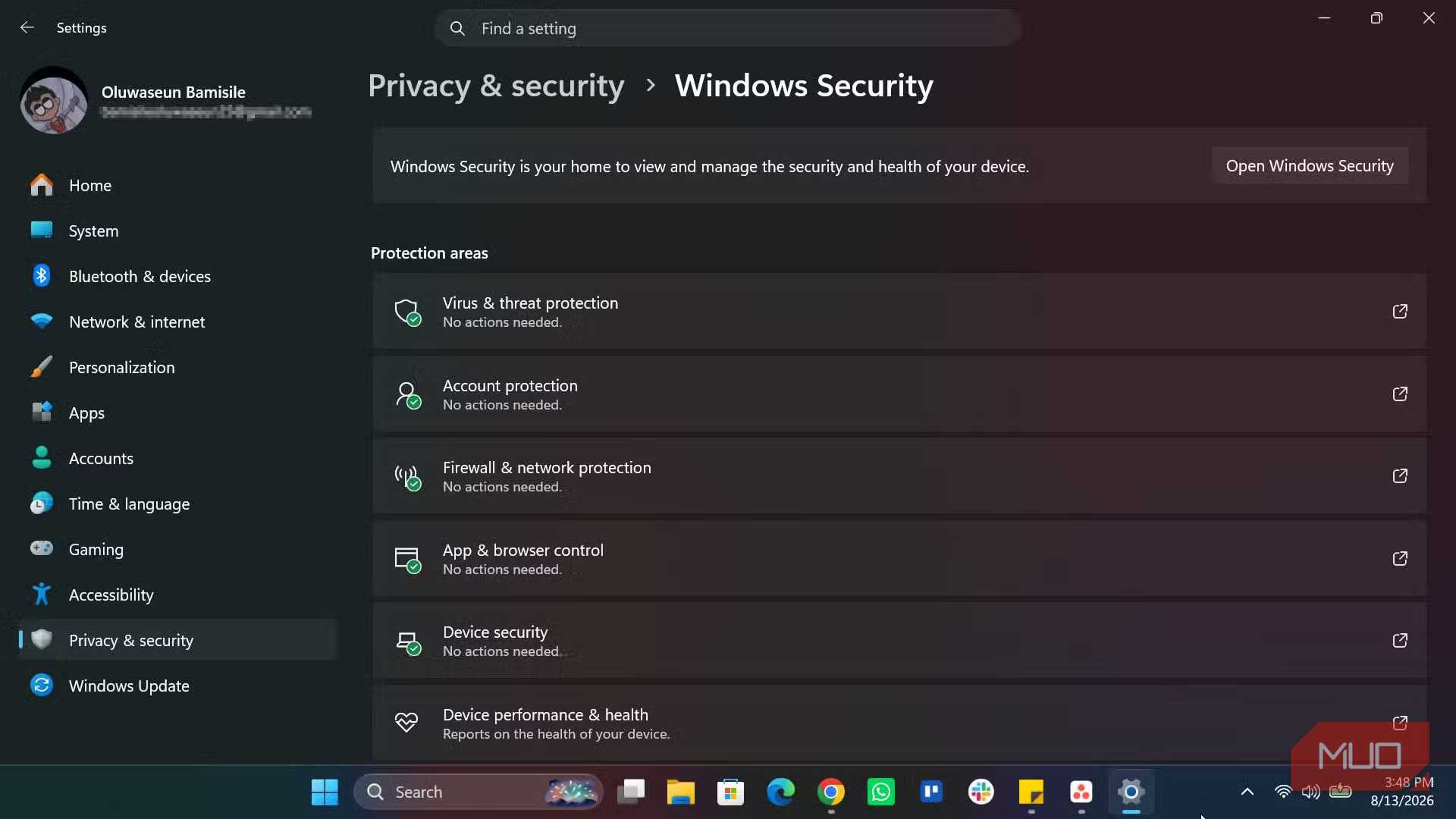
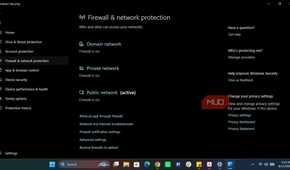
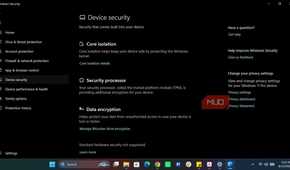
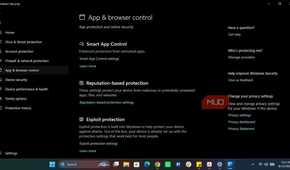
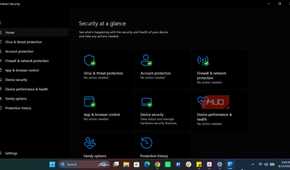
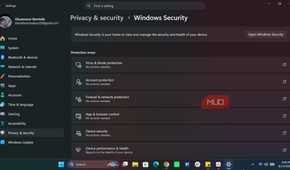
With the protection numbers sitting in the same cluster, what really is the subscription paying for?
In April 2026, AV-Comparatives ran a Performance Test that measured everyday actions like copying files, installing and launching programs, browsing, and downloading. This test ran on a deliberately low-end Core i3 with 8 GB of RAM running Windows 11. Microsoft Defender had an impact score of 12.9 and finished 11th. On the same machine, McAfee, Kaspersky, ESET, Norton, Avast/AVG and Bitdefender recorded lower impacts, and Microsoft was described as mid-range. The pattern was similar in AV-TEST’s May–June test, where several paid products took the full six points, and Microsoft Defender had 5.5/6.
The difference is more visible than the fraction of a percent we saw for protection on this low-end test machine.
However, speed is just one element. A subscription may still offer browser-independent phishing filters, identity monitoring, banking protection, parental controls, and a VPN. Not all paid subscriptions include these features, and paid antivirus suites vary widely in the extras they offer.
Certain paid antivirus subscriptions bundle phishing and web protections that work across more of the software you use. This becomes a significant element if you work across several browsers, email clients, or services.
A quick gut-check for your specific PC
What's the genuine difference if you cancel your subscription tonight, allowing Microsoft Defender to do the job alone?
You still get the core real-time protection. Microsoft Defender is in the same top statistical cluster as most paid alternatives in AV-Comparatives' latest Real-World Protection Test. It's constantly updating and built into Windows.
However, the offline layer is where you may see a marked difference in the performance impact on your machine. You'll also lose some of the broader phishing coverage outside Microsoft’s own apps, as well as any extras your old subscription came with.
Microsoft Defender is a defensible choice for devices that are mainly home and always connected. The offline gap makes it less suited if you're often offline, on public Wi-Fi, or spread across several non-Microsoft services.
Paid antivirus isn't obsolete, but tests show that a subscription doesn't automatically buy you a higher tier of basic malware protection.