


Recently I had to go through a bunch of digitized documents in PDF format. These were two-decade-old documents that were uploaded as a scanned image in PDF format, so combing through all the black-and-white text was a pain. PDFGear wasn't of help, as the PDF wasn't real text, and its OCR capabilities are limited to a handful of international languages, so it wasn't of great help.
What did help was OCRmyPDF, an open-source command-line tool that converts scanned PDFs into searchable files and supports over 100 languages. It's not the most intuitive tool to use, but it saved me from having to comb through each line of black-and-white text on badly scanned images and find what I needed.
What's OCRmyPDF and how it works
A command-line wrapper that turns Tesseract into a PDF-aware OCR engine

OCRmyPDF is an open-source tool that adds an invisible, searchable text layer to scanned PDF files. Once processed, you can search for words, copy text, and even run Ctrl+F on documents that were previously just flat images. The original scan stays untouched visually; the tool just layers recognized text underneath it.
Under the hood, OCRmyPDF relies on Tesseract, Google's open-source OCR engine, to handle the heavy lifting. What OCRmyPDF does is everything around that: it takes each page of your PDF, converts it into an image, optionally straightens or cleans it using flags like--deskew and --clean, and then feeds the image to Tesseract. Once Tesseract returns the recognized text with its positioning data, OCRmyPDF overlays it precisely beneath the original page image so the result looks identical to the scan but is now selectable and searchable.
These gymnastics are necessary because Tesseract on its own can do OCR, but its built-in PDF output isn't great, and it doesn't handle multi-page PDFs, image preprocessing, or archival formats well. OCRmyPDF produces PDF/A files for long-term archival, optimizes images to reduce file size, auto-rotates misaligned pages, and distributes work across all your CPU cores to speed up batch jobs.
Setting up OCRmyPDF via WSL
Installing the tool on Windows through the Linux subsystem


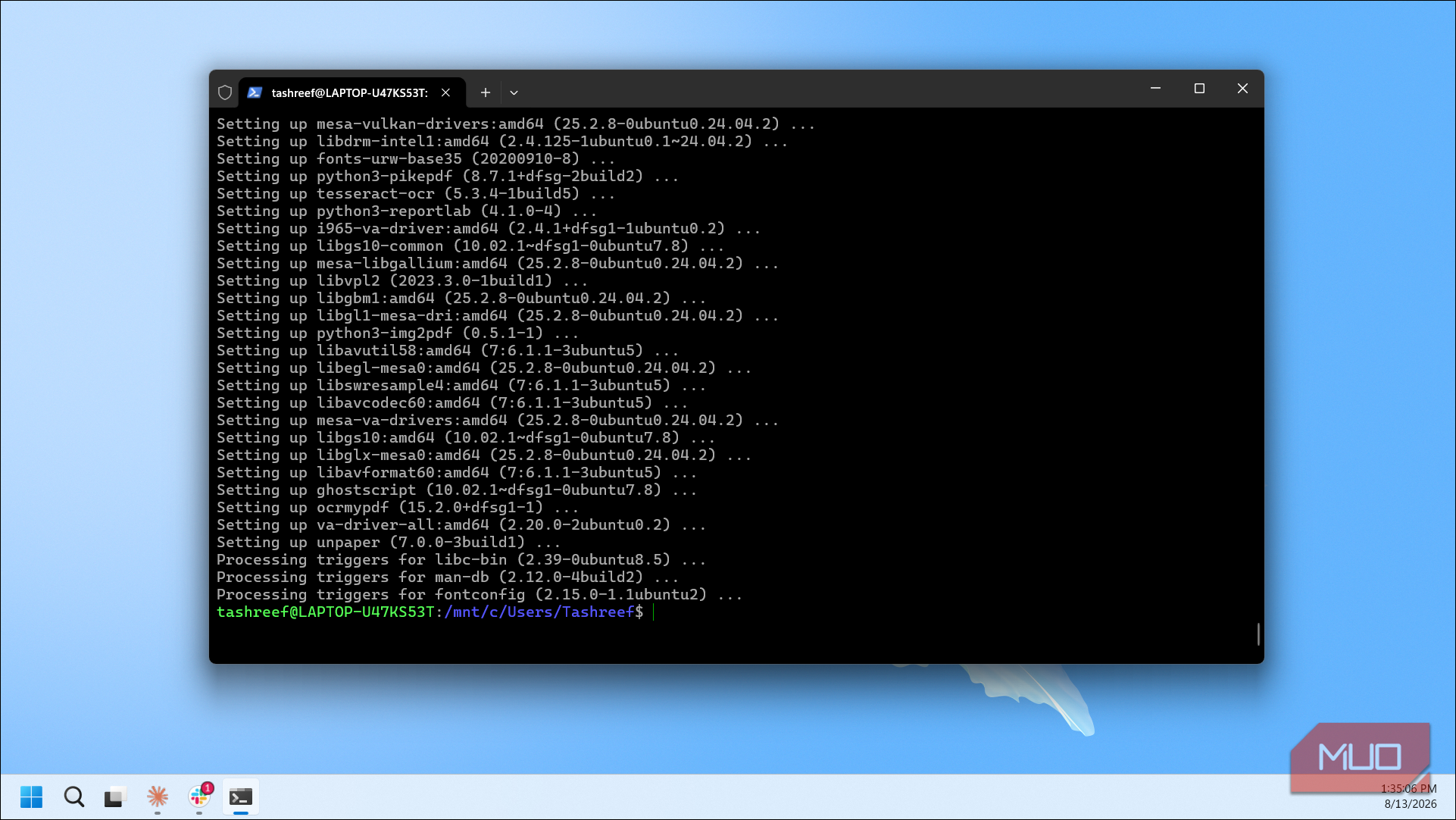

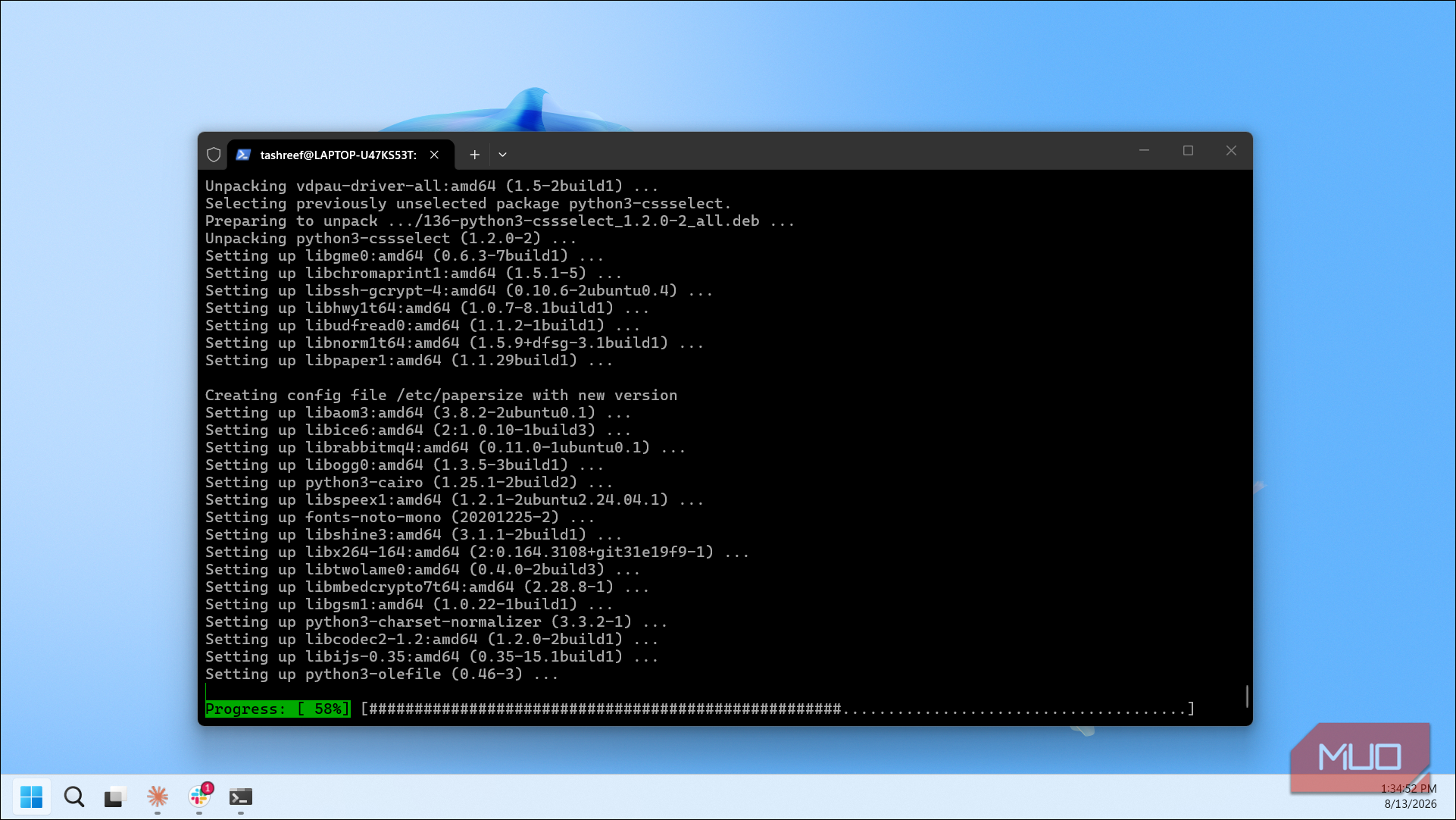
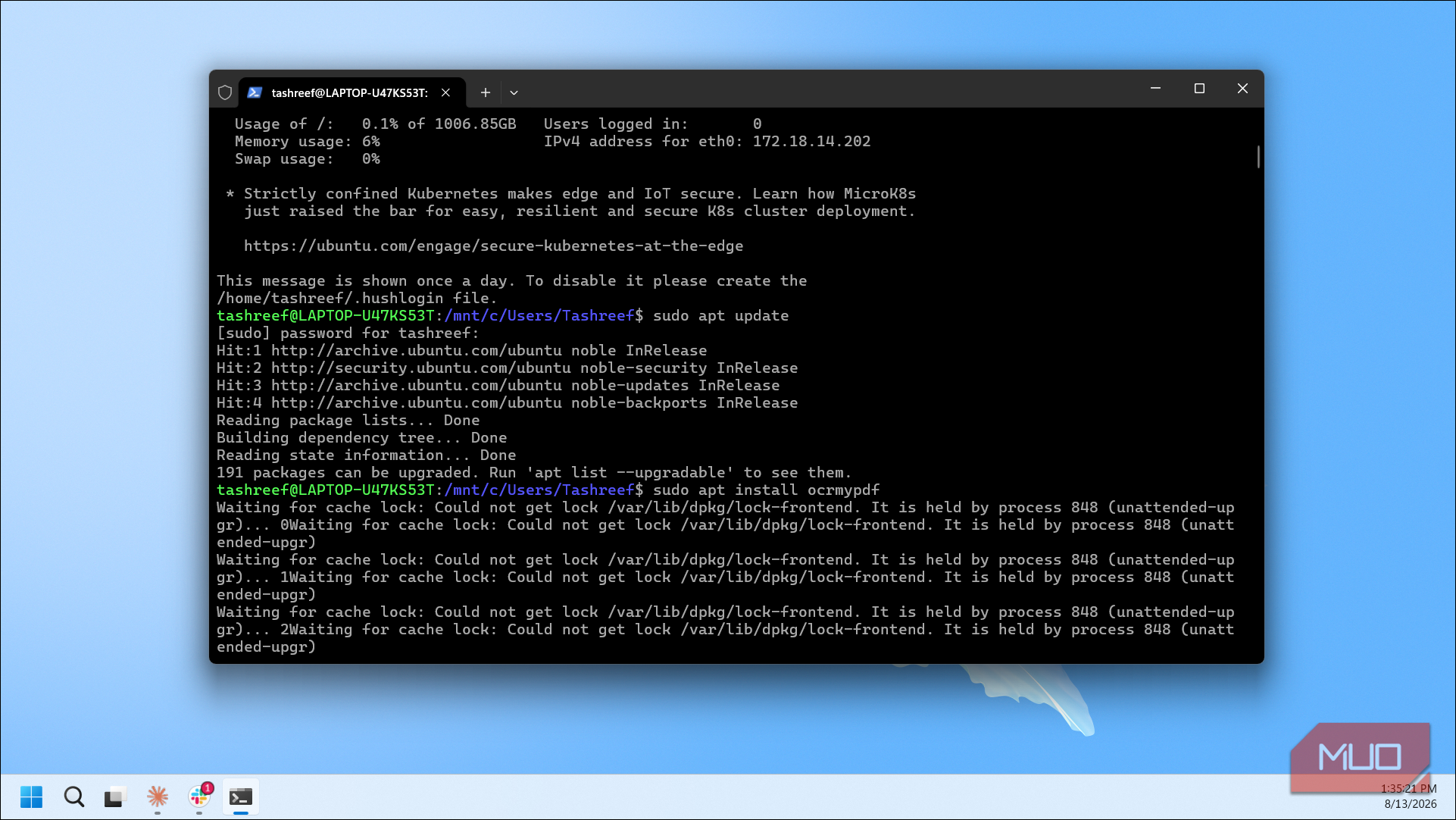
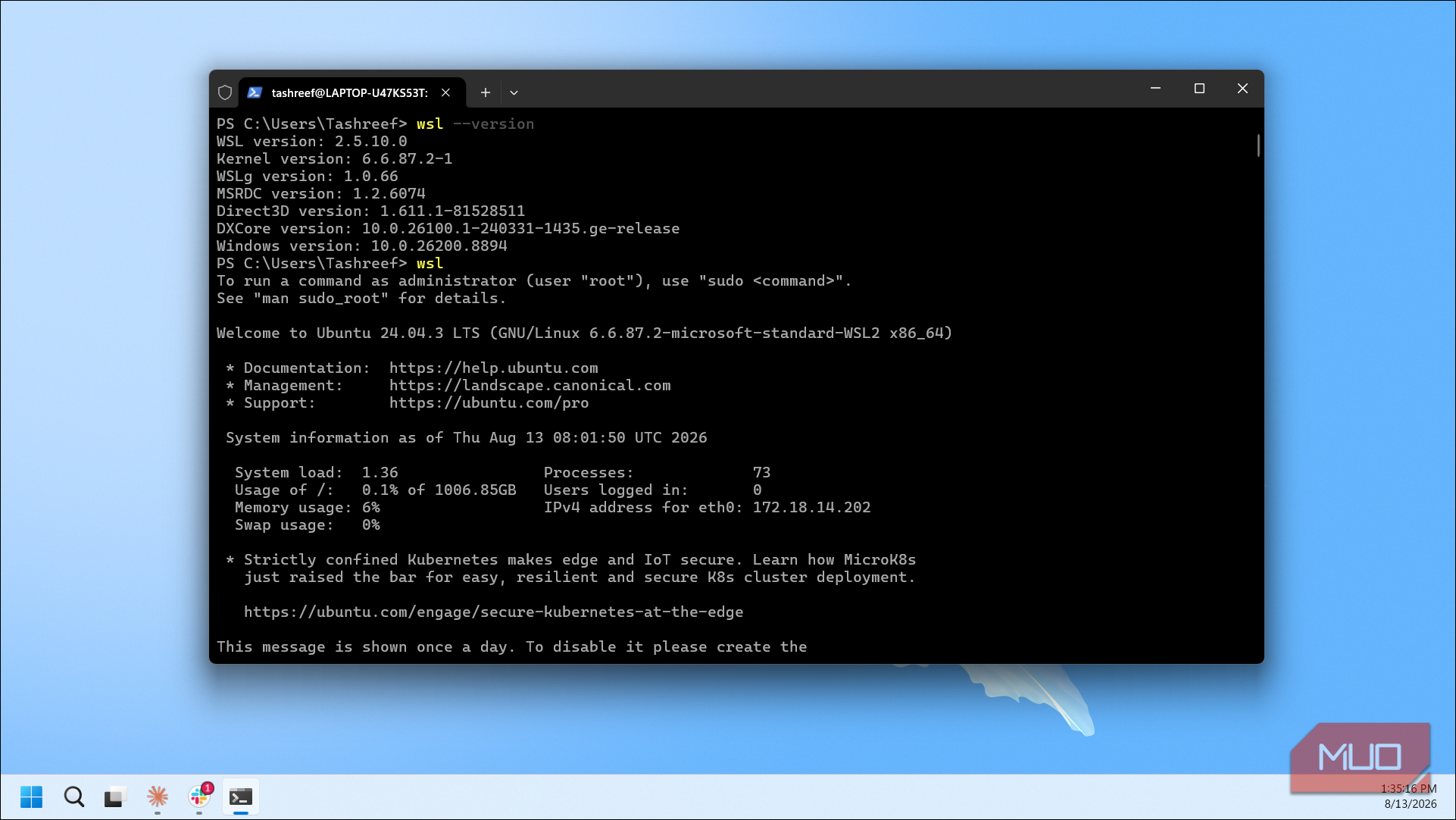
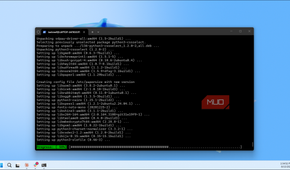
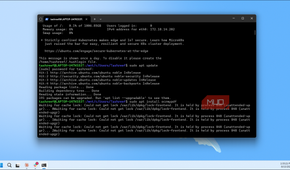
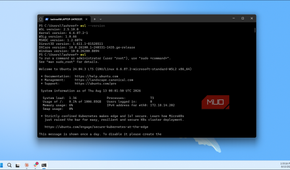
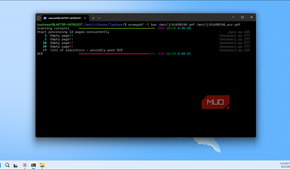
OCRmyPDF runs natively on Linux and macOS, and on Windows you have a few options: Docker, pip install, or the Windows Subsystem for Linux. I went with WSL because I already had it set up on my machine, but if you have Docker installed instead, that works just as well.
Assuming you have WSL with Ubuntu already running, open your WSL terminal and run:
sudo apt-get update
sudo apt-get install ocrmypdf
That's it. The package pulls in Tesseract and Ghostscript as dependencies, so you don't need to install them separately. To verify, type ocrmypdf --version and you should see the installed version.
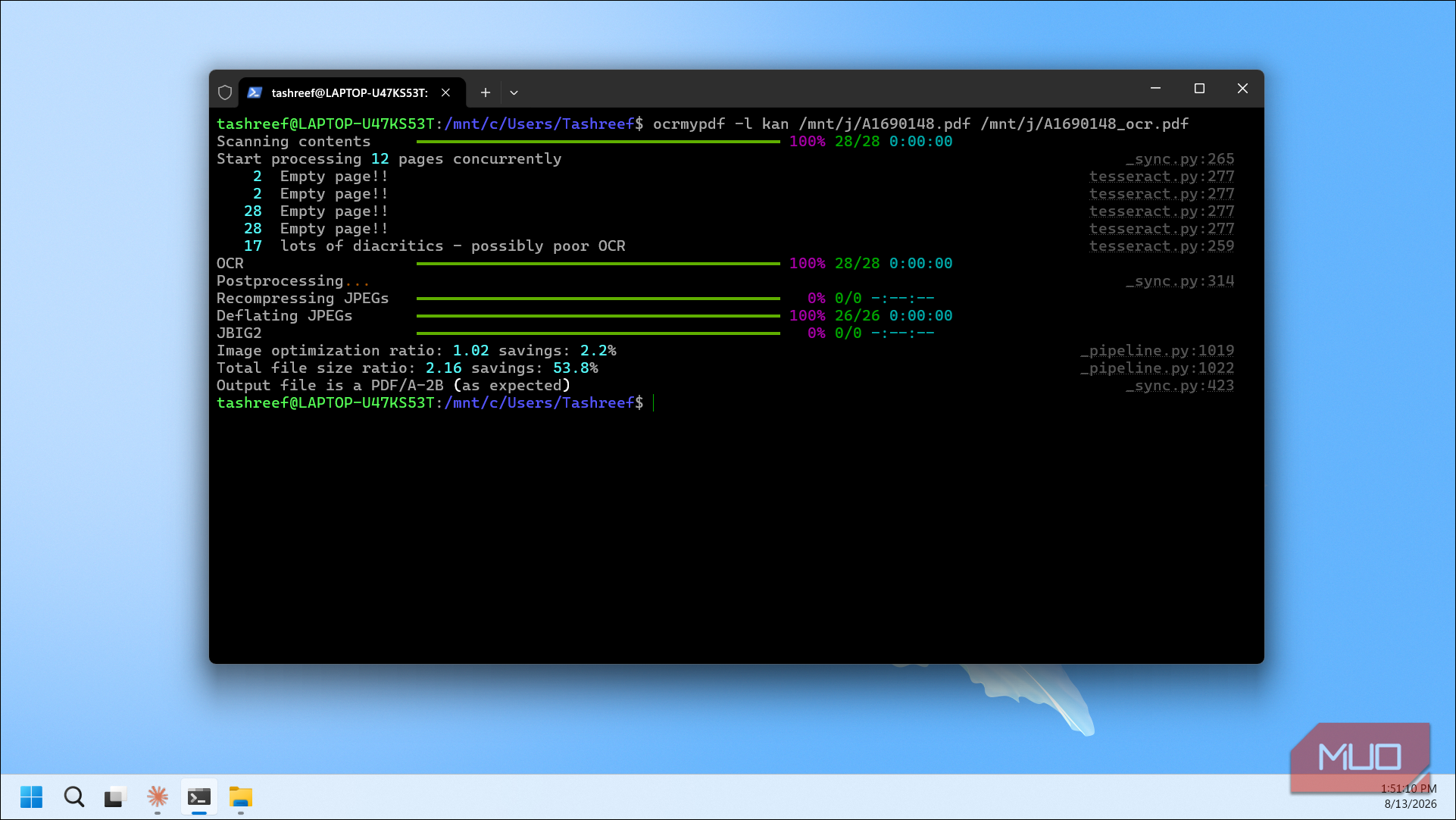
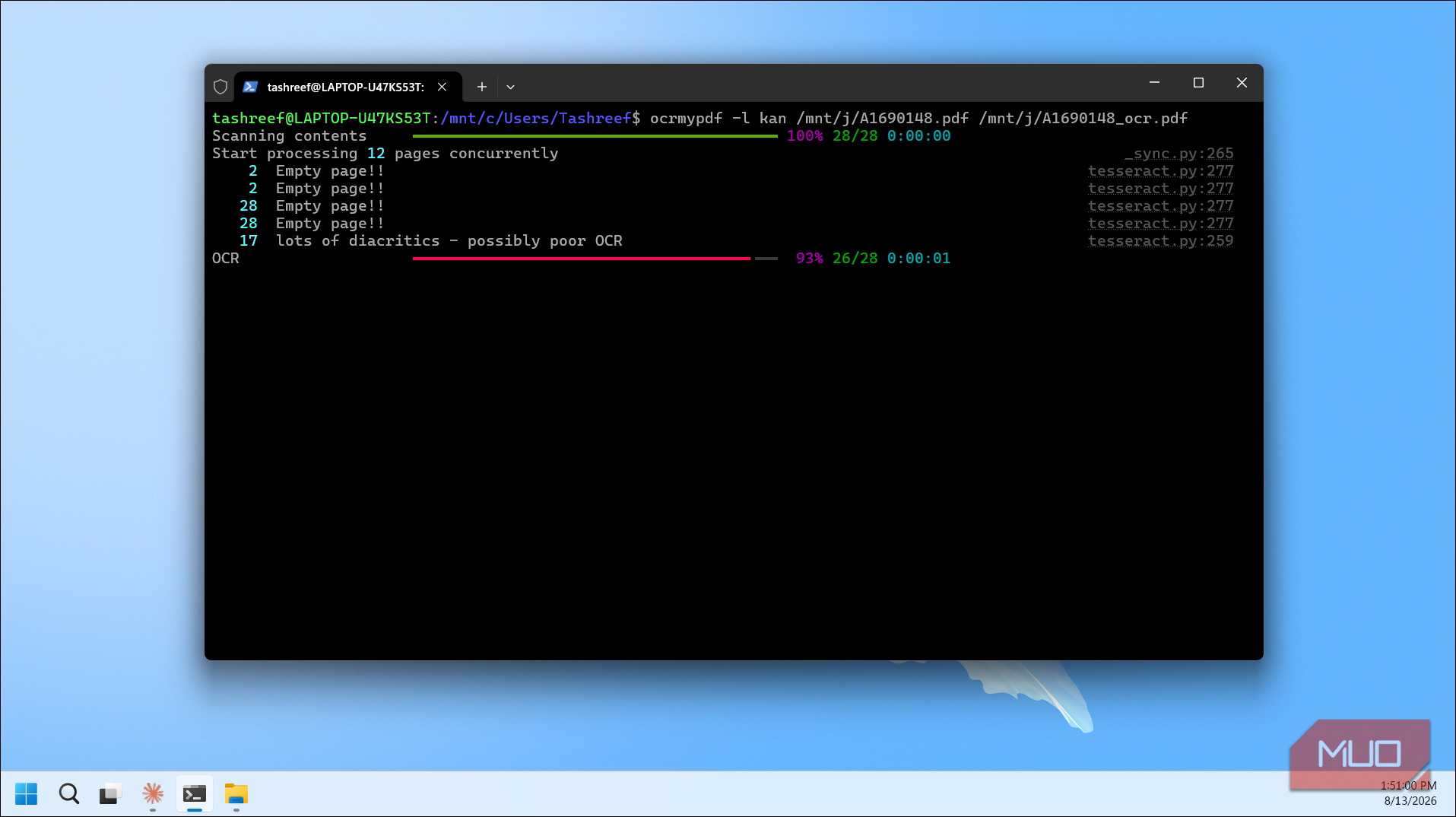
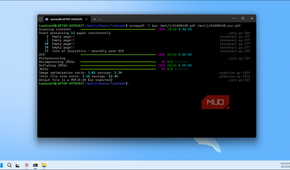
Using it is just as simple. Navigate to the folder containing your scanned PDF (you can access your Windows drives from WSL at /mnt/c/, /mnt/d/, etc.) and run:
ocrmypdf input.pdf output.pdfThe tool processes each page, runs OCR, and spits out a searchable PDF. By default, it assumes English and produces a PDF/A output. If your scanned pages are slightly crooked, adding --deskew can help straighten them before OCR, which improves accuracy. For heavily noisy scans, --clean runs additional image preprocessing. You can also combine flags:
ocrmypdf --deskew --clean --rotate-pages input.pdf output.pdfIf your PDF already contains a text layer, OCRmyPDF will skip it by default to avoid re-processing. You can force it with --force-ocr, but in most cases the default behavior is what you want.
Installing a language pack
Adding support for non-English documents through Tesseract's language data

This is where OCRmyPDF gets interesting for anyone dealing with documents that aren't in English. Since it relies on Tesseract for recognition, its language support is determined by which Tesseract language packs you have installed. And Tesseract supports over 100 languages and scripts, from French and German to Hindi, Arabic, and Chinese.
Each language is a separate .traineddata file that Tesseract uses for recognition. OCRmyPDF passes your language choice straight through to Tesseract's -l flag, so once the language pack is installed, you're good to go. Without specifying a language, OCRmyPDF defaults to English.
On WSL with Ubuntu, installing a language pack takes a line of command. For example, to add French and German support:
sudo apt-get install tesseract-ocr-fra tesseract-ocr-deuYou can verify the installation by running tesseract --list-langs, which should now show fra and deu alongside eng. To see every available language pack, run apt-cache search tesseract-ocr, and you'll get a long list of supported options.
Once installed, specify the language when running OCRmyPDF:
ocrmypdf -l fra scanfrench.pdf outputfrench.pdfFor documents that mix multiple languages, combine the codes with a plus sign. This tells Tesseract to consider multiple dictionaries at the same time:
ocrmypdf -l eng+fra+deu scanmultilingual.pdf outputmultilingual.pdfI found this especially useful for older documents that had headers or stamps in one language and body text in another. The combined mode doesn't noticeably slow things down either, at least not on the documents I tested.
An excellent PDF OCR tool that has remained underrated
Free PDF OCR tools aren't rare, and there are open-source PDF editors that can handle basic text recognition too. But most of them either cap you at a few languages, require an internet connection, or produce results that are barely usable on low-quality scans. OCRmyPDF, on the other hand, runs entirely offline with support for over 100 languages, handles the messy preprocessing that most tools skip, and does it all without touching your original scan.
A handful of commands saved me hours of squinting at faded black-and-white text, and that alone makes it worth the initial setup. The learning curve is steeper than a drag-and-drop app, but for anyone regularly working with scanned documents or self-hosted PDF workflows, it's hard to find something this capable at no cost.