


You don't necessarily decide to make Google Password Manager your passkey vault. It can happen one login prompt at a time. Chrome offers to create a passkey, Android saves it, and before long you've accumulated credentials there simply because everything worked.
That setup feels effortless until you decide to switch password managers. Regular passwords have a clear path out. Passkeys have historically been much harder to move, which makes where you store them more important than it first appears.
Your passkeys can follow you without actually being portable
Syncing everywhere can hide where the walls are

Google Password Manager makes passkeys feel quite portable. If you save one there, Google can back it up and sync it across devices connected to your Google Account. You can create a passkey on Android and later use it elsewhere through Chrome without spending much time thinking about where the underlying credential lives.
That experience can blur two different ideas together. A passkey syncing across your own devices does not necessarily mean you can move that credential into a different password manager.
For years, that was where switching became awkward. Traditional passwords conditioned us to expect an escape hatch. Most password managers can export them as CSV, JSON, or another format that competing managers understand. You might lose some metadata along the way, but usernames and passwords are usually straightforward to transfer.
Passkeys are more complicated. Each one is built around a cryptographic key pair. The service you are signing into stores the public key, while your credential provider protects the private key that proves your identity. Putting that private-key material into the same unencrypted CSV files commonly used for password migrations creates an obvious security problem: anyone who obtains the file could potentially obtain the credential too.
So when a password manager could not securely transfer a passkey elsewhere, the usual workaround was much more manual. You had to visit the account, create a new passkey with the replacement manager, confirm that it worked, and then remove the old one. Repeat that across a dozen accounts and switching password managers starts to look much less appealing.
That was what changed the equation for me. I had accumulated passkeys in Google Password Manager because it was convenient, but moving them elsewhere meant recreating them one account at a time. Portability became one of the reasons I moved to Bitwarden for cross-platform passkeys.
This doesn't make passkeys a bad idea. Their resistance to conventional phishing and credential stuffing is still one of their biggest advantages. It does mean that the password manager storing them becomes a much bigger part of your authentication setup than it was when it merely held strings of text.
Bitwarden makes the exit route easier to see
The boring export options suddenly become important


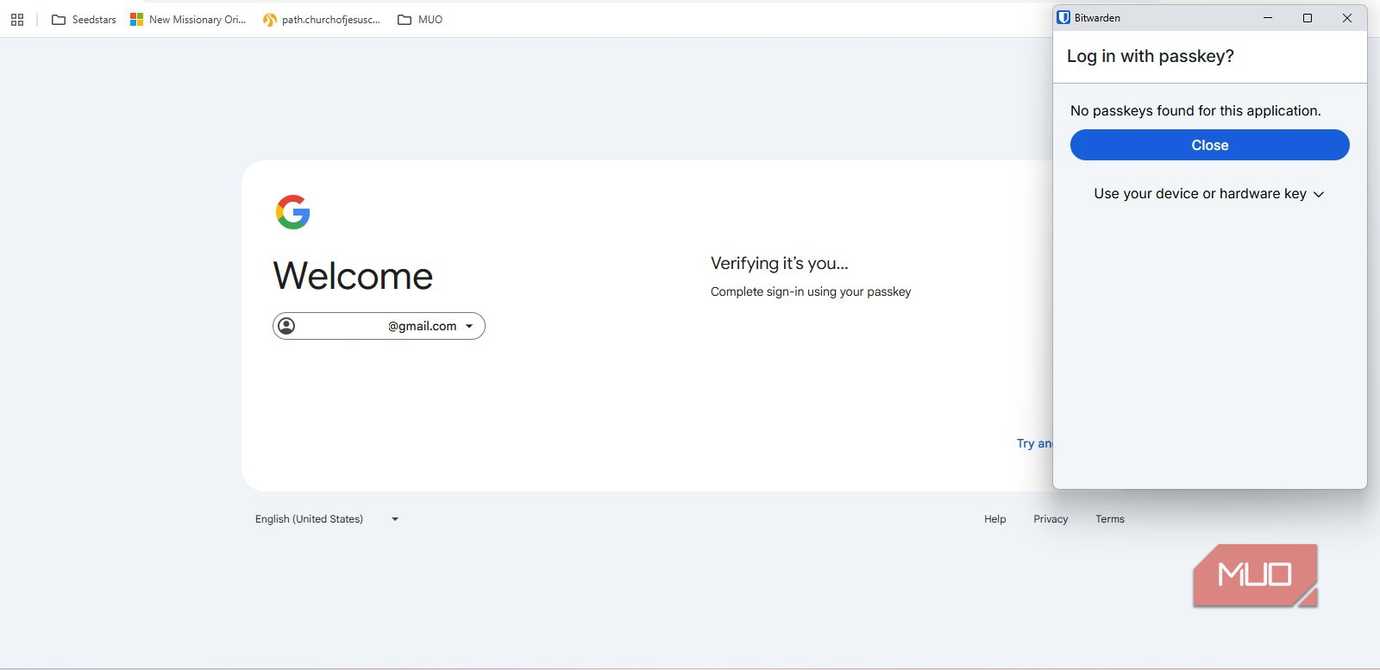


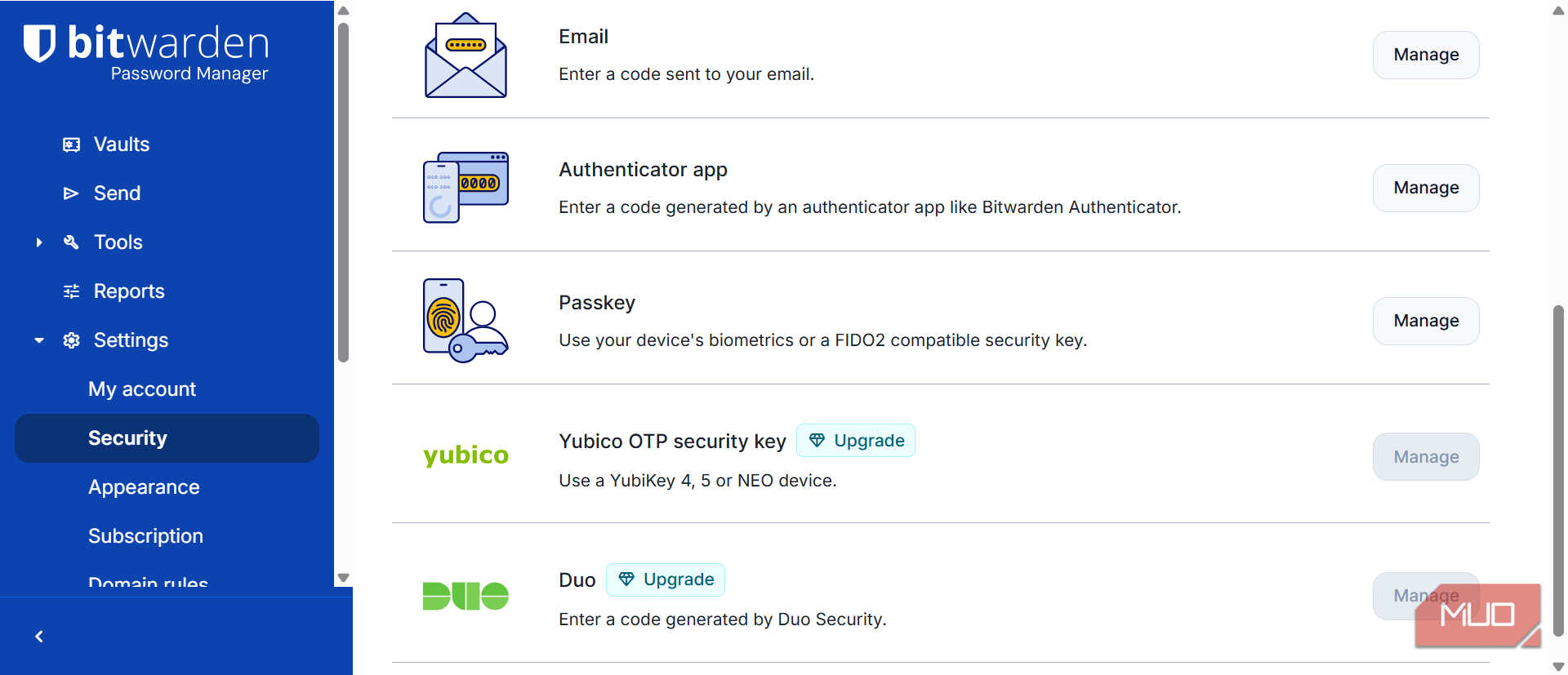
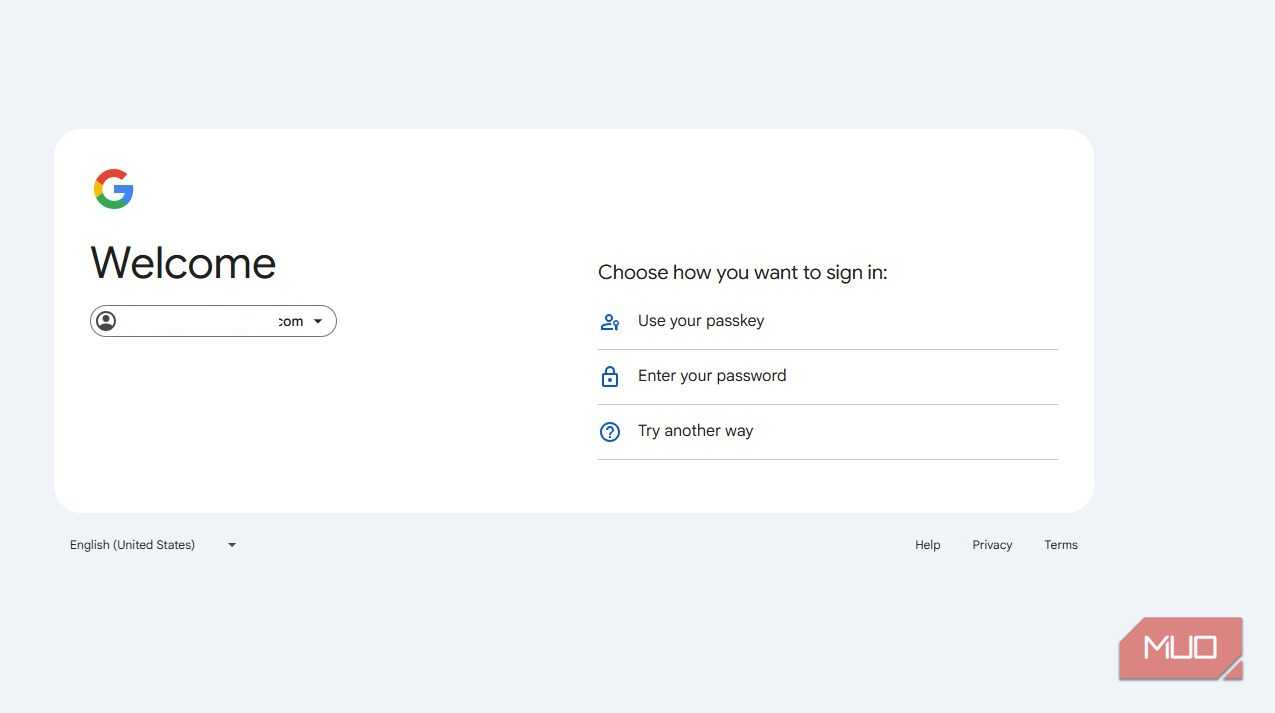
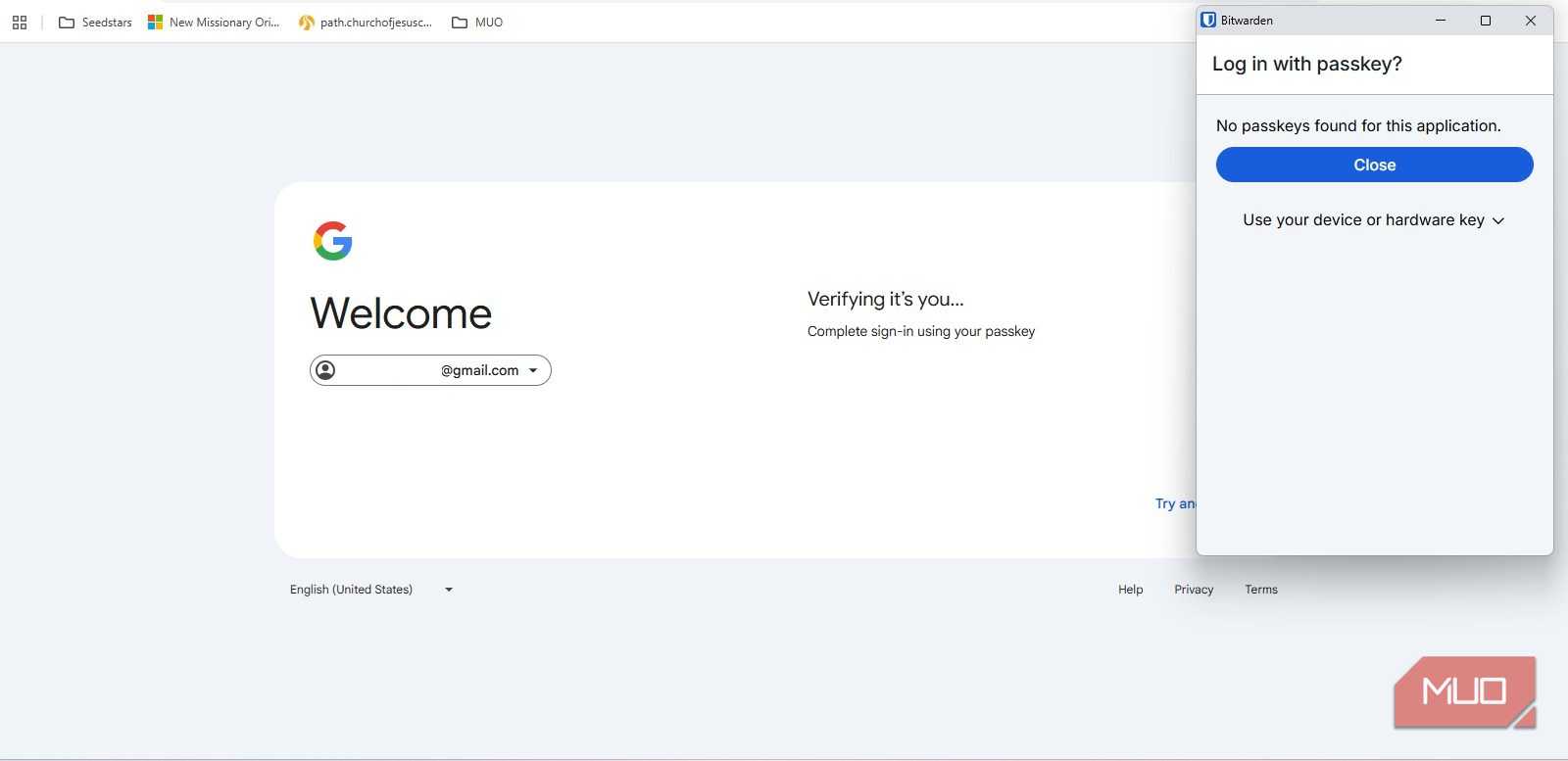
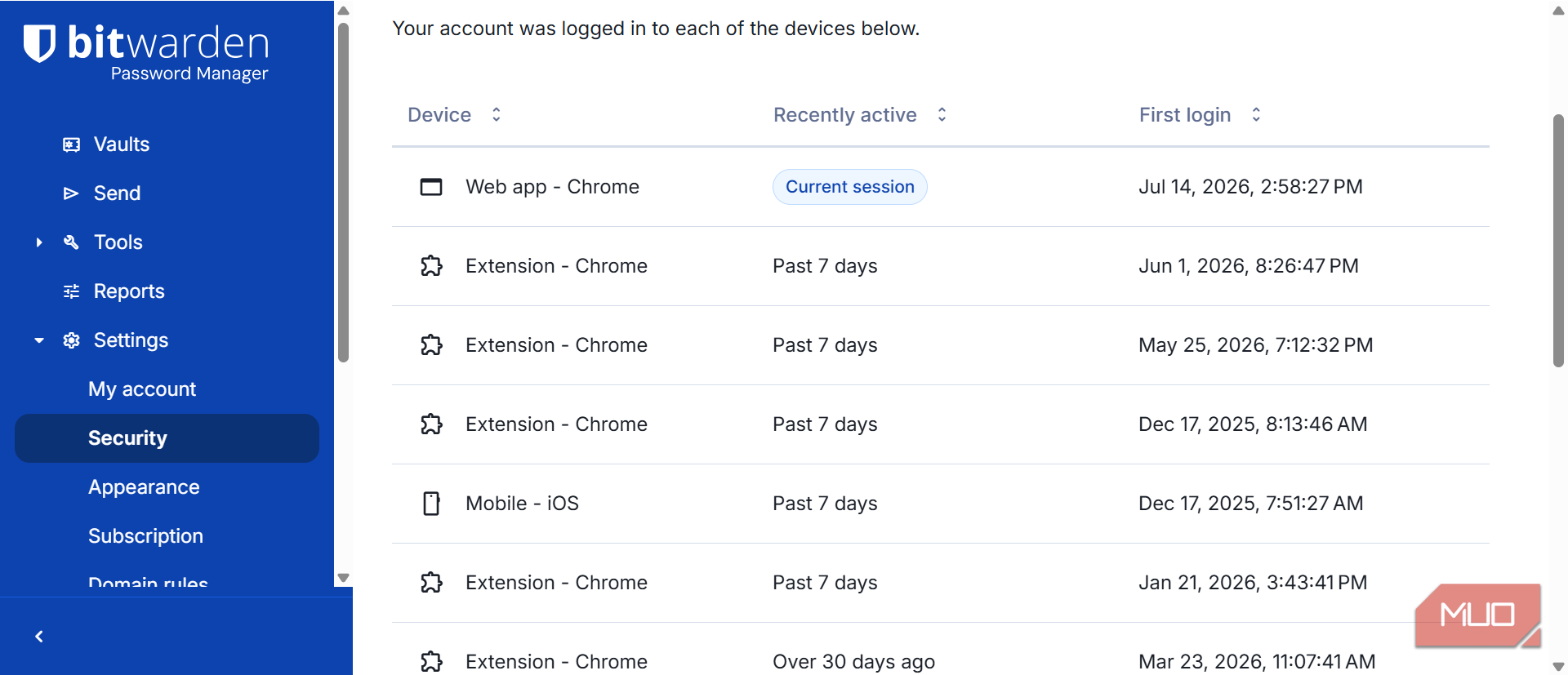


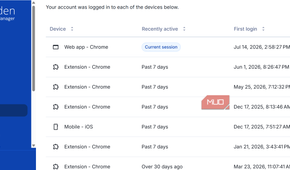
Bitwarden's JSON exports can include passkeys stored in your vault, unlike its simpler CSV exports. That gives you a more complete backup of your data instead of an export that leaves passkeys behind. It is worth making a distinction, though: having a passkey in a Bitwarden JSON backup doesn't guarantee another password manager can import and use it. Exportability and interoperability are not the same thing.
Bitwarden also supports encrypted JSON exports, so you do not have to leave sensitive vault data sitting around in readable text when keeping password-manager backups secure.
The more important development for switching between managers is FIDO's Credential Exchange system. Bitwarden supports Credential Exchange on mobile, allowing compatible password managers to transfer credentials directly instead of relying on plaintext files or proprietary export formats. Support currently includes iOS 26 and later and Android 10 and later, although the password manager on the other end also has to support the same exchange system.
That is why I would not judge portability by the presence of an export button alone. You need to know whether you are looking at a backup or an actual migration path, which platforms support the transfer, whether your destination manager can receive it, and which types of credentials make the trip intact.
Bitwarden also has an advantage if you do not want your password manager tied too closely to one company's ecosystem. Its apps and extensions cover the major desktop and mobile platforms, so switching browsers does not also mean reconsidering where your credentials live. Google Password Manager works well when Chrome, Android, and your Google Account already dominate your setup. The more important question is what happens a few years from now if that changes.
The passkey walls are finally getting doors
Portability is catching up with the rest of the idea

The good news is that the problem that pushed me to switch is already becoming smaller.
The FIDO Alliance has been developing two complementary specifications, Credential Exchange Format and Credential Exchange Protocol. CXF defines how credentials such as passwords and passkeys are represented when they move between providers, while CXP defines how that transfer happens securely.
That work has started appearing in real products. In June 2026, Google began rolling out direct importing and exporting of passwords and passkeys between Google Password Manager and compatible third-party managers on Android. Bitwarden supports Credential Exchange as well, along with several other major password managers.
When I moved away from Google Password Manager, recreating passkeys manually was part of the cost of leaving. Today, Google's old portability weakness is no longer nearly as strong a reason to switch.
If you are happy with Google Password Manager, there is little reason to leave simply because you've heard that Google passkeys are permanently trapped there. That argument is becoming outdated.
There are still limits no matter which manager you pick. Some passkeys are deliberately device-bound, especially those stored on hardware security keys, and their private keys are designed not to leave the authenticator. Credential Exchange does not change that, so portability will never apply to every passkey in exactly the same way.
The more useful lesson is to make portability part of how you evaluate any credential manager. Before committing to one, check whether it supports credential exchange, which operating systems allow transfers, whether passkeys can actually move to competing managers, and what happens to the rest of your vault. Passwords, TOTP seeds, secure notes, attachments, and passkeys can all have different migration rules.
Check the exits before you move in
Passkeys solve too many of the problems with passwords to abandon them over portability, especially now that credential exchange is improving.
What changed for me was not whether I wanted to use passkeys, but how carefully I chose where to store them. Once a password manager is holding access to dozens of accounts, its migration options deserve attention alongside autofill, security, and cross-device syncing.
The best time to understand how you would leave a password manager is before you have any reason to.