


Setting up a new Galaxy phone no longer requires replacing every preinstalled app with its Google equivalent. Samsung’s recent One UI updates have turned its default utilities into focused, hardware-tuned tools—meaning sticking to old habits causes you to pass over several apps that quietly outperform their Google counterparts.
Samsung Notes
Complete digital notebooks with audio sync


 Credit: Brandon Miniman / MakeUseOf
 Credit: Brandon Miniman / MakeUseOf
 Credit: Brandon Miniman / MakeUseOf
 Credit: Brandon Miniman / MakeUseOf
 Credit: Brandon Miniman / MakeUseOf
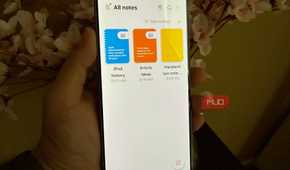
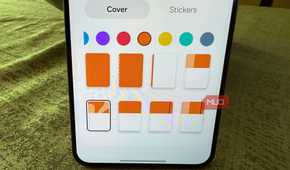
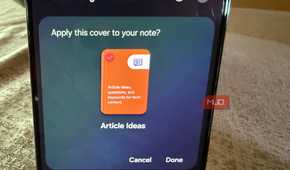
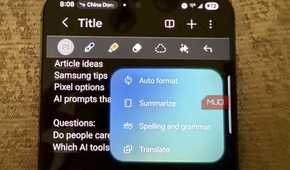
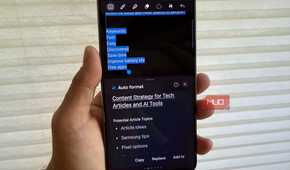
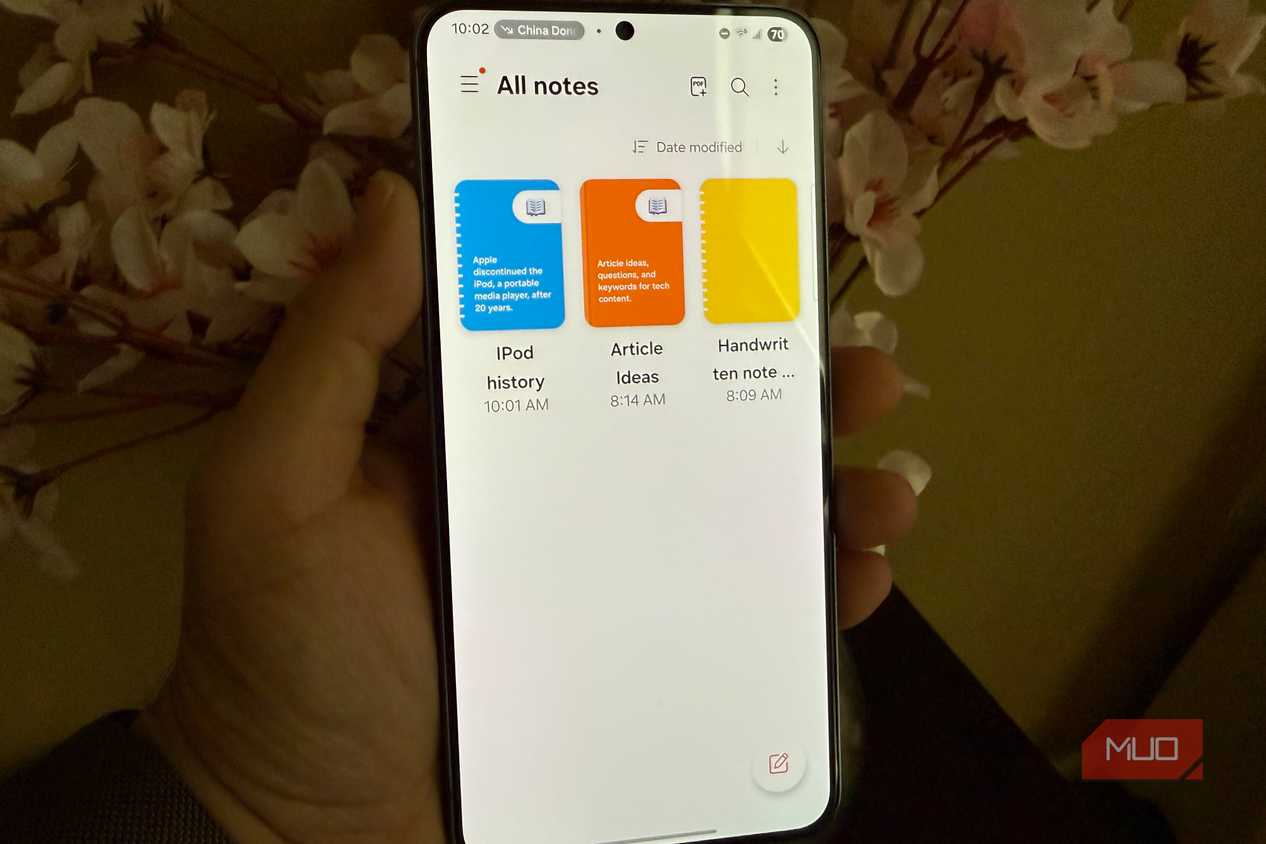
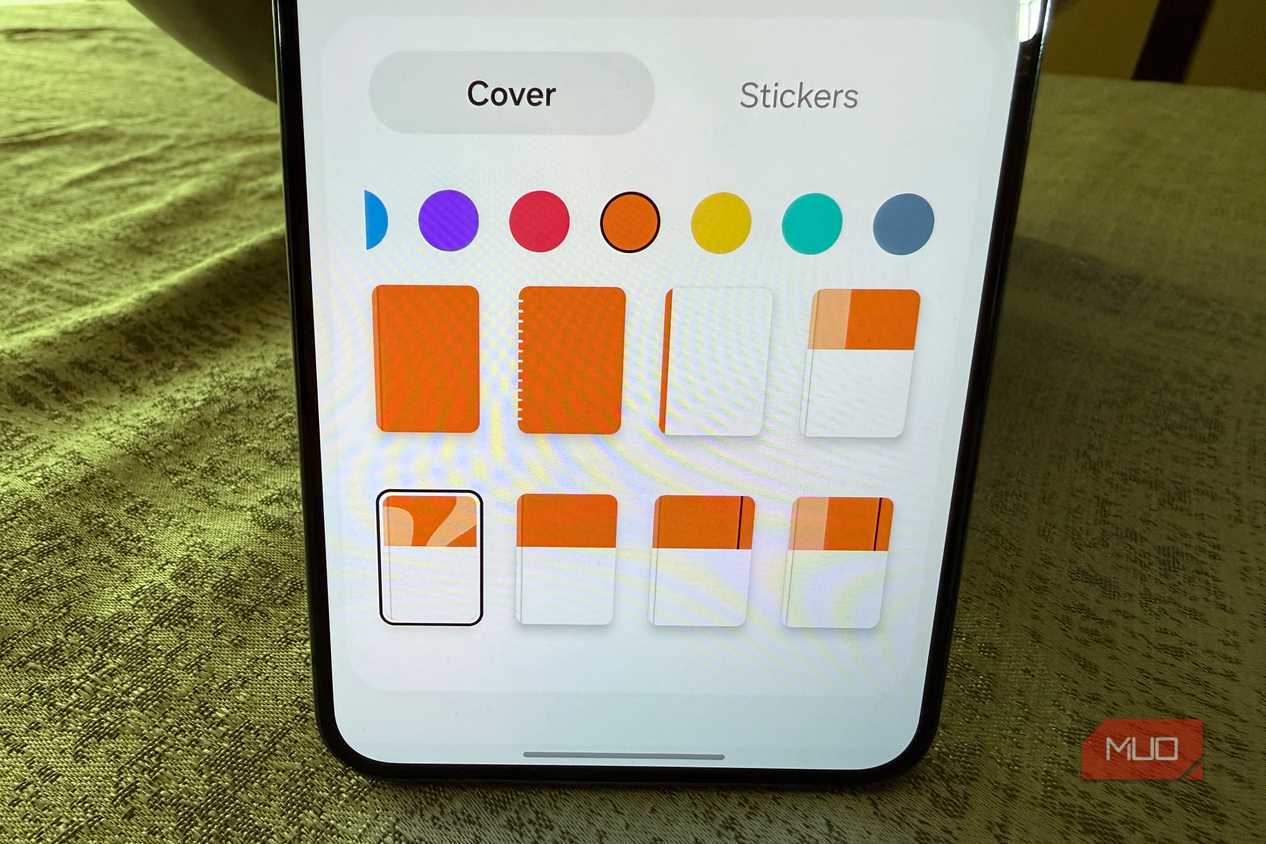
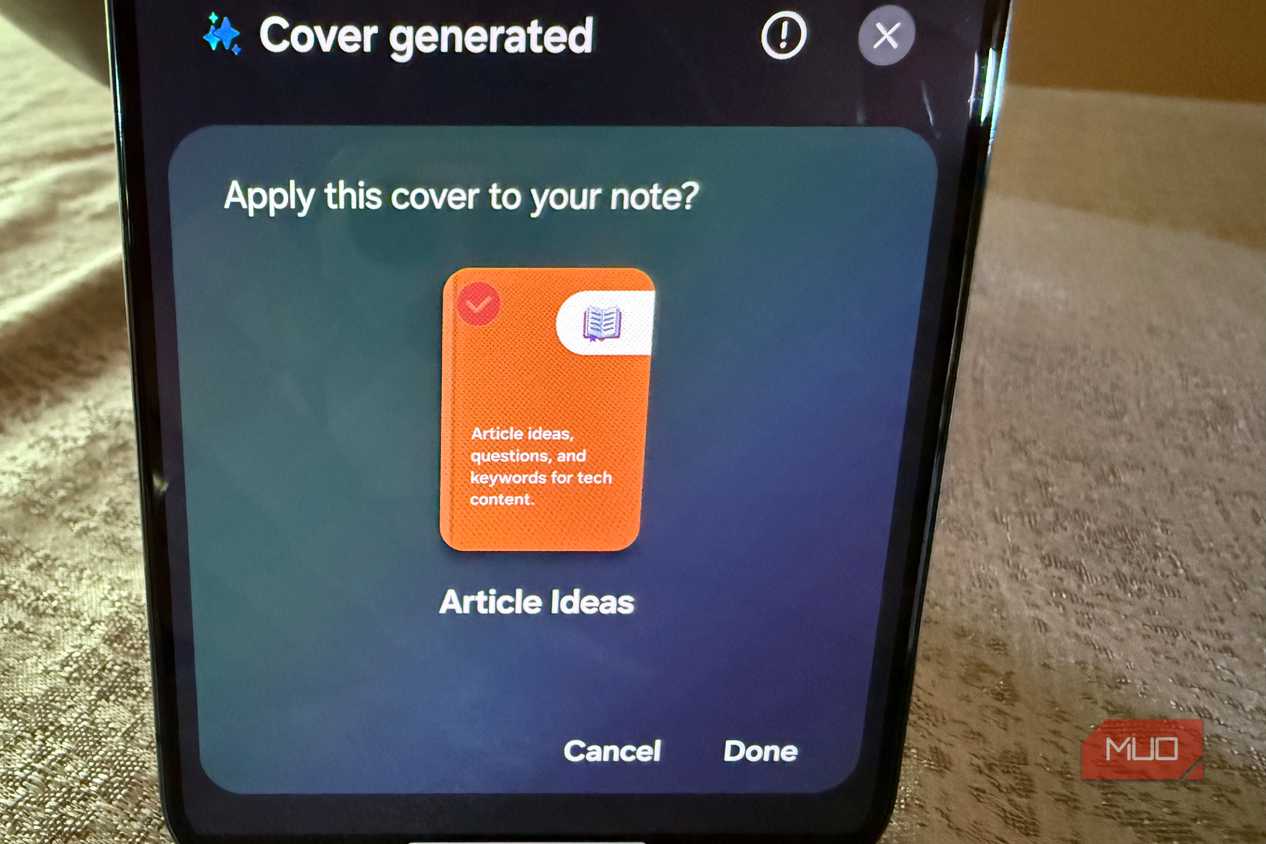
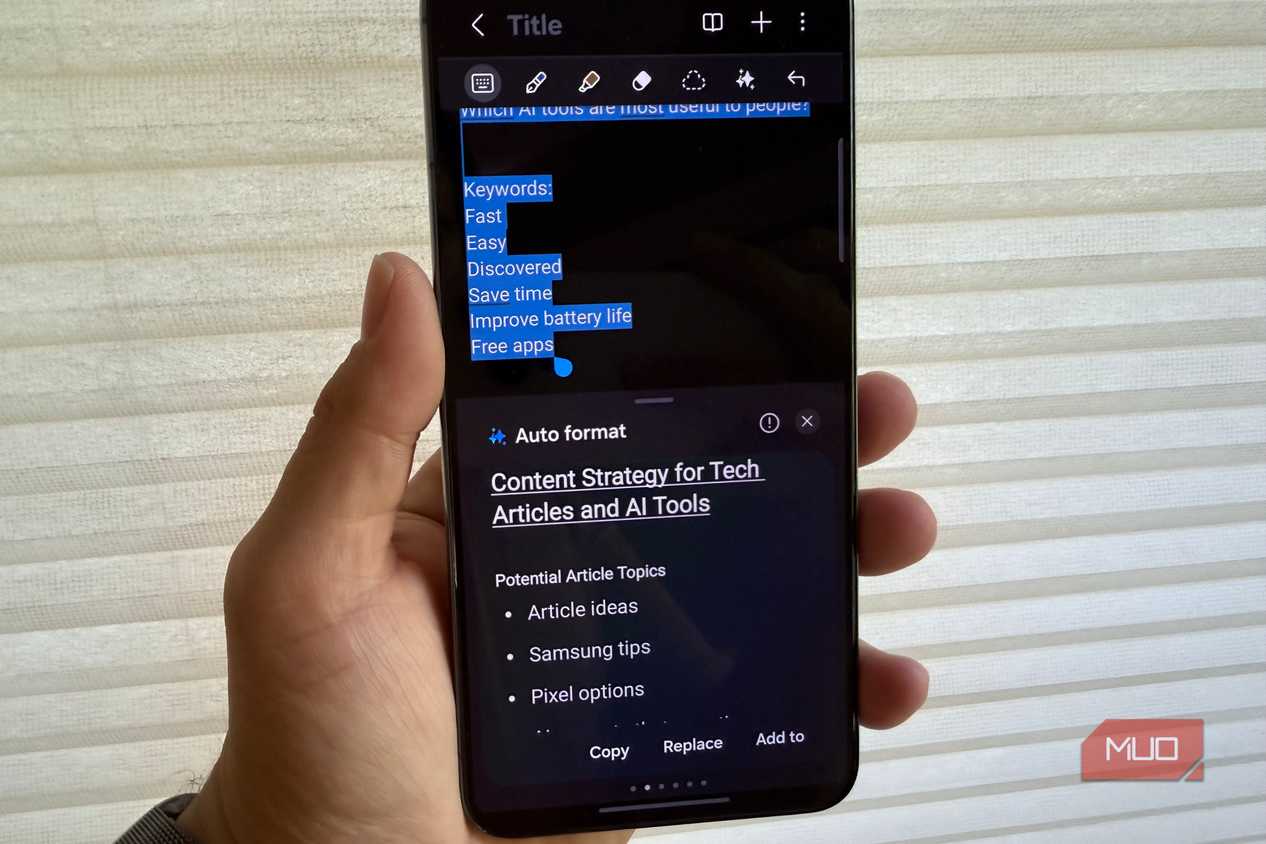
Google Keep works fine as a digital bulletin board for grocery lists and quick reminders, but it has never really evolved into a serious workspace. Once you need to organize research, sign a contract, or build structured outlines, the flat card layout becomes a wall. Samsung Notes feels more like a dedicated note-taking suite built right into your phone. It gives you nested folders to keep your files organized, direct PDF markup without extra apps, and options to lock sensitive pages behind fingerprint security.
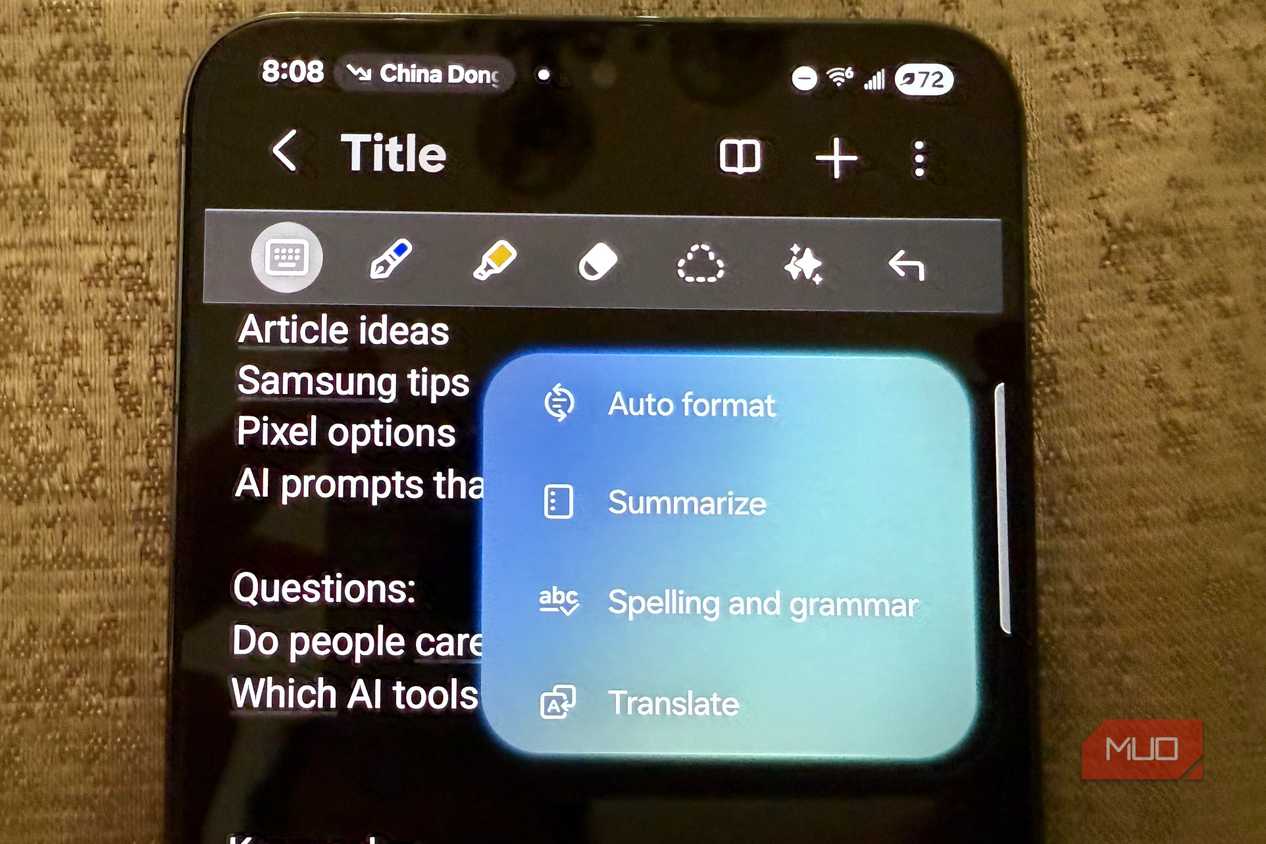
The audio sync feature is where Samsung Notes pulls far ahead of Google Keep. When you record audio while taking notes in a meeting, the app links every handwritten or typed word directly to that exact second of the recording. Tapping any sentence in your notes later immediately jumps the audio playback to what was being said at that moment. You also get automatic shape correction, instant document scanning through the camera, and built-in tools to auto-format messy drafts. For everyday work, it provides a complete notebook environment that Google Keep simply can't match.
Samsung Internet
Real ad blocking and background playback

You probably use Chrome on your phone because you already have it on your computer, and keeping your bookmarks synced across devices is convenient. The trouble is that Chrome treats a tall mobile screen like a desktop monitor. The address bar stays stuck at the top, forcing you to stretch your thumb every time you want to search or switch tabs. Samsung Internet solves this by putting the entire navigation dock at the bottom. You can type URLs and manage open tabs to match how you naturally hold your device.
The real advantage is how much of the browser you can bend to your liking. Google refuses to allow extension support on mobile Chrome, but Samsung Internet lets you download ad blockers like AdGuard. Turn one on and pages load faster, with fewer pop-up ads chewing through your mobile data. You also get a dedicated Video Assistant that adds native swipe controls for volume and brightness, no matter how clunky the site's built-in player is. Even better, background play keeps YouTube videos running with the screen off, which is one of YouTube Premium's biggest selling points.
Samsung Gallery
Fast offline browsing and metadata privacy

Unlike Google Photos, which treats your library as a cloud feed first, Samsung Gallery focuses entirely on local storage. The difference becomes obvious the second you go offline. Without a strong internet connection, Google Photos buffers and shows blank grey placeholders when you scroll back through older thumbnails. Samsung Gallery reads your device directly, letting you scrub through years of high-resolution shots without waiting on Wi-Fi or dealing with stutter.
A quick upward swipe on any photo opens a clean detail sheet where you can view, edit, or wipe GPS coordinates and timestamps before sharing. If you have sensitive receipts or private documents you want off the main feed, you can move them directly into Secure Folder with fingerprint locking. I stopped uploading to Google Photos two years ago and have not missed the cloud. My library stays on my phone, and that is exactly where it belongs.
Samsung Wallet
Quick swipe access and password security

Google Wallet handles contactless payments well enough, but its quick shortcuts focus mostly on your single default card. Samsung Wallet feels much more like reaching into a real pocket. A quick swipe from the bottom edge of your screen, even while the display is locked or turned off, pulls your entire card stack right to your thumb. You can flick between them and confirm the payment with your fingerprint in one continuous motion.
The app also integrates Samsung Pass directly into the interface. Instead of managing separate password apps or letting Chrome save logins in the cloud, your saved website credentials and payment cards live inside the same vault. Dedicated Knox hardware keeps everything encrypted in an isolated space on your device, far away from rogue apps. It puts your cards, transit passes, and login credentials behind one quick gesture, making everyday payments and logins much faster to complete.
Breaking an outdated setup reflex
Google still makes sense for web search and cross-platform syncing, but Samsung's own utilities are built specifically for the phone in your hand. Keeping these four apps as your defaults gives you better offline control, cleaner ergonomics, and a setup that takes real advantage of your hardware. The old reflex of opening the Play Store to replace them is the one habit worth breaking.

Samsung Galaxy S26 Ultra

- SoC
- Snapdragon 8 Elite Gen 5
- Display
- 6.9-inch Dynamic Super AMOLED 2X
- RAM
- 12 or 16 GB
- Storage
- 256GB, 512GB, or 1TB
The Samsung Galaxy S26 Ultra isn't a massive leap in specs compared to the previous generation Samsung Galaxy S25 Ultra, but it boasts improvements in every aspect. The major differentiators are two features that will appeal to power users and content creators, called Privacy Display and Horizon Lock.