


I’d started thinking of passkeys as the credential an attacker couldn’t sweet-talk out of me. There was nothing memorable to punch into a fake login page, nothing reusable for a phishing kit to scoop up, and the passkey itself didn’t leave a reusable shared secret sitting on some company server waiting for the next breach. The private key was supposed to stay on my side of the login, which made the setup feel pretty airtight.
That mental model held up until I started digging into what changes when passkeys sync across devices. I’d bundled phishing resistance and theft resistance together in my head, and those turned out to be two separate security promises.
Passkeys weren’t lying to me about phishing
Phishing still hits a cryptographic brick wall

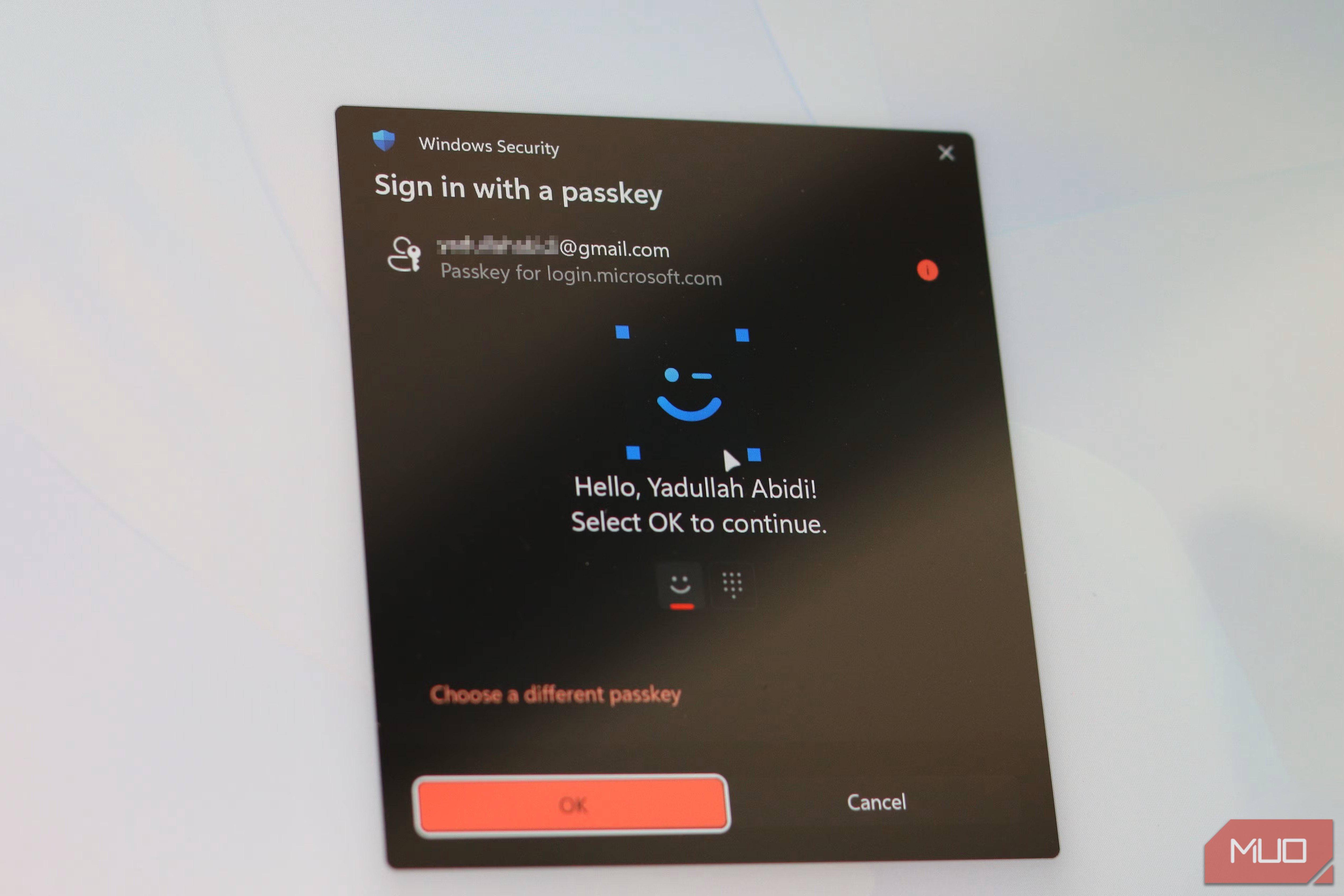
The part of my mental model about phishing still holds up. A passkey uses a public and private key pair. The service stores the public key, while your authenticator controls the private one and uses it to sign a fresh challenge each time you log in. WebAuthn also binds the credential to the legitimate relying-party domain, so a convincing lookalike site can’t simply collect your passkey and replay it elsewhere.
That already removes a couple of familiar ways credentials get stolen. Passwords and one-time codes can still end up on the wrong site if I’m fooled into typing them there, while a breached service database only gives an attacker the public half of my passkey credential rather than a reusable shared secret.
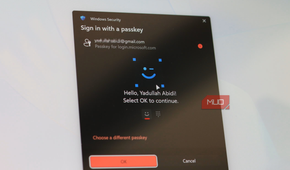
Things get more complicated once you look at where the private half lives. Device-bound passkeys remain with one authenticator and aren’t copied elsewhere. Synced passkeys trade some of that isolation for portability. Storing passkeys in a password manager can make them available across supported devices, while newer standards are also making moving passkeys between password managers possible.
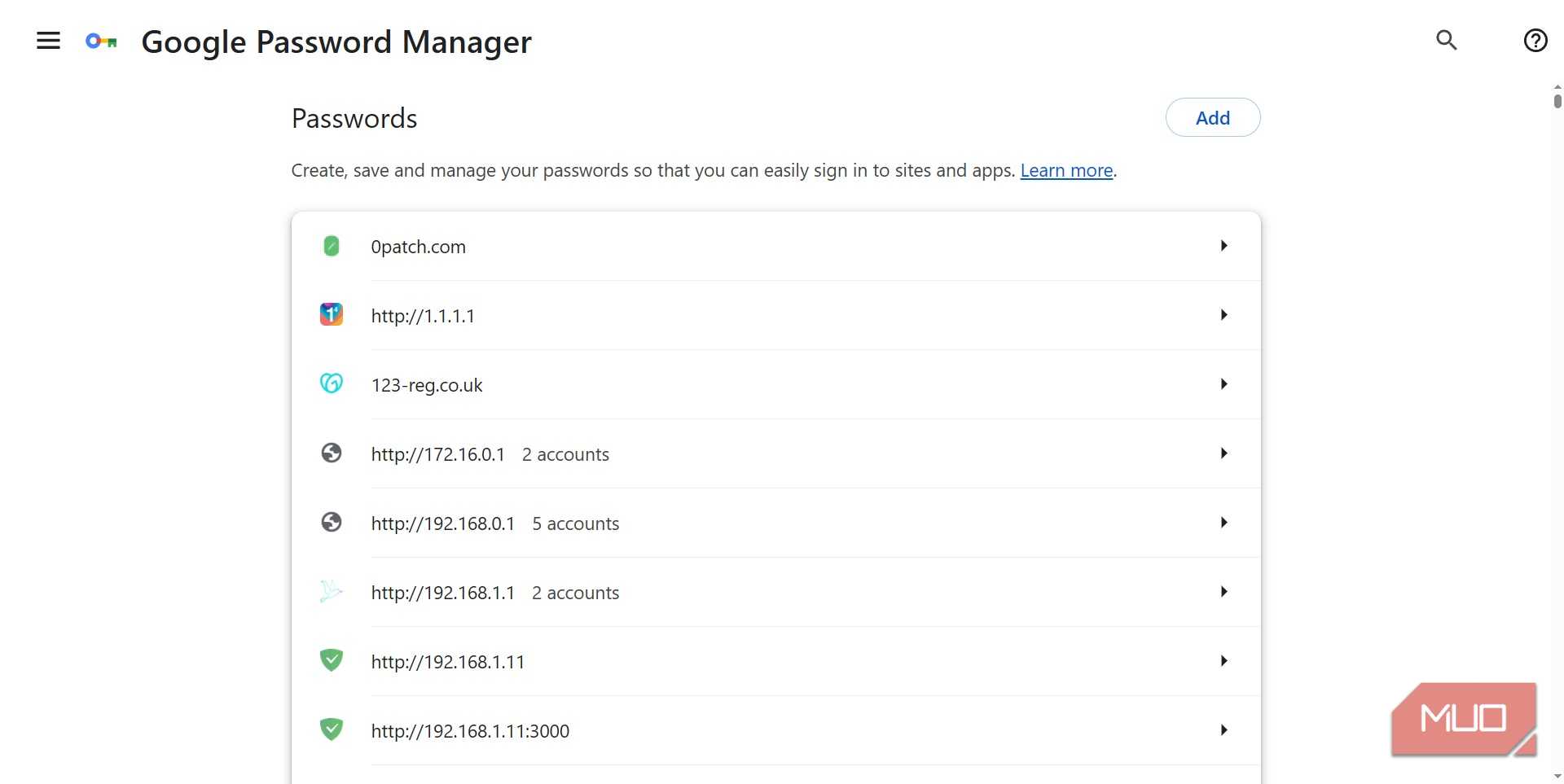
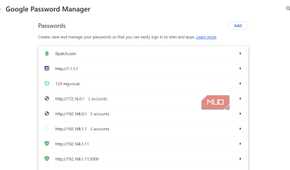
Google Password Manager follows that broader synced model, keeping the credential material encrypted while making it available across supported devices. I like that setup because replacing a phone doesn’t have to turn into an account-recovery slog, but moving a credential between devices necessarily means more infrastructure gets involved.
Syncing gives attackers more plumbing to poke at
Recovery is where the plot thickens





That portability brings the credential manager, browser, device enrollment, account recovery, and synchronization infrastructure into the security picture. Passkey recovery introduces risks of its own, which is why NIST treats the systems surrounding synced credentials as part of the threat model.
NIST accounts for this in its current guidance. Properly configured syncable authenticators can still provide phishing resistance and support AAL2, but syncing inherently requires authentication keys to be exportable, which prevents them from satisfying AAL3’s non-exportability requirement.
Unit 42’s August 2026 “Pass the Passkey” research made the practical risk much easier for me to picture. The researchers focused specifically on Google Password Manager through Chrome on Windows PCs with a TPM, and every attack they demonstrated began with malware already running on the victim’s computer. That prerequisite matters because malware targeting browser-stored credentials can reach material that looks well protected as long as the browser assumes the machine underneath it is trustworthy.
Pass-ta-key abused Chrome’s device identity mechanism to obtain a cryptographically valid authentication assertion without the interaction normally expected from the user. GitHub rejected Unit 42’s attempt because user verification hadn’t been satisfied, while eBay accepted it before correcting its validation. Silver Pass-ta-key went further by abusing device re-onboarding to register an attacker-controlled verification key that could later authenticate from another environment.
Those two attacks abused the machinery around authentication without extracting the synced passkey private keys themselves. Golden Pass-ta-key is where the research gets much closer to what I’d ordinarily think of as credential theft.
Google’s implementation protects synced passkey private keys using a 32-byte Security Domain Secret, or SDS. Unit 42 found that the secret appeared in plaintext in Chrome’s FIDO device logs during registration. Google removed that logging exposure after the researchers reported it, but Unit 42 found that the SDS still reaches Chrome and temporarily appears in process memory during onboarding or recovery. Malware that forces the device through that flow can dump Chrome’s memory, recover the SDS, and use it to decrypt the synced passkey private keys stored for the account.
What really changed how I looked at synced passkeys was what happened after the SDS had been stolen. According to Unit 42, a stolen SDS can decrypt both existing passkeys and future ones created for the same account. The researchers also report that Google’s current implementation offers no way to rotate or revoke the SDS, so cleaning up the original infected PC doesn’t automatically invalidate the SDS already in the attacker’s hands.
The malware prerequisite still deserves emphasis because this research doesn’t make passkeys easy remote targets. What caught my attention was how far a compromised endpoint could reach while the underlying cryptography continued working exactly as designed.
I’m still using passkeys, just with fewer illusions
I’m keeping the passkeys and retiring the halo

I now count the browser, operating system, credential manager, and recovery flow as part of the passkey setup, which gives me another reason to keep Chrome current, take malware prevention seriously, and stay on top of Windows security patches.
I’d also pay attention to an unexpected Google Password Manager recovery PIN prompt. Unit 42 notes that those prompts normally belong to onboarding or account recovery, so an unusual or repeated one during ordinary passkey use can indicate that the process has been triggered again. That doesn’t prove an attack is happening, but I wouldn’t absent-mindedly tap my way through it either.
For accounts where I care more about keeping the authentication key anchored to one device than having it follow me everywhere, I’d consider using a hardware security key when the service supports it. That choice only buys the isolation I’m after if I’m actually relying on the device-bound credential rather than leaving a synced passkey as another usable route into the account, and if the account’s fallback and recovery methods are protected just as carefully.
It also means thinking harder about backup authenticators and storing account recovery codes safely, which is a trade I’d reserve for accounts valuable enough to justify the extra friction.
I trust passkeys more now that I trust them less blindly
I’d mentally stretched “phishing-resistant” into a much broader guarantee than passkeys were ever meant to provide. I still trust them against the fake-login-page attacks they were designed to defeat, but I no longer treat that protection as proof that the credential itself can never be stolen. The cryptography can hold up perfectly while the machinery surrounding a synced passkey gives an attacker another route to the key.