


I’ve been using Windows 11 since the day it launched, and five years is enough time for Microsoft to fix the stuff that annoyed everyone. Microsoft has improved its apps and slapped AI onto pretty much everything, but somehow, the important stuff has been overlooked. And it’s high time Microsoft did something about it.
Start menu and the taskbar are still not flexible
Less control than what Windows 10 offered


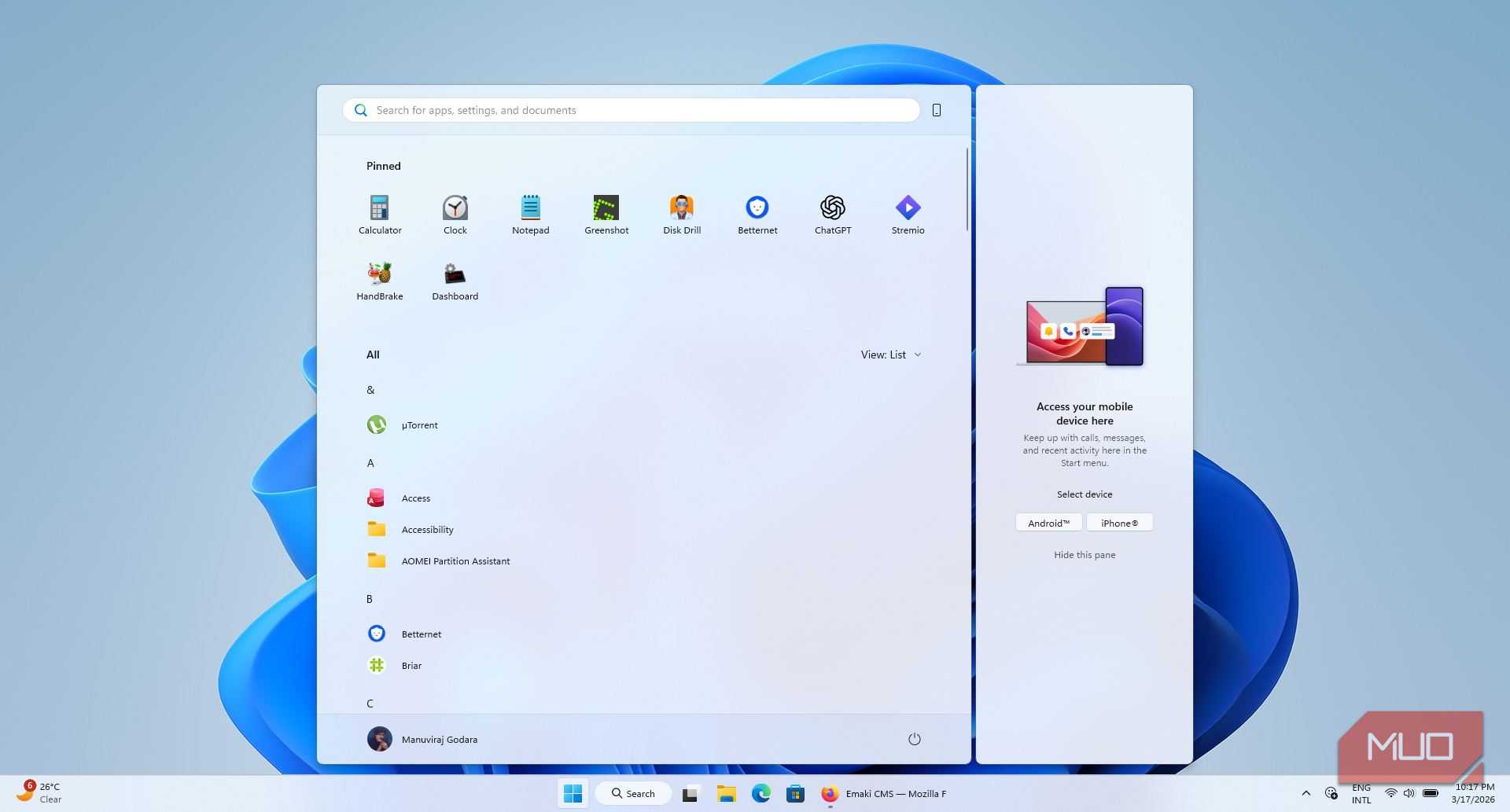
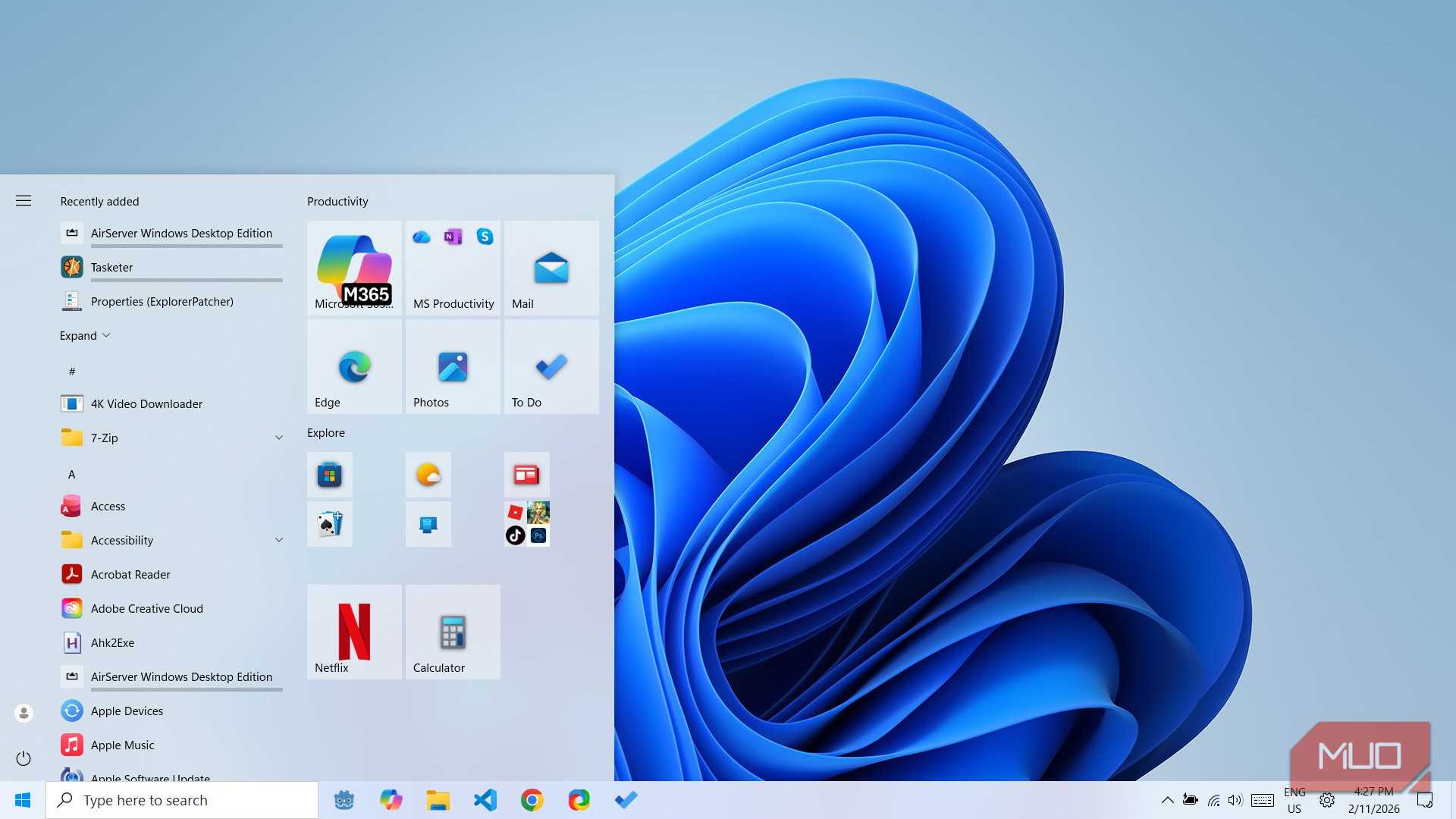
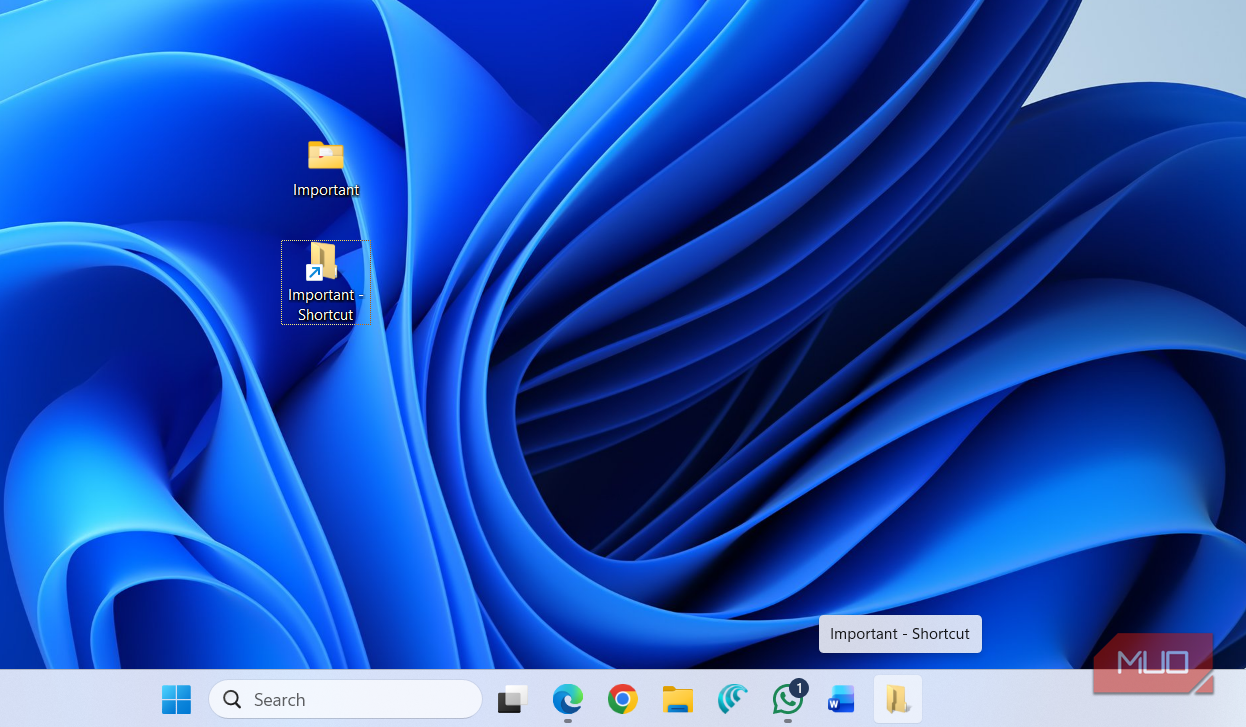
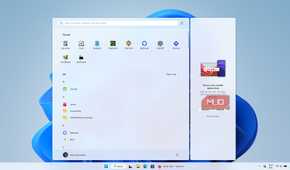
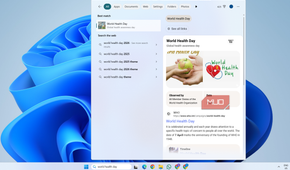
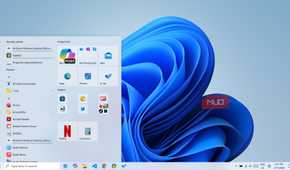
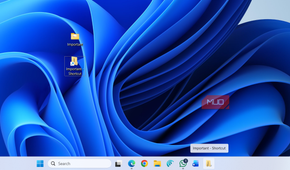
The Start menu and the taskbar were two of the biggest talking points when Windows 11 launched. Microsoft was quick to add the option to move the Start menu to the left for anyone who hated the centered look, but other than that, nothing really changed.
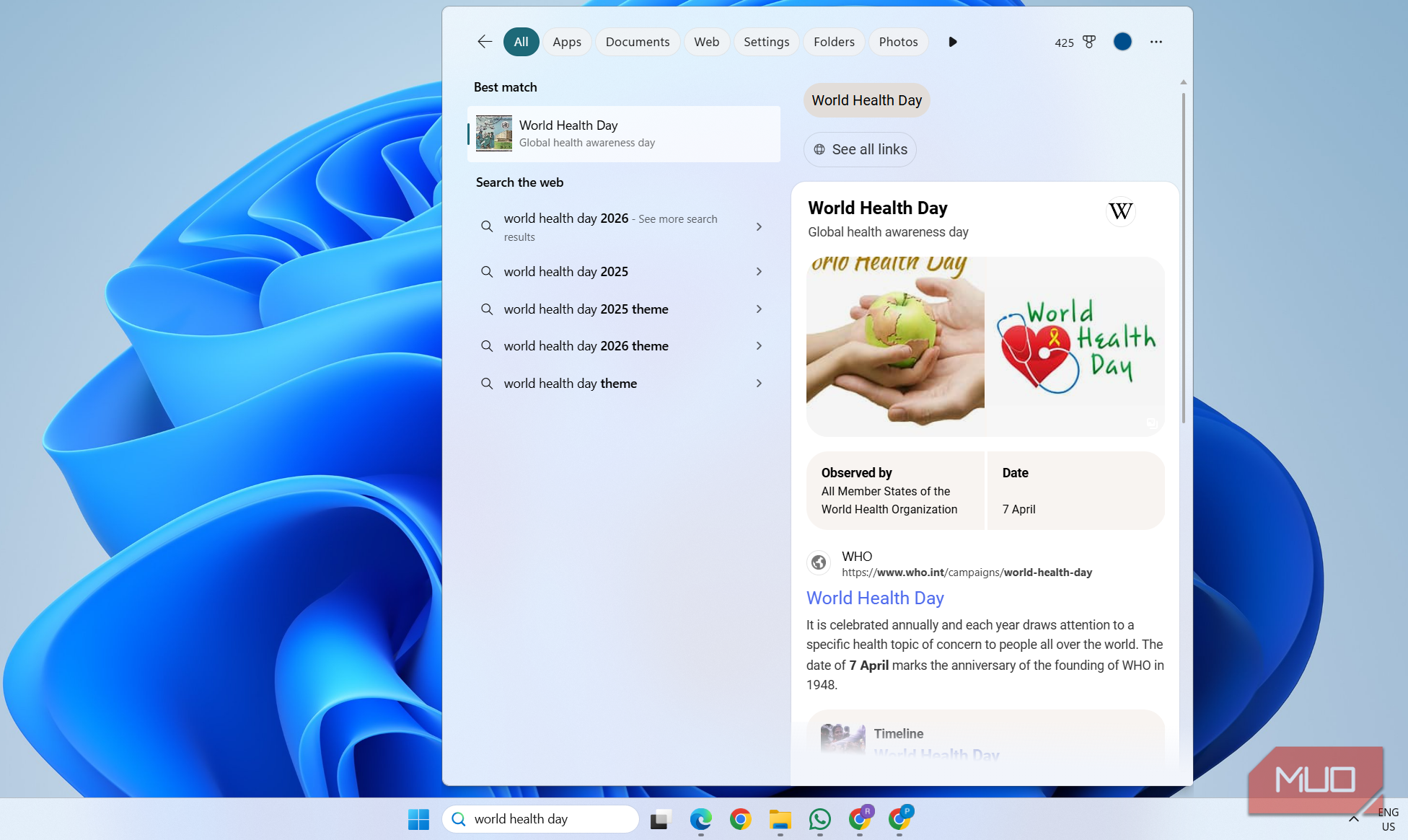
For starters, you still can’t resize the Start menu like the way you could on Windows 10. Another annoyance is all those recommendations and search highlights. Sure, you can disable those if you dig into settings, but what you can’t do is fix the web search behavior. Those results always open in Bing through Edge, regardless of what default browser or search engine you’ve set.
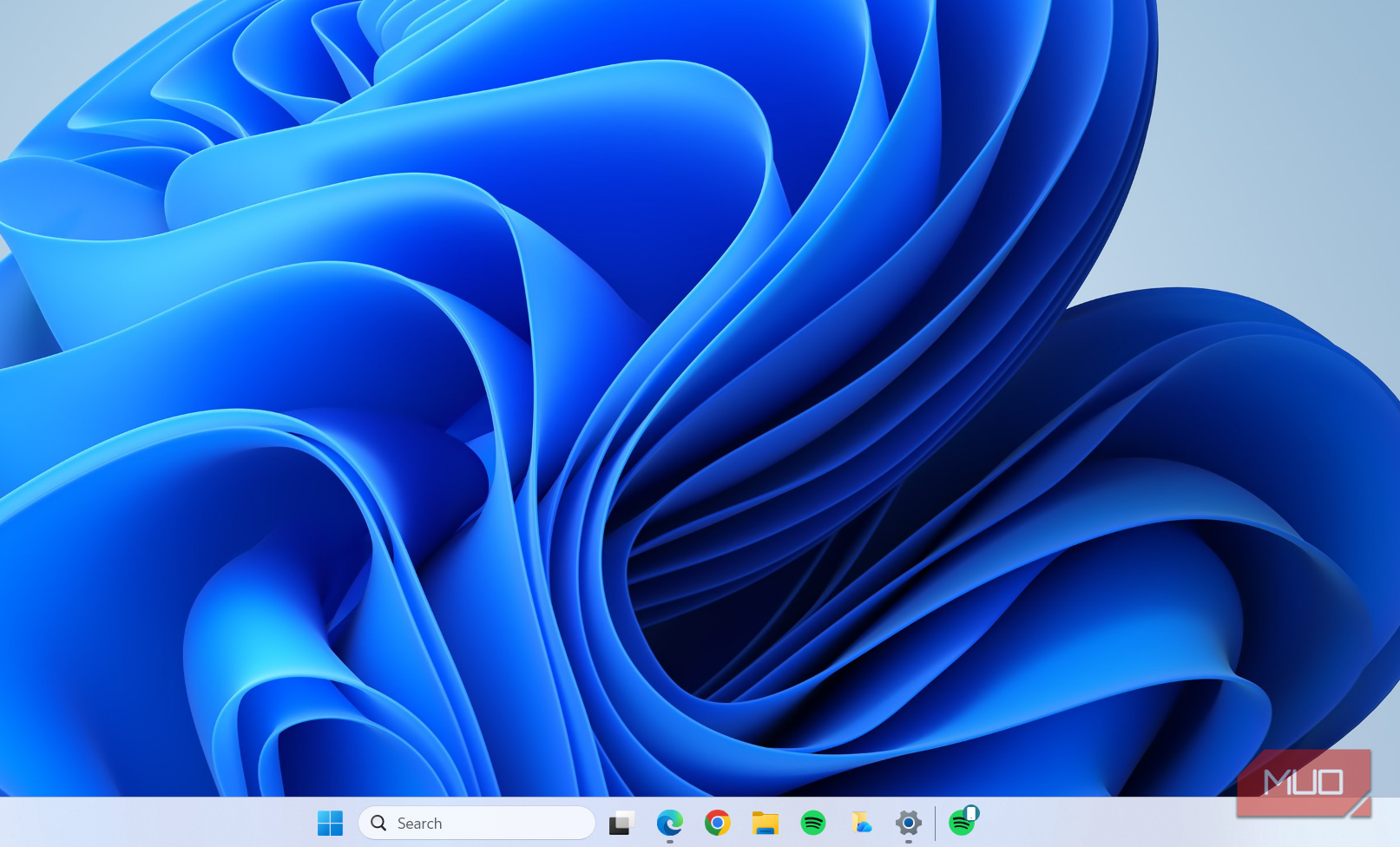
The taskbar tells the same story. You still can’t move it to the top or the side like you could on Windows 10. Heck, you can’t even resize it if you want. Even simple things like pinning files and folders to the taskbar need a workaround. All of this means you still have to rely on third-party apps just for fixing basic things.
Widgets panel hasn’t found its purpose
More MSN feed than useful widgets


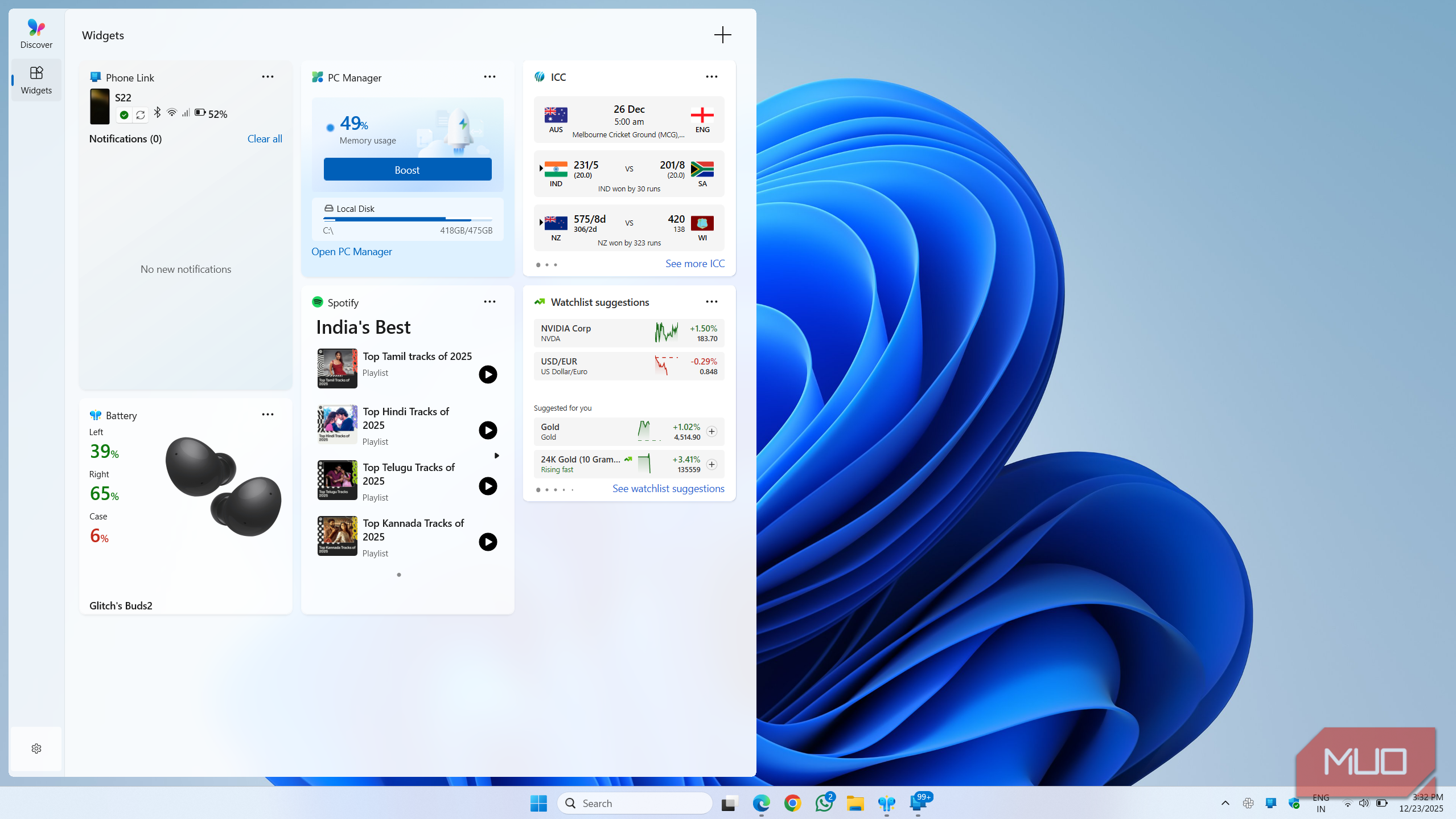
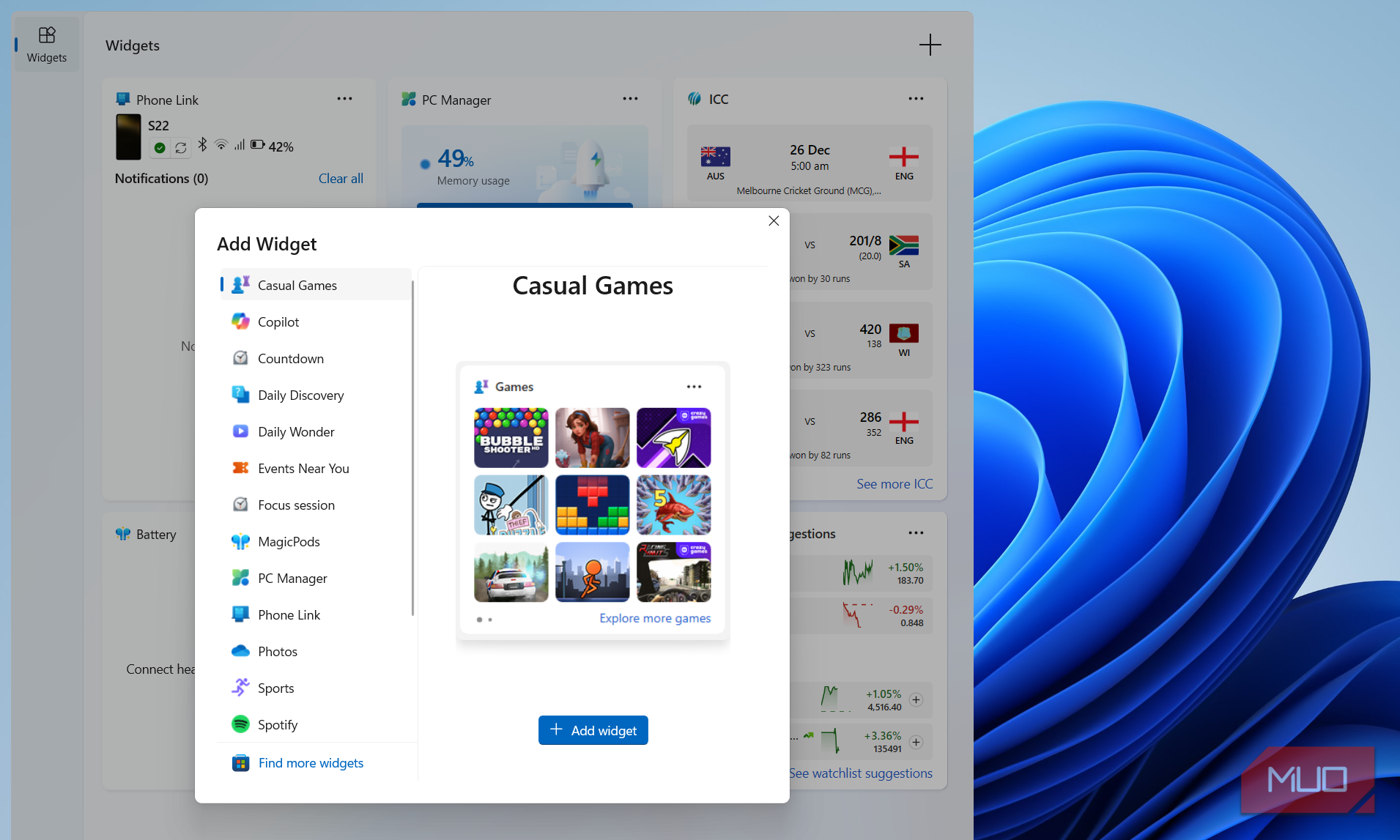
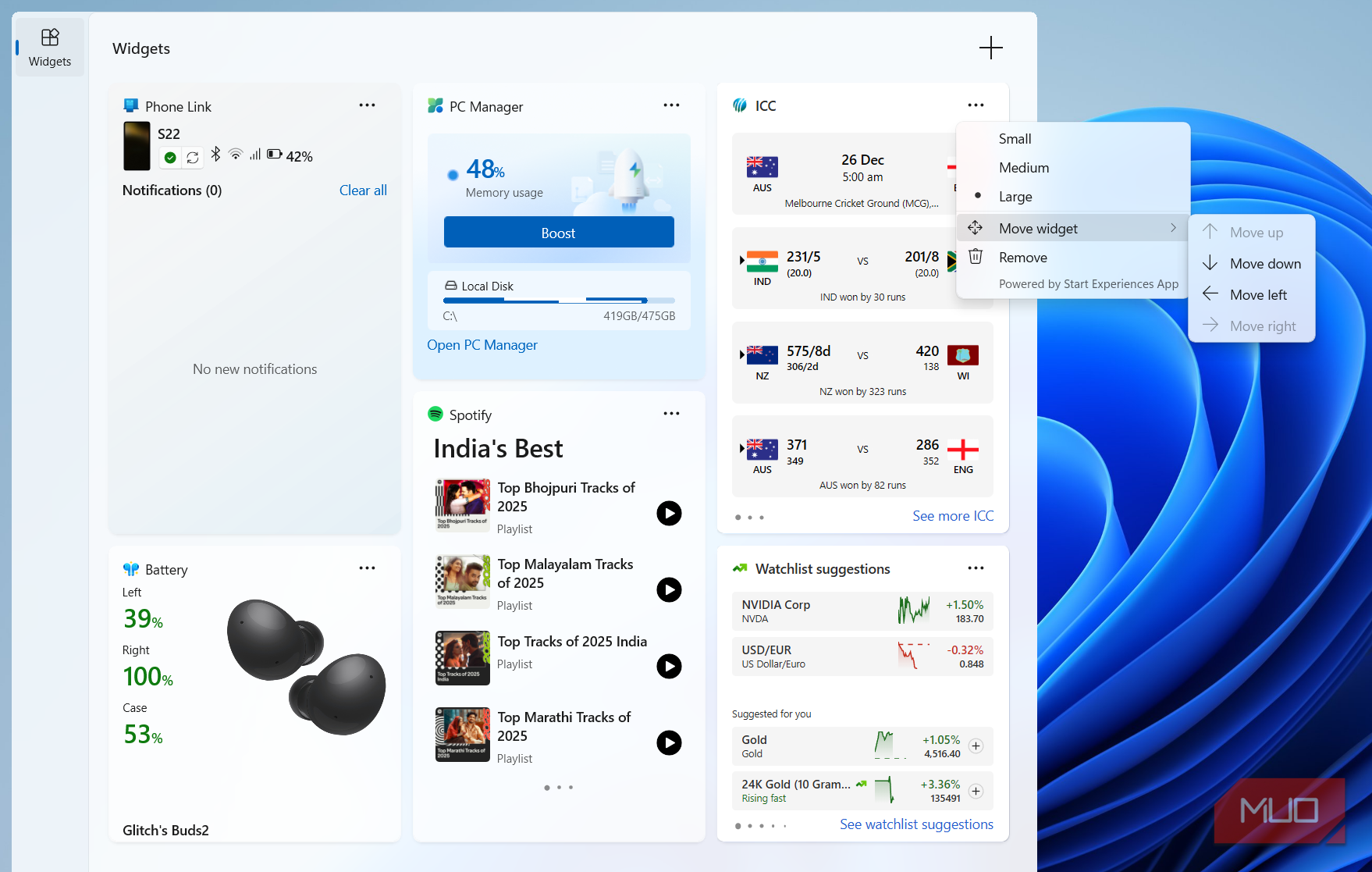
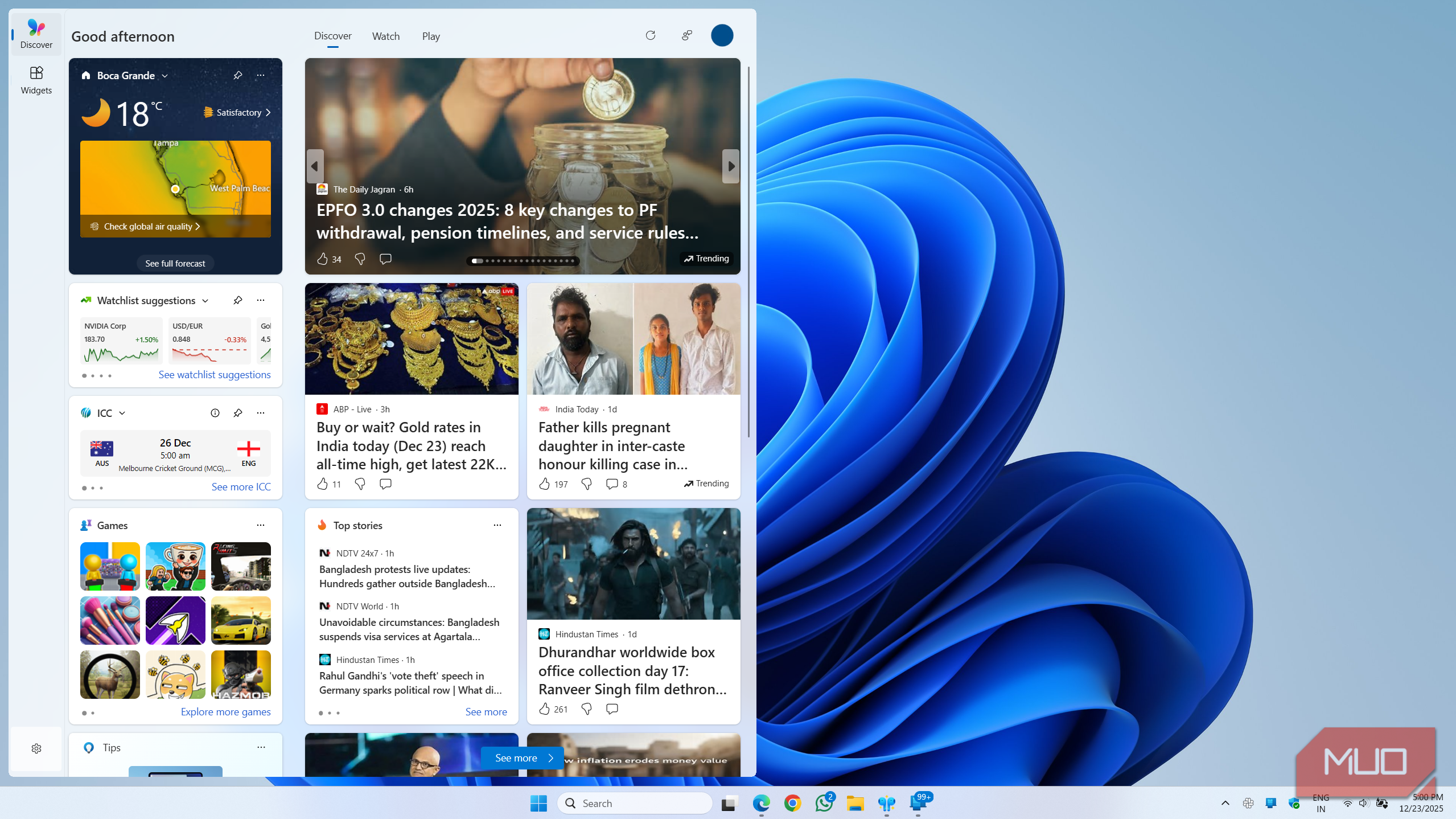
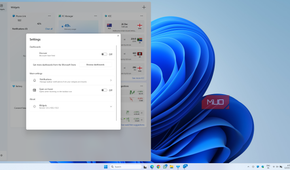
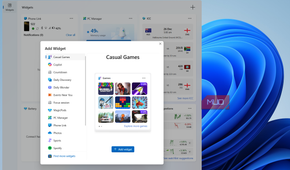
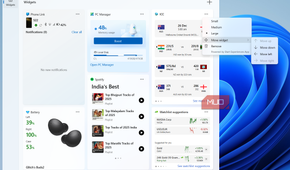
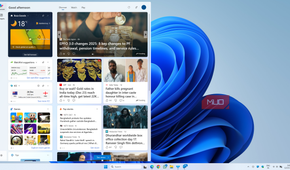
I'm a fan of widgets in general, so when Microsoft introduced the Widgets panel with Windows 11, I had high hopes. But the truth is, nobody seems to care about them at this point. And honestly, I don't blame them, because they are just not useful.
You get the basic widgets for weather, Phone Link, Focus Sessions, and a couple of popular apps like Facebook and Spotify. But that's more or less it. I've looked up and down the Microsoft Store but have hardly found anything worth adding to the Widgets panel, and that tells you everything about its popularity.
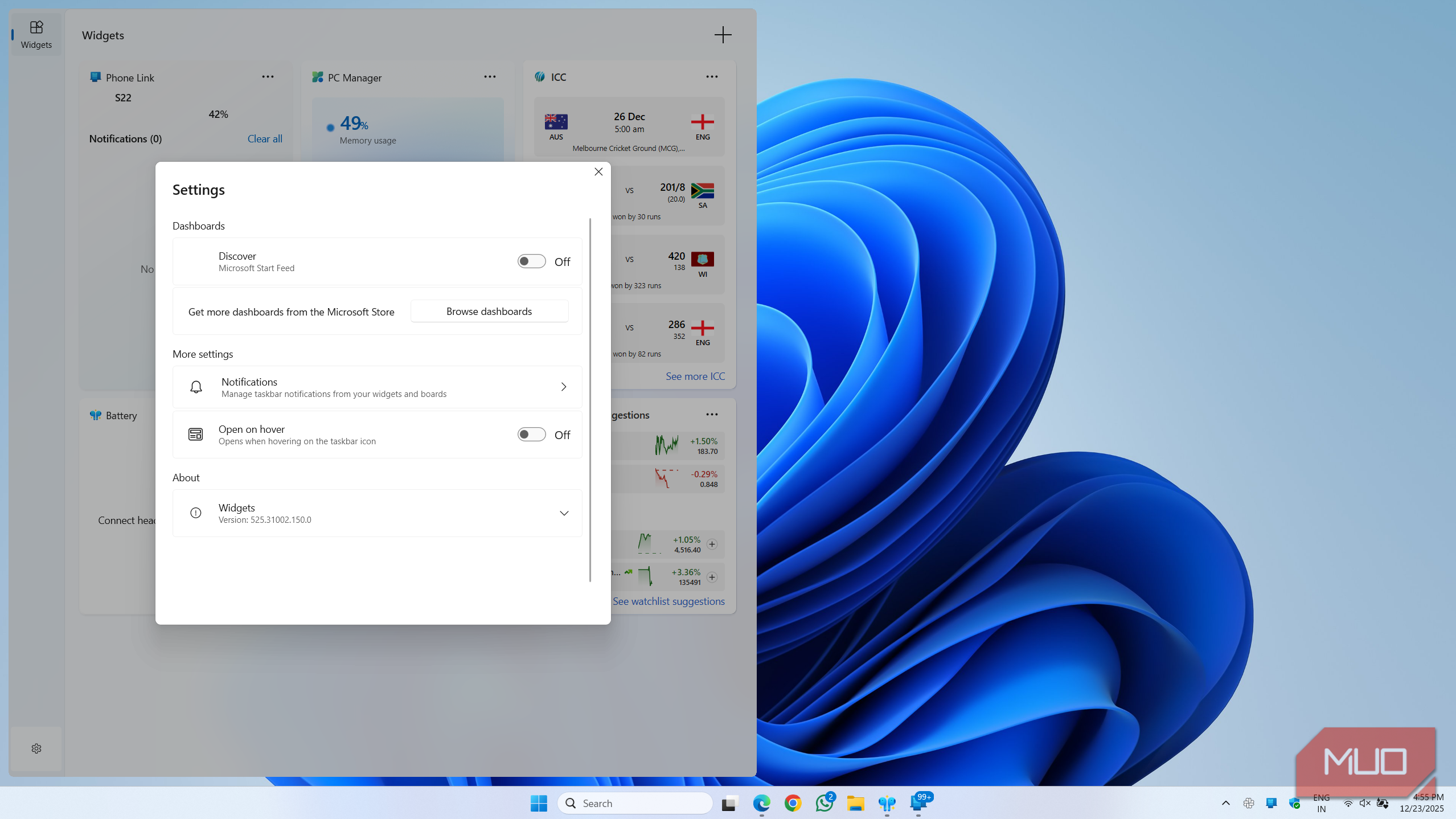
The other problem is the MSN feed that Microsoft has forced into the same panel. It's always full of clickbait headlines and nowhere near as good as something like Google Discover. If anything, I'm just glad Microsoft has added the option to hide that feed.
The right-click menu still hasn’t improved
It’s clean but clunky

This was one of the most controversial changes in Windows 11. The redesigned right-click menu looks modern, but it's not exactly functional. There are still useful options hiding behind the "Show more options" entry, which means you have to make that extra click for everything that’s hiding there.
I get that Microsoft wanted to simplify things, but that hasn't really happened either. There's no control over what third-party apps show up in the context menu, so you end up seeing entries from software you barely use.
Yes, you can restore the classic right-click menu with a registry tweak, but then it looks completely out of place. And it’s still full of useless entries, so you’re not fixing anything.
The Settings app remains hit or miss
It’s a mess

Windows 11 was supposed to be the version where the Settings app finally took over from the Control Panel for good, and five years later, that still hasn’t happened. Control Panel is still alive and kicking, but that’s not actually the bad part.
What’s annoying is that settings are scattered between Control Panel and the Settings app, so you’ll often find yourself jumping between the two to get something done. For instance, if you need to change the sound or display settings, the Settings app is the answer. But if you need to create a power plan or disable Fast Startup, you’ll have to stick to the Control Panel.
Even the Settings app itself is still not good enough on its own. It’s slow, poorly designed, and forces you to click too much just to change something simple.
Windows Search is still unreliable
Third-party tools do it better

Windows Search isn’t a Windows 11 problem specifically, but I feel it counts. It’s still disappointing in 2026, and indexing is the biggest reason. It still relies on scanning file contents and not just names, which is what causes most trouble.
Everything is a popular third-party search tool that handles this way better. It only indexes stuff by reading the Master File Table (MFT) on your drive directly. The entire indexing process barely takes more than a couple of minutes, and it’s still better at actually finding files and folders.
Sure, you can dig into Windows Search’s index options to improve matters a bit, but it’s still not as fast. More importantly, it’s not something everyone enjoys doing.